The Best Free Voice Typing Software in 2026
You don't have to pay to get started with voice dictation. Here's an honest guide to the best free options — what they do well and where they fall short.
SERP Transcribe Team
Product
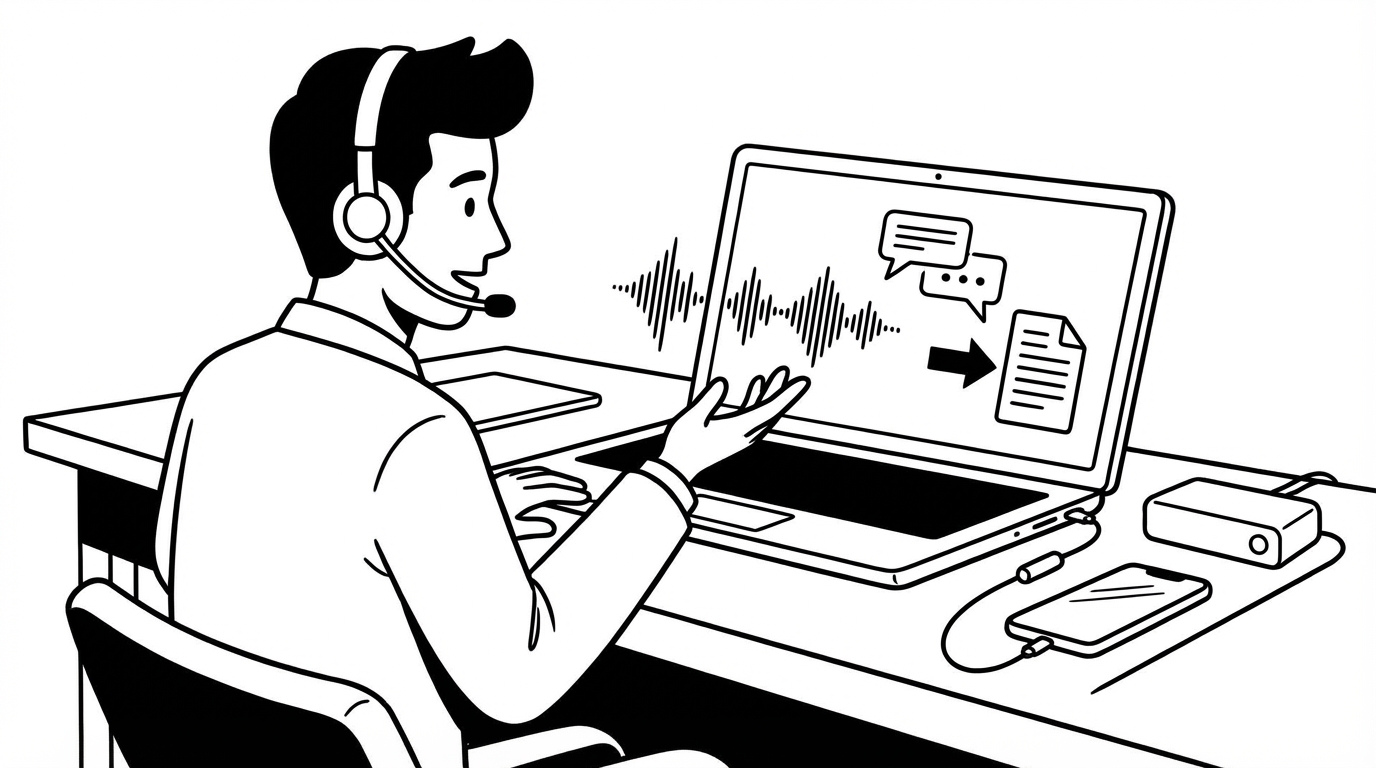
If you're new to voice dictation and not ready to commit to a paid tool, there are genuinely good free options available. Some are better than others. Here's a clear-eyed guide to what you can get without spending anything — and where each free option hits its limits.
Truly Free Options
Windows Voice Typing (Win+H) — Built into Windows 11
Press Win+H anywhere you can type on Windows 11, and a voice typing toolbar appears. Speak, and text appears. No installation, no account, completely free.
What it does well: Basic voice typing in any Windows application, reasonable accuracy for standard English, no setup required.
Where it falls short: Always-on model (can pick up background noise), no hotkey customization, accuracy below Whisper-based tools, activation takes multiple steps.
Best for: Windows users who want to try voice dictation before investing in anything.
Apple Dictation — Built into macOS and iOS
Enable in System Settings → Keyboard → Dictation on Mac, or tap the microphone on the iOS keyboard. Free with any Apple device.
What it does well: Good accuracy for standard English, works system-wide on Mac in recent versions, seamless on iPhone/iPad.
Where it falls short: Accuracy gap vs Whisper-based tools, continuous activation model, no push-to-talk customization.
Best for: Apple users who want system-wide dictation without a third-party app.
Google Docs Voice Typing — Free with Google Account
Tools → Voice Typing in Google Docs. Free with any Google account.
What it does well: Good accuracy, works well in Docs, includes punctuation voice commands, completely free.
Where it falls short: Only works inside Google Docs. Useless in email, Slack, other apps.
Best for: Students and writers who live in Google Docs and don't need voice elsewhere.
Google Keyboard (Gboard) — Free on Android
The default Android keyboard includes a microphone button with Google's voice recognition. Tap it in any Android app.
What it does well: Excellent accuracy for mobile use, works in every Android app, fast and responsive.
Where it falls short: Mobile only — doesn't help with desktop writing.
Best for: Android users who want voice input on their phone.
Free Tiers of Paid Tools
SERP Transcribe — Free Tier
SERP Transcribe offers a free tier that includes a meaningful monthly word count — enough to genuinely test whether voice dictation improves your workflow before committing to a subscription.
What the free tier includes: Core push-to-talk dictation system-wide, Whisper-based accuracy, hotkey customization, monthly word limit.
When to upgrade: When you hit the word limit and want unlimited use.
Best for: Anyone who wants to try the best-in-class voice dictation experience before paying.
Otter.ai — Free Tier
300 transcription minutes per month free. Designed for meeting and lecture transcription rather than real-time dictation.
Best for: Students wanting to transcribe lectures, meeting attendees wanting automatic notes.
Whisper (Open Source) — Free to Run
OpenAI's Whisper model is free to download and run locally. Requires technical setup (Python, dependencies, scripting).
Best for: Developers comfortable with command-line tools who want to explore voice transcription without paying for a polished app.
Our Honest Recommendation
If you're on Windows: start with Win+H. It's built in and will give you an accurate sense of whether voice dictation fits your workflow. If it does and you want better accuracy and system-wide consistency, try SERP Transcribe's free tier next.
If you're on Mac: Apple Dictation is worth enabling and trying. For the best experience, SERP Transcribe's free tier is worth testing.
If you primarily write in Google Docs: Google's built-in voice typing is genuinely sufficient and costs nothing.
The free options are good enough to know whether voice dictation works for you. Once you know it does — and most people who try it seriously find that it does — the paid tools are worth the upgrade for the accuracy and workflow improvements.
What You're Paying For in Paid Tools
The gap between free and paid voice dictation in 2026 is mostly in:
- Accuracy: Whisper-based tools outperform the free alternatives, especially for accents and technical vocabulary
- Hotkey control: Custom, remappable push-to-talk hotkey vs fixed system shortcuts
- Consistency: The same experience in every app vs app-specific tools that don't work everywhere
- Privacy: Push-to-talk model vs always-on ambient capture
Start free. Upgrade when you outgrow it.