The Best Voice Dictation Apps for Students in 2026
Essays, lecture notes, research papers, emails to professors — students write constantly. Here are the best voice dictation tools to make all of it faster.
SERP Transcribe Team
Product
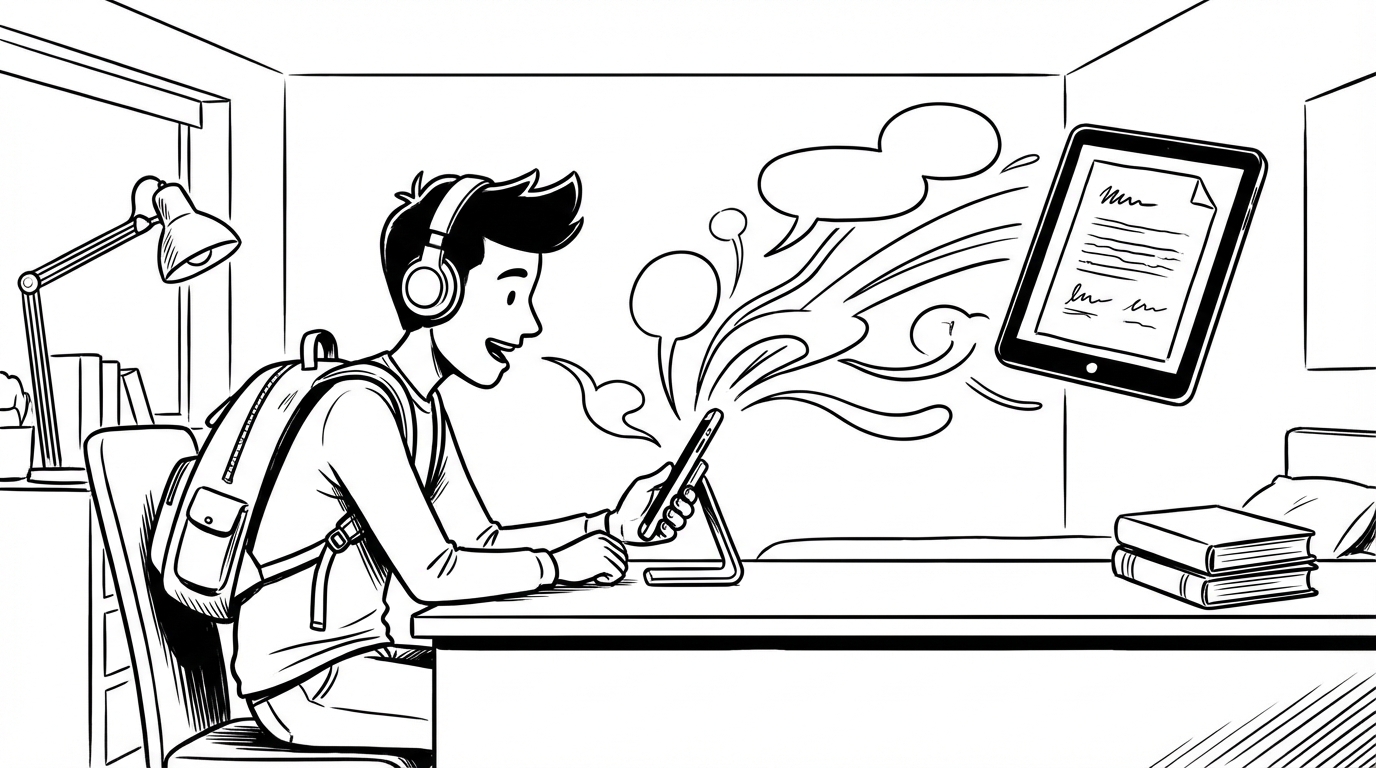
Student life involves more writing than most people appreciate before they're in it — and most of it isn't the creative, interesting writing. It's lecture notes, research summaries, essay drafts, emails to professors, group project coordination, study flashcards, and lab reports. Voice dictation can cut the time spent on most of this significantly.
Here's a guide to the best tools based on the specific ways students actually use voice dictation.
What Students Need From a Dictation Tool
Student use cases span several different scenarios:
- Lecture capture: Speaking softly during a lecture to capture key points
- Essay drafting: Dictating first drafts to bypass blank-page paralysis
- Research notes: Capturing observations and synthesis while reading
- Cross-app use: Working across Google Docs, email, Notion, and other tools
- Study materials: Creating flashcards and review notes by voice
- Budget: Students are price-sensitive; free tiers matter
1. SERP Transcribe — Best All-Round Student Tool
For students who write across multiple apps throughout the day, SERP Transcribe's system-wide hotkey model is the most versatile option. One hotkey works in Google Docs, email, Notion, browser forms, and everything else. The free tier covers moderate usage, making it accessible for students.
Best for: Essay drafting, cross-app use, emails and messages, research note-taking.
Student-specific benefit: Works in Google Docs, which most students live in, without needing to enable Google's built-in dictation.
2. Google Docs Voice Typing — Best Free In-Document Option
If you write primarily in Google Docs and need a zero-cost option, the built-in voice typing (Tools → Voice Typing) is genuinely good and completely free. For students whose workflow is mostly document-based, it's worth trying before paying for anything.
Best for: Students who write primarily in Google Docs and don't need voice in other apps.
Limitation: Only works inside Google Docs. No email, Slack, or other app support.
3. Otter.ai — Best for Lecture Transcription
Otter is designed for recording and transcribing meetings and lectures. For students who want a full transcript of their lectures for review and study, Otter's passive recording model is more appropriate than a dictation tool. Free tier includes 300 transcription minutes per month.
Best for: Automatically transcribing lectures, study group discussions, or recorded audio from class.
Limitation: This is a passive recording tool, not a real-time dictation tool. Different use case from SERP Transcribe.
4. Apple Dictation — Best for Mac Students
For students on Mac who want a system-level option without a subscription, Apple's built-in dictation (improved significantly in recent macOS versions) provides solid accuracy across applications. Enable it in System Settings → Keyboard → Dictation.
Best for: Mac users who want system-wide dictation without a paid app.
Limitation: Accuracy is good but below Whisper-based tools; no push-to-talk model in the traditional sense.
5. Windows Voice Typing (Win+H) — Best for Windows Students
Windows 11's voice typing is the Windows equivalent — free, built-in, works anywhere on the screen. Less accurate than Whisper-based tools but sufficient for students on a tight budget.
Recommendations by Student Scenario
Writing-heavy programs (humanities, law, social sciences): SERP Transcribe for essay drafts, research notes, and the volume of written communication these programs require. The speed improvement on long-form writing is the highest in these fields.
STEM programs: SERP Transcribe for lab reports, emails, and documentation. Technical vocabulary accuracy with Whisper is better than built-in alternatives, though technical terms still need review.
Students with dyslexia or reading/writing difficulties: SERP Transcribe or any Whisper-based tool. Voice dictation is a genuine accessibility accommodation that allows students to produce written work at the speed of their thinking rather than their typing. Many universities support this explicitly as a reasonable accommodation.
Budget-constrained students: Start with Google Docs voice typing (free, good in Docs) or Windows/Mac built-in dictation. Upgrade to SERP Transcribe if you find yourself wanting voice input outside those apps.
The Essay Draft Argument
The single highest-ROI use of voice dictation for students is essay first drafts. Instead of staring at a blank document for 45 minutes composing a perfect opening paragraph, hold the hotkey and explain your argument out loud. Speak through your main points, your evidence, your conclusion.
The transcript is rough. It's also a complete first draft. Editing a rough draft takes a fraction of the time that composing from scratch does. The essay that would have taken four hours to write takes ninety minutes — ninety minutes of real work instead of four hours including staring-at-the-screen time.
That time difference, multiplied across a semester, is significant.