Accessibility: Reducing Typing Strain With SERP Transcribe
How SERP Transcribe helps people with RSI, repetitive strain injuries, chronic pain, and other conditions that make extended typing difficult or painful.
SERP Transcribe Team
Product
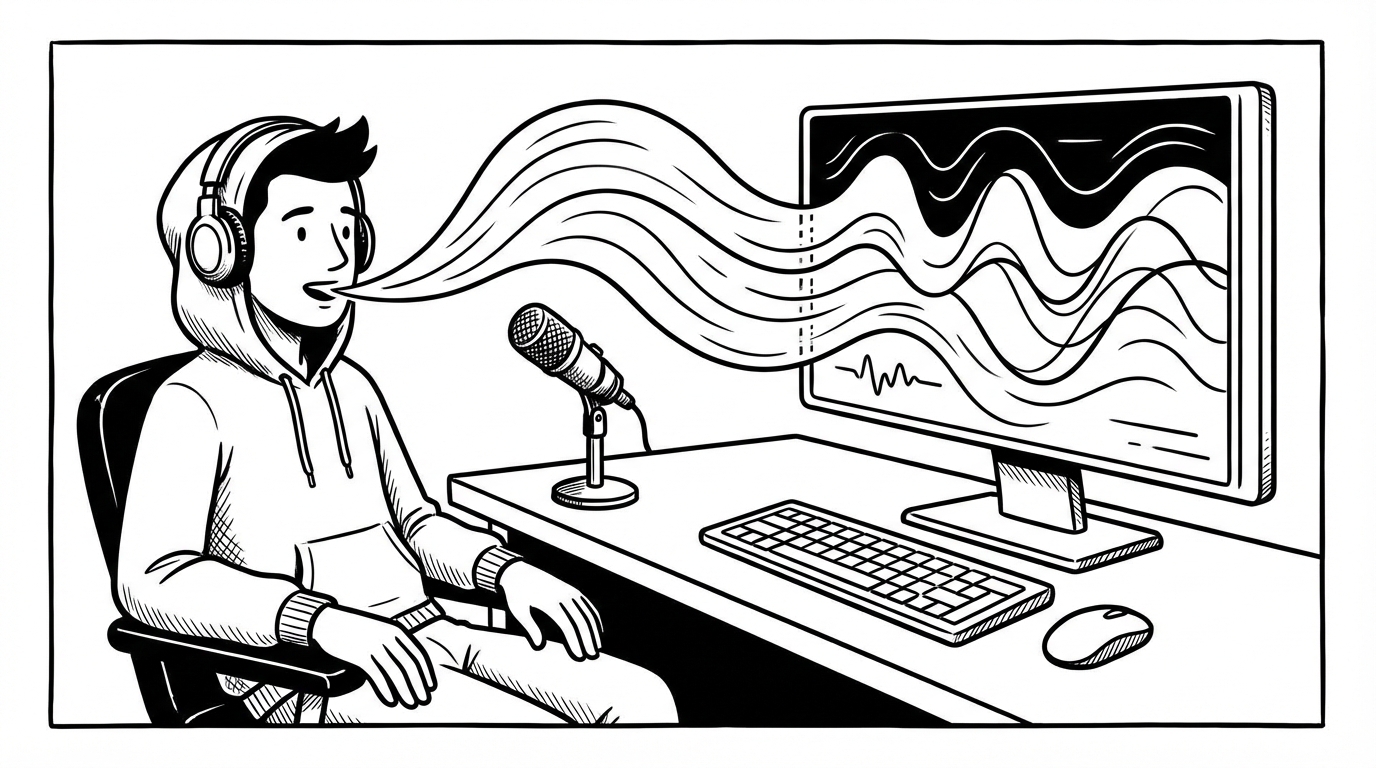
For many people, the appeal of voice dictation isn't productivity — it's relief. Extended typing causes real physical strain, and for people with RSI, carpal tunnel, arthritis, tendinitis, or other conditions affecting their hands and wrists, reducing keyboard time isn't a nice-to-have. It's a necessity.
This post is for anyone using SERP Transcribe primarily as an accessibility tool, or who is considering it for that purpose.
Who This Affects
Typing-related strain is more common than most people acknowledge until it becomes a problem:
Repetitive Strain Injury (RSI) is a broad term for pain, weakness, numbness, or reduced function caused by repetitive motions. RSI related to typing affects the hands, wrists, forearms, shoulders, and neck. It's one of the most common workplace conditions for knowledge workers.
Carpal Tunnel Syndrome involves compression of the median nerve at the wrist, causing pain, tingling, and weakness in the hand. Typing aggravates it significantly.
Tendinitis is inflammation of tendons, often in the wrist or elbow ("typist's elbow"). It's painful during and after extended keyboard use.
Arthritis of the hands and fingers makes sustained fine motor activity like typing painful or difficult, particularly in cold weather or during flare-ups.
Recovery from injury or surgery often requires limiting hand use temporarily. Voice dictation can allow people to stay productive while healing.
Dyslexia and motor processing differences — for some people with dyslexia or related conditions, speaking is a significantly more fluent mode of expression than typing. Voice-first tools reduce the motor and cognitive load of writing.
How SERP Transcribe Helps
The push-to-talk, paste-based model of SERP Transcribe has some specific advantages for accessibility use:
Short holds, not extended sessions. Because SERP Transcribe is designed for burst dictation, you're holding a key for 5–15 seconds at a time, not conducting a long dictation session. This is easier on strain-affected hands than sustained typing.
No specialized hardware required. You can use your standard keyboard hotkey or remap it to a foot pedal, a large-button accessibility switch, or any input device that can send a key signal. The hotkey is fully customizable.
Works anywhere you paste. You don't need to learn a new interface or adapt your workflow to a specialized accessibility app. SERP Transcribe fits into your existing tools — email, documents, chat, everything — reducing the cognitive load of accommodation.
Setting Up for Reduced-Strain Use
Remap the hotkey to a low-effort input. The default Ctrl+Shift+Space requires a three-finger chord. For users with hand pain, this may not be comfortable for repeated use. Alternatives worth trying:
- A single key on a programmable keyboard (virtually no strain)
- A foot pedal (fully offloads the hand)
- A large-button USB controller
- A voice-activated key trigger (some accessibility software allows this)
Minimize typing in the edit pass. For reduced-strain users, the goal is to minimize keyboard time overall. The more accurate and clean your dictation is, the less editing you need to do. Use explicit punctuation commands to reduce post-dictation cleanup. Speak in complete, well-structured sentences.
Use voice commands for structure. "New paragraph," "comma," "colon" — using voice commands for structure and punctuation means fewer manual keystrokes during the review pass.
Combining With Other Accessibility Tools
SERP Transcribe works alongside other tools many users with physical limitations already use:
- Ergonomic keyboards and mice — SERP Transcribe doesn't require any changes to your hardware setup
- Keyboard remapping software (like Karabiner-Elements on Mac or AutoHotkey on Windows) — useful for setting up low-effort hotkeys
- Screen readers — dictation output is plain text and works with any screen reader
- Foot pedals — foot-pedal activation is a popular setup for heavy dictation users with hand conditions
A Note on Complete Hands-Free Workflows
SERP Transcribe is primarily a dictation and paste tool — it doesn't provide system-level voice control (navigating windows, clicking, opening apps). For users who need full hands-free computer control, Windows Voice Access (Windows 11) or Dragon NaturallySpeaking provide OS-level control that SERP Transcribe doesn't.
For most knowledge workers with typing strain, the combination of SERP Transcribe for text composition and their existing mouse or input device for navigation is enough to substantially reduce keyboard load. Full hands-free control is a different and larger workflow change.
Getting Started With a Strain-Recovery Focus
If you're starting SERP Transcribe primarily to reduce typing strain, start with your highest-volume writing tasks — email and chat are usually the biggest keyboard users in a typical workday. Shifting those to voice first will have the most immediate impact on daily keyboard time.
Track your progress loosely. How many minutes a day were you typing before? After a week of dictating your email and chat, how does that feel? Most users notice a meaningful reduction in strain within the first few weeks of consistent use.
You don't have to go fully voice-first overnight. Even offloading 40–50% of your daily keyboard work to dictation makes a real difference for people managing pain or recovery.