The Best Voice Dictation Apps for Mac in 2026
We compared the top Mac dictation tools on accuracy, speed, privacy, and price. Here's what's actually worth using in 2026.
SERP Transcribe Team
Product
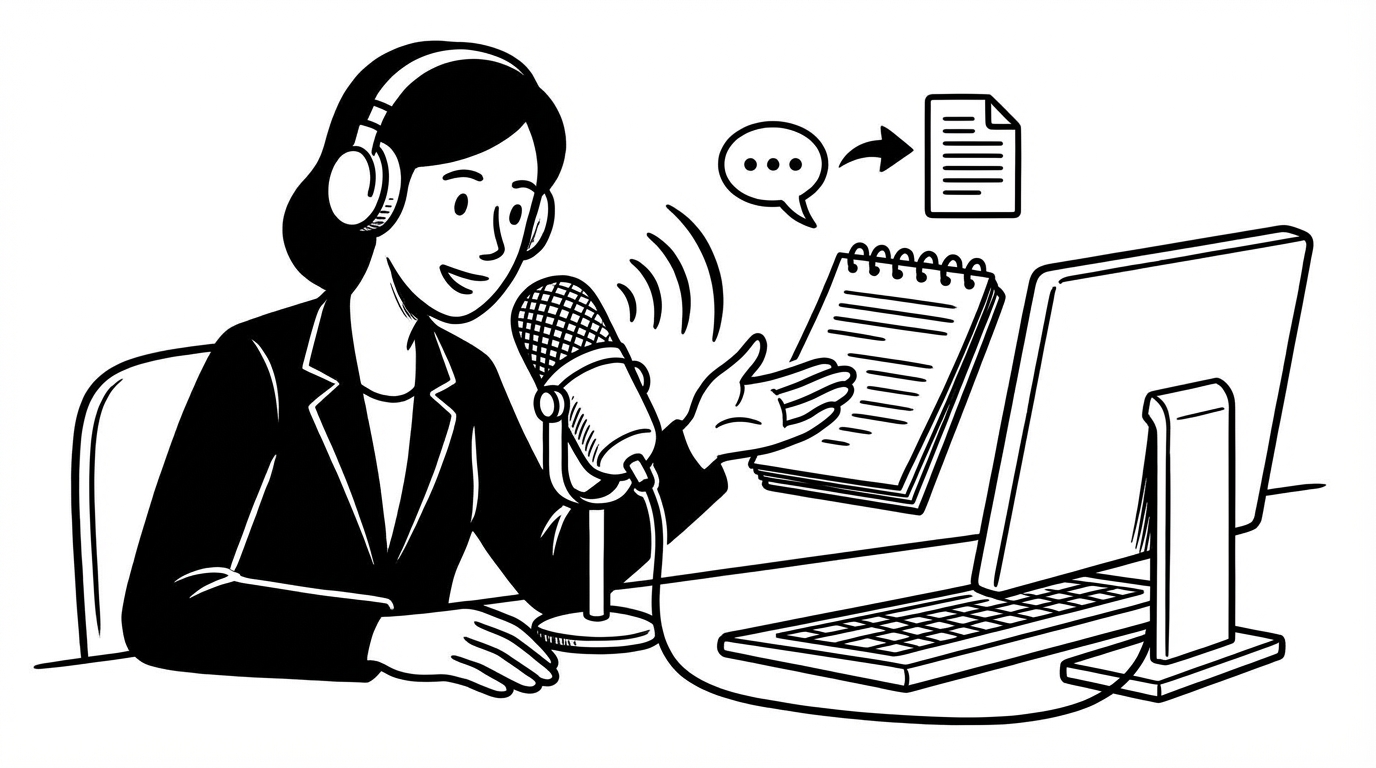
Voice dictation on Mac has improved dramatically in the last two years. What was once a niche accessibility feature has become a genuine productivity tool for writers, developers, and anyone who spends their day typing. The market has filled with options — here's what's actually worth your time in 2026.
What We Looked For
A good Mac dictation tool needs: accuracy on real-world speech (not just clean-room demos), a workflow that fits how people actually work (system-wide, not app-specific), reasonable privacy handling, and a price that reflects the value. We evaluated each tool on these criteria.
1. SERP Transcribe — Best for Everyday Push-to-Talk
Best for: Knowledge workers, writers, and anyone who wants fast, accurate dictation everywhere on their Mac without paying a premium.
SERP Transcribe uses a push-to-talk hotkey model: hold a key, speak, release, paste. It's system-wide, works in every text field across every app, and produces accurate transcription with minimal fuss. The free tier is genuinely useful. Paid plans are affordable.
What distinguishes it is the workflow fit — it behaves like a keyboard shortcut, not a separate application mode. Once the hotkey is set, it disappears into your workflow. You hold a button and talk; you don't think about the tool.
Pricing: Free tier available; paid plans from affordable monthly rates
Platform: Mac and Windows
Privacy: Push-to-talk only, no passive recording
2. Wispr Flow — Best for AI-Enhanced Output
Best for: Users who want AI post-processing to clean up dictation automatically.
Wispr Flow is the most-funded and most feature-rich tool in the category. Its AI layer removes filler words, formats sentences, and produces output that often needs less editing than raw transcription. It also supports iOS, which most desktop tools don't.
The tradeoff is price ($15+/month) and the fact that your audio is processed by their AI. For users who want the extra polish and can justify the cost, it's excellent. For users who prefer their own words transcribed accurately without AI interpretation, it's more than they need.
Pricing: From $15/month
Platform: Mac, Windows, iOS
Privacy: Server-side AI processing; HIPAA and SOC 2 on higher tiers
3. SuperWhisper — Best for Privacy-First, Mac-Only Users
Best for: Mac users for whom local processing is non-negotiable.
SuperWhisper runs Whisper models locally on your Mac. Nothing is sent to any server. For users handling sensitive information — medical, legal, confidential — this is a meaningful advantage. Apple Silicon Macs handle local Whisper inference quickly enough to make it practical.
The limitation is Mac-only support and the complexity of choosing between model tiers (better models cost more and require more capable hardware).
Pricing: Subscription, varies by model tier
Platform: Mac only
Privacy: Fully local, no network required
4. Apple Dictation — Best Free Option for Occasional Use
Best for: Infrequent dictation, short bursts, users who don't want to install anything.
Built into macOS, free, always available. Enhanced Dictation processes audio on-device. Accuracy is good for short dictations. For occasional use — a quick message, a search query — it's perfectly adequate.
For regular, sustained dictation it shows its limits: it times out on longer passages, doesn't have a push-to-hold workflow, and accuracy degrades with technical vocabulary and switching contexts.
Pricing: Free, built into macOS
Platform: Mac and iOS
Privacy: On-device with Enhanced Dictation enabled
5. Aqua Voice — Best for Writers Who Want Prose Output
Best for: Writers who want dictation output that reads like edited writing, not a transcript.
Aqua takes a different approach: rather than transcribing what you said, it transforms your spoken words into polished prose. The output is formatted, cleaned up, and reads naturally — less editing required.
Mac-only currently. The tradeoff is the same as with any AI-transformed output: it's interpreting your words, not transcribing them. Most of the time that's a plus; occasionally it changes something you wanted to say a specific way.
Pricing: From $14/month
Platform: Mac only
Privacy: Server-side processing
How to Choose
You want reliable, affordable, system-wide dictation: SERP Transcribe
You want AI to clean up your speech automatically: Wispr Flow
You need local processing, Mac only: SuperWhisper
You dictate rarely and want zero installation: Apple Dictation
You're a writer who wants prose output: Aqua Voice
The category has matured enough that any of these will serve you better than the built-in option for regular use. The right answer depends on your workflow, your privacy requirements, and how much you're willing to spend.
Start with a free tier. Most of these tools offer enough to evaluate without paying. Try one for a week on your real tasks and you'll know quickly whether it fits.