Getting Technical Terms Right: Custom Vocabulary in Voice Dictation
Product names, medical terms, legal phrases, acronyms, brand names — here's how to get specialized vocabulary to transcribe correctly every time.
SERP Transcribe Team
Product
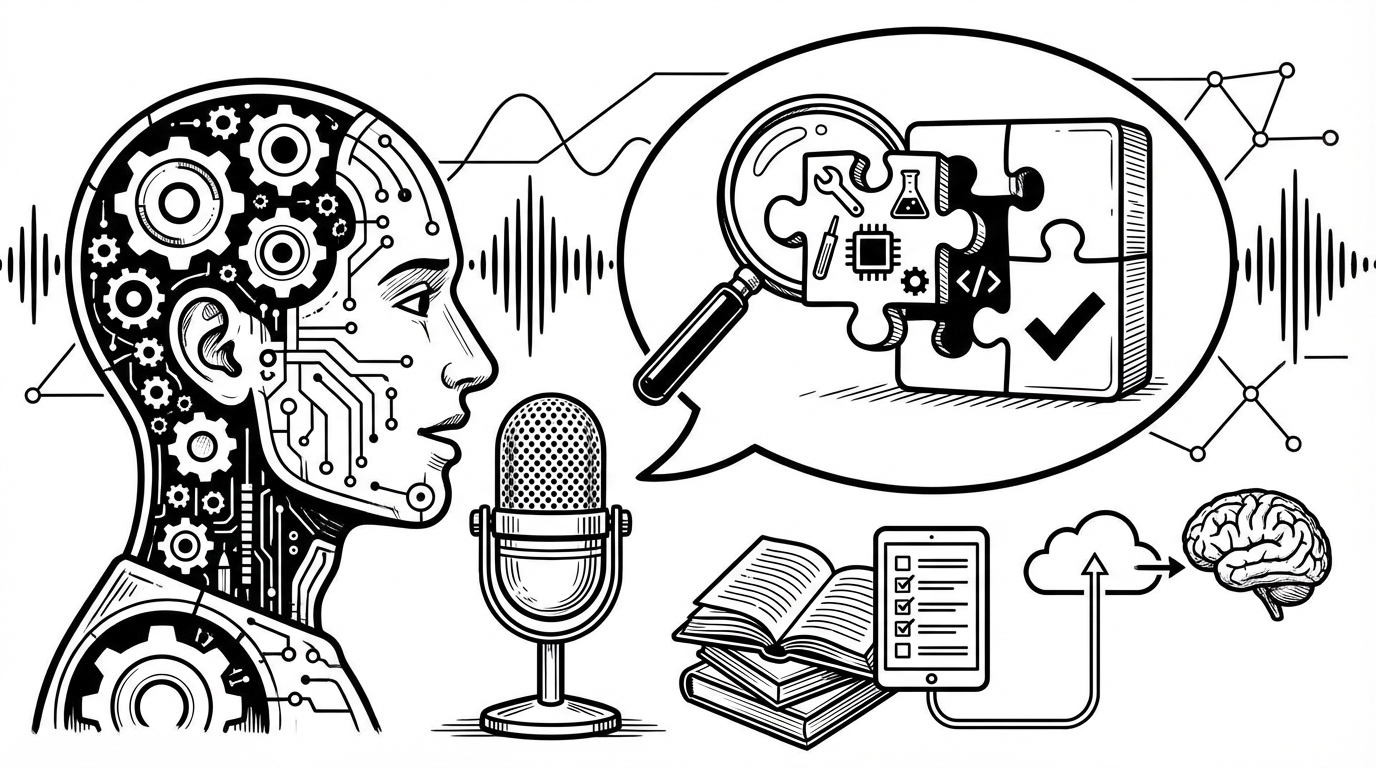
General speech recognition handles everyday language well. Where it struggles is with the specialized vocabulary of your field — the product names, medical terms, legal phrases, industry acronyms, brand names, and technical jargon that appear constantly in your work but almost nowhere in the training data the model learned from.
Here's how to handle specialized vocabulary in voice dictation, and how to get accurate transcription for the terms that matter most in your work.
Why Technical Vocabulary Gets Mangled
Speech recognition models are trained on enormous datasets of general-purpose audio and text. They're optimized for common words and phrases. When you say "acetaminophen" or "Kubernetes" or "amortization schedule" or your company's product name, the model is making a probabilistic guess at what sounds most like what it heard — and if the correct term is rare in its training data, it often guesses something wrong.
This is particularly pronounced for:
- Medical and pharmaceutical terms
- Legal Latin and formal legal phrases
- Product and brand names (especially newer ones)
- Acronyms ("EBITDA," "SOC 2," "HIPAA")
- Technical terminology ("Kubernetes," "PostgreSQL," "OAuth")
- People's names, especially uncommon ones
- Company and place names
Techniques for Improving Accuracy on Specific Terms
Speak with extra clarity for known problem words. Over-enunciate technical terms slightly. Don't change your overall speaking pace, but give the model more acoustic information for the words it struggles with. "Koo-ber-neh-teez" rather than "Kubernetes" said quickly.
Use the correction as training. In SERP Transcribe, correcting a transcription error in the same session helps the model weight the correct term more heavily. Consistently correcting the same error over several sessions improves accuracy on that term over time.
Build a post-edit shorthand. For terms that consistently transcribe incorrectly, develop a personal convention: you know "cube net ease" means "Kubernetes" in your transcript, so you do a find-and-replace in your edit pass. Inefficient, but workable for a small number of chronic problem words.
Speak the acronym as words when needed. "HIPAA" said as "HIPAA" (hip-uh) usually transcribes correctly. "SOC 2" said as "sock two" does too. "OAuth" said as "oh auth" usually works. When an acronym is transcribing incorrectly, try spelling it out: "H-I-P-A-A."
Use context to help the model. Speech recognition uses context to disambiguate — the words before and after a term help the model choose the right interpretation. Speak technical terms in their natural context rather than in isolation: "the Kubernetes cluster" gives more context than "Kubernetes" alone.
Domain-Specific Vocabulary by Field
Medical/Clinical: Common medication names, anatomical terms, and diagnostic codes transcribe with moderate accuracy in most modern systems. The more obscure the term, the more likely it is to need correction. Speak medication names clearly and always review clinical notes before pasting into official records.
Legal: Legal Latin ("res ipsa loquitur," "habeas corpus") and formal legal phrases often transcribe inconsistently. Developing a correction workflow for your most-used terms is worth the investment.
Technology: Product names and technical terms are mixed — widely used ones ("Python," "JavaScript," "AWS") transcribe well. Newer or niche terms ("Windsurf," specific library names, internal tool names) are more variable.
Finance: Standard financial terms ("amortization," "EBITDA," "derivatives") generally transcribe correctly. Specialized instruments and internal terminology are more variable.
The Post-Edit Workflow for Technical Content
For content with heavy technical vocabulary, build a standard post-edit step:
- Dictate the content
- Paste into a draft
- Do a scan specifically for technical terms — these are the most likely error points
- Correct as needed
- Finalize
This scan step takes 30–60 seconds for most content and catches the errors that matter most. Technical transcription errors are the ones most likely to cause real problems — a medication name transcribed incorrectly in a clinical note, a figure transcribed wrong in a financial summary.
Managing Expectations
No speech recognition system achieves perfect accuracy on specialized vocabulary without custom training. The realistic goal is minimizing errors on common terms through good speaking habits and a reliable post-edit workflow, not eliminating errors entirely.
For most knowledge workers, the accuracy on general vocabulary (95%+) far outweighs the occasional technical term error that needs correction. The time savings from voice dictation are significant even accounting for the correction workflow.
For fields where accuracy on technical vocabulary is a hard requirement — clinical documentation, legal transcription — treating all voice-dictated content as a draft requiring review (never paste directly to final record) is the right protocol regardless of which tool you use.