Dedicated Dictation App vs Your Phone's Built-In Mic: What's Actually Different?
Your phone keyboard already has a microphone button. So does a dedicated desktop dictation app do anything different worth using? Yes — and here's specifically why.
SERP Transcribe Team
Product
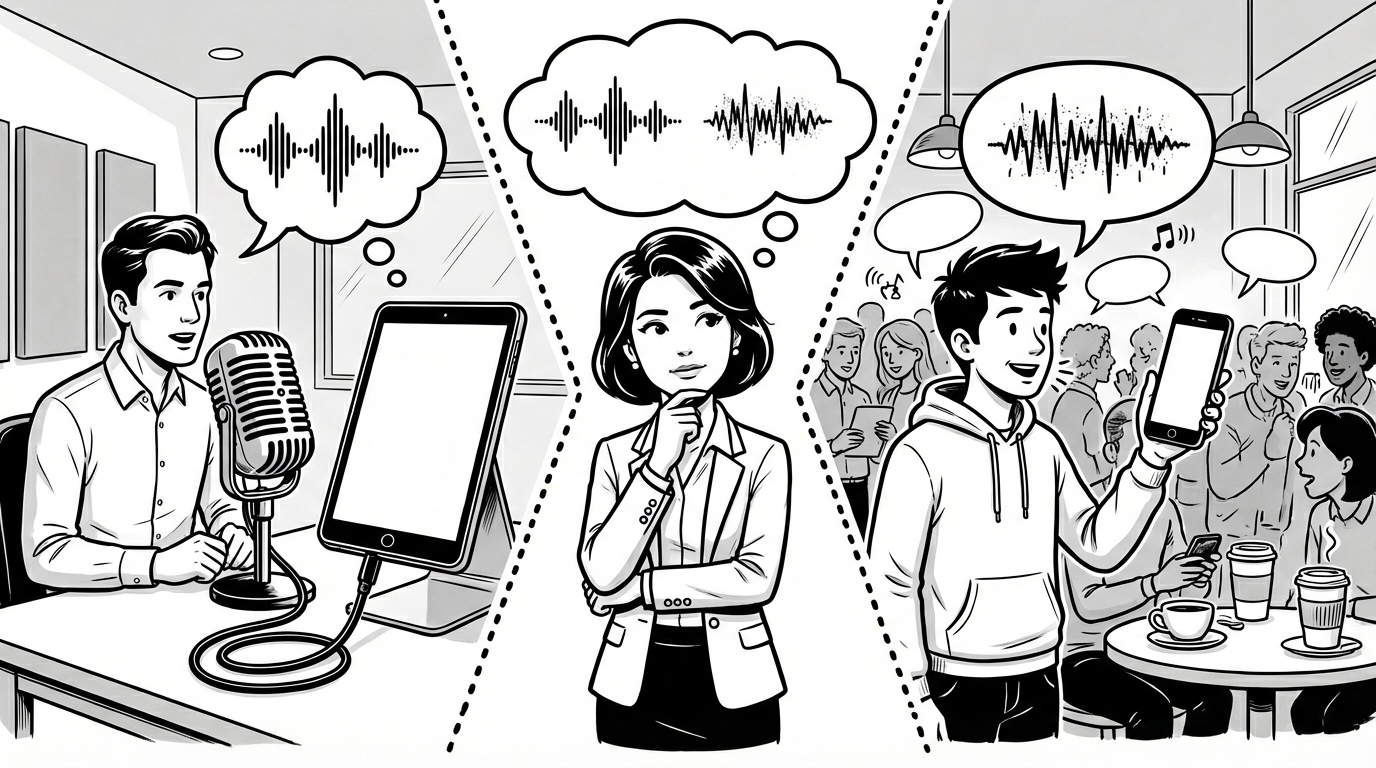
Every smartphone keyboard has a microphone button. Tap it, speak, and your words appear as text. It's built in, it's free, and billions of people use it daily. So what does a dedicated desktop dictation app like SERP Transcribe actually add?
The answer is mostly about where you work and how seriously you use voice input.
What Phone Keyboard Dictation Does Well
The microphone button on iOS and Android keyboards is genuinely good for short-form mobile input. Replying to a text message, adding a quick note, searching for something — for brief, spontaneous mobile input, it works well and requires no setup.
Google's Gboard microphone and Apple's keyboard dictation are both accurate, fast, and deeply integrated into the mobile experience. For mobile use, they're hard to beat.
The Desktop Problem
Here's where phone dictation falls short for most knowledge workers: their actual work happens on a laptop or desktop. Email clients, Slack, Google Docs, Notion, CRMs, code editors — the apps where most professional writing happens are on a computer, not a phone.
Phone keyboard dictation doesn't exist on a desktop. You can't tap a microphone button in Gmail on your MacBook or in VS Code on your Windows machine. The tool that works great on mobile simply isn't available on the platform where you do most of your writing.
SERP Transcribe fills exactly this gap — push-to-talk dictation that works everywhere on your desktop, the same way the phone keyboard mic works on mobile.
Accuracy Differences
Phone keyboard dictation accuracy has improved significantly with Google's and Apple's neural models. For casual, short-form input it's excellent.
Whisper-based desktop tools like SERP Transcribe have an accuracy edge for longer dictation, technical vocabulary, non-standard accents, and natural speech patterns that include restarts and filler words. The gap is small for simple speech; it's more noticeable for complex, domain-specific, or accented speech.
Workflow Differences
Phone keyboard dictation:
- Tap microphone button
- Speak
- Stop speaking (auto-stops after silence)
- Text inserted at cursor
SERP Transcribe:
- Hold hotkey
- Speak
- Release hotkey
- Paste with Ctrl+V/Cmd+V
The SERP Transcribe workflow adds a paste step, which is slightly more than tapping a button. The tradeoff is that push-to-talk is more deliberate and more accurate in noisy environments — you control exactly when capture starts and ends rather than relying on silence detection.
The Serious Daily User Case
If you're dictating a message or two on your phone, the built-in mic is fine. If you're dictating dozens of emails, Slack messages, documents, and notes on your desktop throughout the day, you need a desktop tool designed for that use case.
Phone dictation is optimized for mobile convenience. SERP Transcribe is optimized for desktop productivity. They're different tools for different contexts — and for most knowledge workers, the higher-value context is the desktop.
Using Both
The practical setup for many heavy voice users: phone keyboard dictation for mobile use (it's already there, use it), SERP Transcribe for desktop use. Each tool in its native environment, no compromise.
If you've been using your phone's mic button and finding yourself wishing you could dictate on your computer the same way, SERP Transcribe is the answer to that specific frustration.