Dictate Your Git Commit Messages Faster
How developers can use voice dictation to write better, more descriptive git commit messages without slowing down their workflow.
SERP Transcribe Team
Product
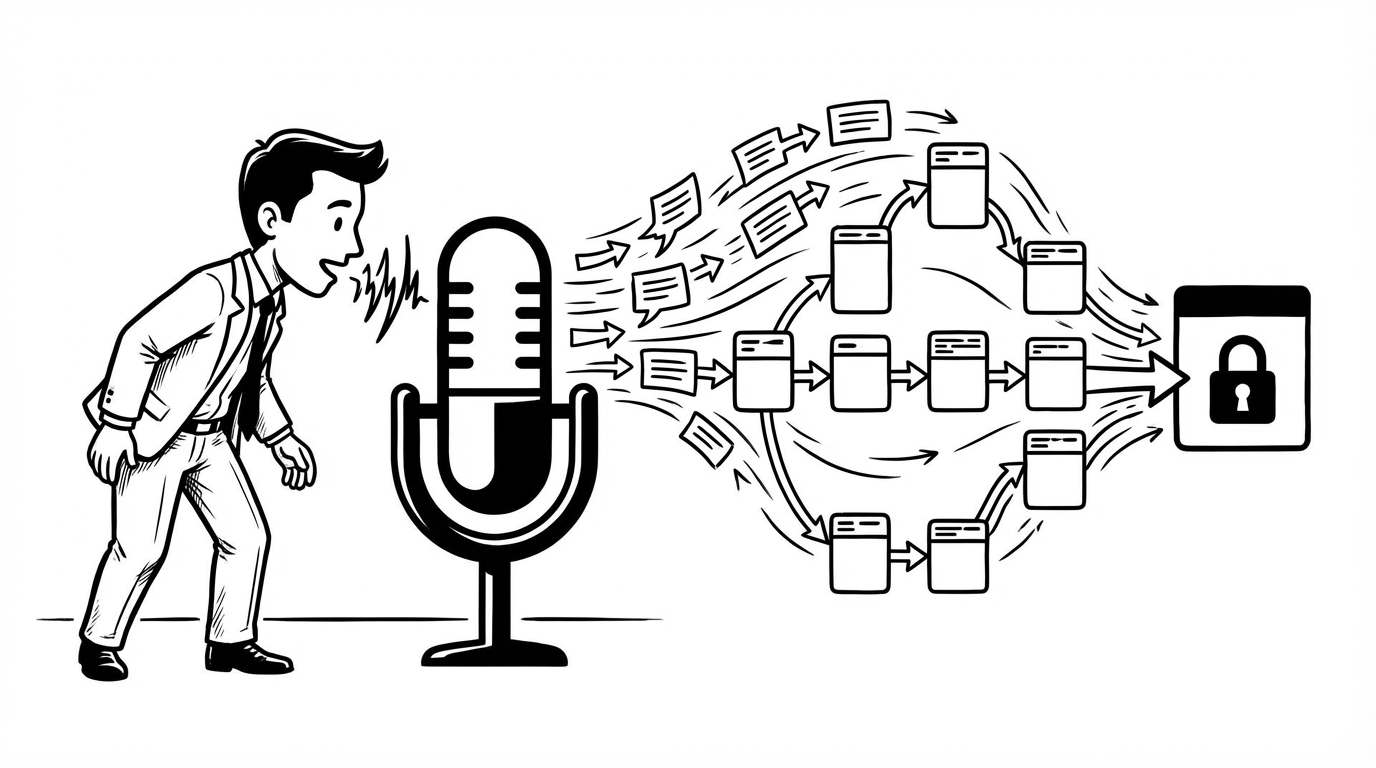
Git commit messages are one of the most consistently underwritten pieces of text in software development. Most developers know what a good commit message looks like. Most developers don't write them, because writing them feels slow when you're in flow.
Voice dictation fixes this without adding meaningful time to your commit workflow.
The Commit Message Problem
Good commit messages are short but complete. The subject line describes what changed. The body explains why — the context, the reasoning, the tradeoffs. That body is where most developers stop.
The body gets skipped not because developers don't have things to say, but because typing a paragraph in a terminal prompt or commit dialog right after shipping a change feels like a momentum killer. The code is done. You want to move on.
Speaking takes 10–15 seconds instead of 90. That changes the calculation.
The Two-Part Commit Workflow
Commit messages have two parts with different optimal approaches:
The subject line (50 characters or less, imperative mood): type it. It's short, it needs to be precise, and character count matters. Fix null check in user auth handler — just type that.
The body (the "why"): dictate it. This is natural language explaining context, decisions, and side effects. Speaking this is faster and produces more natural prose than typing.
The workflow:
- Type your subject line normally
- Skip a line (required by git convention)
- Hold SERP Transcribe hotkey, speak the body, release
- Paste
- Save and close the commit editor
Total time added: 15–20 seconds. Total quality improvement: significant.
What to Say in the Body
The body of a commit message should answer: why was this change necessary, and is there anything a future reader needs to know?
Speaking that explanation is natural because you just made the change — the context is live in your head. You're not reconstructing something from memory; you're narrating what you just did and why.
Some examples of dictated commit bodies:
For a bug fix:
"The previous implementation assumed the cache would always return a value, but during a cold start the cache is empty and the function threw an unhandled null pointer exception. This change adds a fallback to query the database directly when the cache miss occurs. Covered by the new unit test in auth_handler_test."
For a refactor:
"Extracted the rate limiting logic from the request handler into its own middleware class. No behavior changes — this is purely structural to make the rate limiting reusable across different route handlers. Follow-up work will apply it to the admin routes."
For a dependency update:
"Updated lodash from 4.17.15 to 4.17.21 to address the known prototype pollution vulnerability. Tested against the existing test suite, no breaking changes."
Each of those takes about 15 seconds to speak. Each would take 90+ seconds to type well, and most developers would skip them entirely.
Dictating in Different Git Environments
Terminal with vim/nano as the commit editor: Open the commit editor, type your subject line, skip a line, click the body area, dictate, paste. Paste works normally in terminal vim (in insert mode) and nano.
VS Code Source Control panel: The commit message box in VS Code accepts paste input. Type subject, hit Enter twice for the blank line, dictate body, paste, commit.
GitHub Desktop / Git GUI tools: Same pattern — most GUI commit dialogs have a subject field and a body field. Type the subject, click into the body field, dictate, paste.
git commit -m from the command line:
This doesn't work well for multi-line messages. If you're using -m, stick to single-line subjects. For messages with a body, use git commit without -m to open the editor.
For Teams: Raising the Commit Log Quality
If you're a tech lead or engineering manager, commit message quality affects your team's ability to understand history, debug regressions, and onboard new engineers. Suggesting voice dictation for commit bodies is a low-friction way to raise the baseline quality.
The barrier to good commit messages has never been knowledge — every developer knows they should write better commit messages. The barrier has been friction. Reducing that friction by 5x changes behavior at scale.
Conventional Commits With Dictation
If your team uses Conventional Commits (feat:, fix:, chore:, etc.), the type prefix and scope are worth typing. The description body after the colon — especially for complex changes — is where dictation adds the most value.
feat(auth): add OAuth2 refresh token rotation

[dictated body here explaining the implementation decision,
security reasoning, and any migration notes]
The prefix provides structure. The body provides context. Dictation makes writing the context fast enough that you'll actually do it.