Dictate Your Grocery Lists, Errands, and To-Dos While You Think of Them
The fastest way to capture a grocery list, errand, or task the moment it occurs to you — without stopping what you're doing to type it out.
SERP Transcribe Team
Product
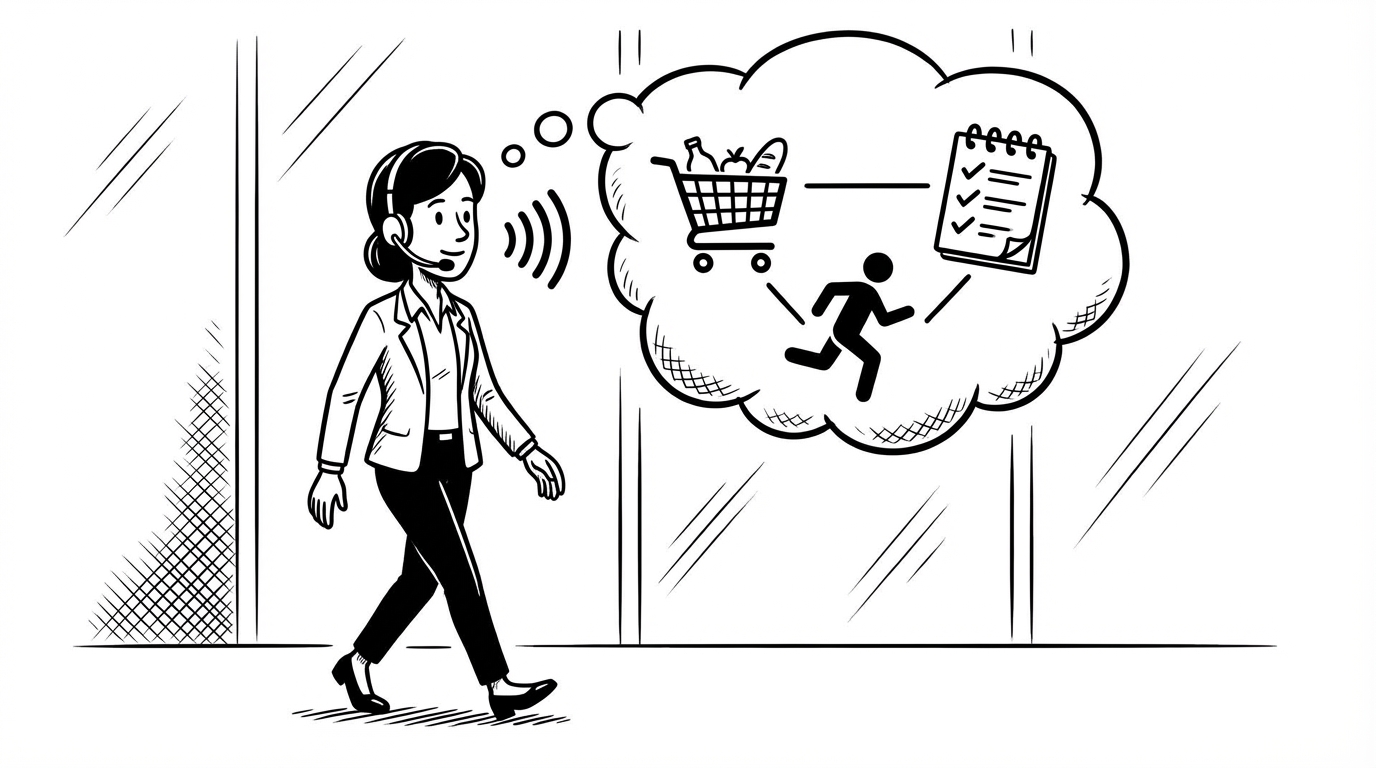
You're in the middle of making dinner and you realize you're out of olive oil. You're driving and remember you need to call the dentist. You're about to fall asleep and think of three things you need to do tomorrow.
In all of these cases, the thought is there, the moment is wrong for typing, and half the time the thing gets forgotten anyway.
Voice dictation is the fastest possible way to capture these moments. Here's how to build a simple habit around it.
The Problem With Lists Right Now
Most people manage lists in one of two broken ways:
The mental list: You try to remember everything. Works great until it doesn't, usually at the worst possible moment (standing in the grocery store, completely blank on what you came for).
The "I'll add it later" approach: You tell yourself you'll write it down when you have a moment, and then you forget what it was before that moment comes.
Voice dictation gives you a third option: capture it immediately, in two seconds, without stopping what you're doing.
The Workflow
At your desk or laptop:
- Hold your SERP Transcribe hotkey
- Speak the item: "Add to grocery list: olive oil, parmesan, and those crackers we had last time"
- Release, paste directly into your notes app, Apple Reminders, Notion, Google Keep — wherever your list lives
- Done. Back to what you were doing.
The whole thing takes less time than it takes to type "olive oil."
Capturing Thoughts Before They Disappear
The highest-value use of voice-to-list is capturing things the moment they occur to you, before they slip away. This is especially useful for:
Grocery items — the moment you use the last of something, or notice you're running low, speak it. Don't wait until you're "doing the list." The list builds itself throughout the week.
Errand reminders — "Need to pick up the prescription," "Return the library books," "Drop off the dry cleaning." Speak them as they occur to you, paste into your reminders app.
To-dos for tomorrow — Before you close your laptop for the day, do one 30-second burst: everything that needs to happen tomorrow, spoken as a list. Paste it into your planner or to-do app. Done.
Ideas that pop up at inconvenient times — In the shower, on a walk, half-asleep. The shower and the walk are harder (SERP Transcribe needs a mic and keyboard), but the late-night thought right before bed? Hold the hotkey on your laptop or desktop, speak it, paste it. Better than lying there trying to memorize it.
Building Your Shopping List by Voice All Week
The best grocery lists aren't written all at once — they're built throughout the week as you notice things. Voice makes this practical.
Every time you use the last of something, or think "we should get more of that," hold the hotkey and add it to the list. By the time the weekend comes, your list is already half-written. You just review and fill in the gaps before you leave.
This is miles better than the Sunday morning scramble of trying to remember everything you meant to add during the week.
Combining Lists With Your Household
If you share a shopping list or household to-dos with a partner or family (in Google Keep, Any.do, Apple Reminders with sharing, etc.), voice dictation makes it easy to add to the shared list without a whole process. You think of something, you add it, your partner sees it. No "can you add this to the list" texts required.
The Two-Second Rule
The habit that makes all of this work is the two-second rule: if a to-do or list item occurs to you, capture it within two seconds or it's at risk of being lost.
Voice dictation is the only input method that meets the two-second window reliably. Typing requires you to stop, open an app, navigate to the right list, type, and close. That's twenty seconds minimum. By then you've been interrupted enough that you're no longer capturing — you're switching tasks.
Hold hotkey. Speak. Release. Two seconds. Done.
Your lists will be longer, more complete, and more useful. And you'll stop standing in the grocery store trying to remember what you came for.