Dictating Social Media Captions: Instagram, LinkedIn, and X
How to use voice dictation to write social media captions faster — and why speaking your captions often produces better engagement than typing them.
SERP Transcribe Team
Product
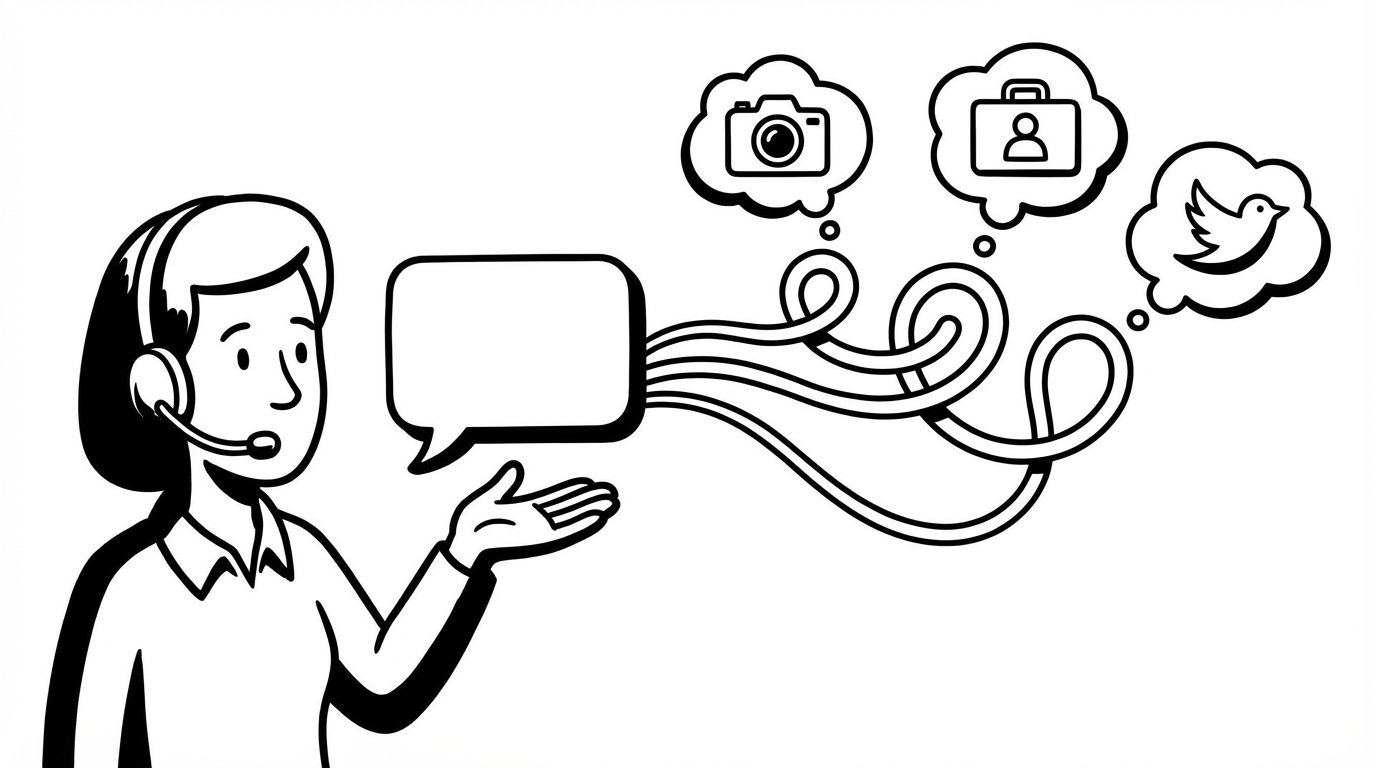
Social media captions are a daily writing task for creators, marketers, and professionals who use social platforms to build an audience. They're short enough that they seem easy — but writing ten good captions for a week of content takes more time than people expect.
Voice dictation compresses that time and, in many cases, produces better captions than the typed versions. Here's why, and how to do it.
The Caption Quality Problem
Most social media captions fail in one of two ways:
Too polished: Written like copy, sounds like an ad, nobody engages. LinkedIn is full of captions that feel like press releases. Instagram has posts that sound like a brand, not a person.
Too vague: "Great day today!" or "Check out my latest post." No hook, no substance, no reason to keep reading.
The sweet spot is conversational and specific — like how you'd text a friend about something interesting that happened. That's the register dictation naturally produces.
Instagram Captions
Instagram captions reward authenticity and a personal voice. The accounts people follow are the ones that sound like real people. Dictation helps get there.
Workflow:
- Open your phone's notes app (or your caption drafting tool of choice)
- Use SERP Transcribe on desktop, or your phone's built-in dictation for mobile
- Hold the mic, speak the caption like you're describing the photo to a friend
- Review, add hashtags (type these), post
Example — dictated caption for a photo from a morning run:
"Dragged myself out at 5:45 this morning and immediately resented it. Forty minutes later, watching the sun come up over the water, completely forgot I was tired. Some mornings are just worth showing up for."
That caption sounds like a person. It has a micro-story, a turn, an emotional landing. Typed from scratch it would take 5 minutes to get there. Spoken, it came out in 15 seconds.
LinkedIn Captions and Posts
LinkedIn captions are a different game — more professional, more idea-forward. But the same principle applies: the posts that perform are the ones that sound like a confident, specific person sharing a genuine observation, not a polished press release.
For LinkedIn specifically, the opening line is everything. Dictate it until you have one that's impossible not to read.
Spoken opening lines to try:
"I made an embarrassing mistake in a client presentation last week. Here's what I learned from it."
"The career advice I was given at 22 turned out to be almost entirely wrong."
"I've reviewed 200 resumes this year. Here's the thing I see wrong on almost all of them."
Each of those came from speaking — the slightly confrontational, direct tone is natural in spoken language and awkward to construct by typing.
Full post workflow for LinkedIn:
- Dictate your opening line (try two or three, pick the best)
- Dictate the body (the story, the observation, the data)
- Dictate the takeaway
- Type any formatting (line breaks between sections are LinkedIn's preferred format — add these in keyboard pass)
X (Twitter) Threads
X threads work well with a voice-first workflow because you're essentially having a conversation — each tweet is a beat in a longer narrative.
Dictate the whole thread into a scratch doc without worrying about tweet length. Get the full idea out. Then in your keyboard pass, divide into tweet-sized chunks (under 280 characters each), tighten each one, and add the thread structure.
For standalone tweets where you want maximum punch in minimal characters, typing is often just as fast — the editing pressure of 280 characters makes the keyboard pass the most time-consuming part anyway. But for the initial idea capture and thread structure, dictation is faster.
Platform-Specific Paste Notes
Instagram: Most creators draft on desktop and paste into the Instagram app or scheduler. Dictate and clean up on desktop, paste when scheduling.
LinkedIn: The LinkedIn post editor accepts paste input cleanly. Dictate into a doc, clean up, paste.
X: The X composer accepts paste. For threads, use a thread composer tool (Typefully, Chirr App) that lets you paste and then divide.
Batch Captioning
For creators who batch their content — filming or photographing a week's worth of content in one session and writing all the captions at once — voice dictation makes the caption batch session dramatically faster.
Set up your photos or content thumbnails, look at each one, and dictate a caption for each in sequence. Work through ten captions in 15–20 minutes instead of an hour. The batch session that felt like admin becomes fast enough to be satisfying.
The Authenticity Dividend
One thing that consistently surprises creators who start dictating their captions: the engagement often improves. Not because the captions are objectively better by some metric, but because they sound more like the person who posted them.
Audiences follow people, not content factories. When your captions sound like you talking, the audience relationship deepens. Dictation, paradoxically, makes social media feel more social.