Dictating SQL Queries and Variable Names: Tips for Developers
A practical guide to what works and what doesn't when using voice dictation for SQL, variable names, function signatures, and other precision-critical developer content.
SERP Transcribe Team
Product
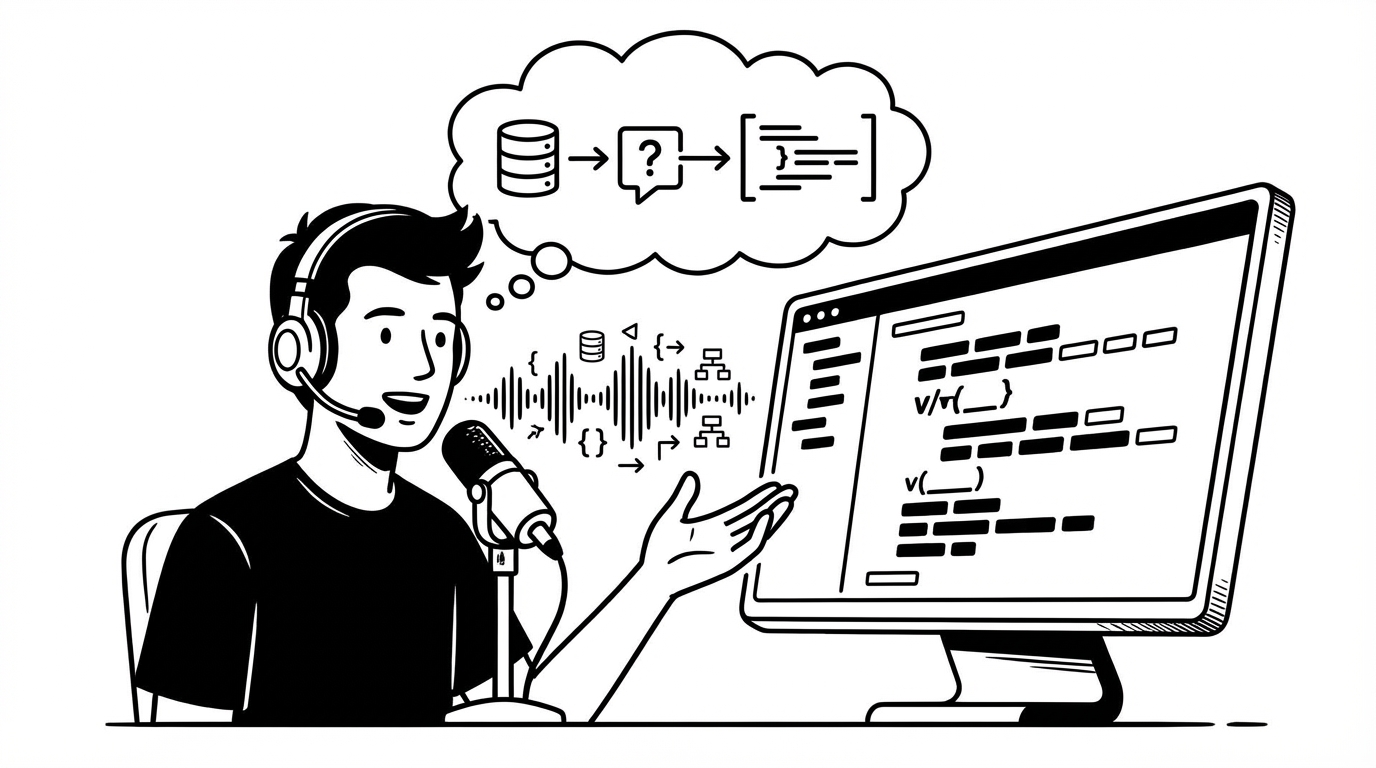
Most guides to voice dictation for developers focus on the documentation side — comments, commit messages, specs. But some developers want to go further: dictating the code itself, including SQL queries, variable names, and function signatures.
This is a genuinely harder problem. Here's an honest breakdown of what works, what doesn't, and the techniques that help when you do want to dictate code directly.
The Core Challenge With Code Dictation
Natural language dictation is optimized for prose. Code has specific requirements that conflict with how speech recognition works:
- Exact spelling matters — a misheard variable name breaks the code
- Symbols are non-verbal —
===,->,::,{}have no natural spoken equivalent - Case is significant in most languages — camelCase, snake_case, SCREAMING_SNAKE
- No tolerance for filler words — a stray "um" in a SQL query is a syntax error
For most code content, typing is still faster and more reliable than dictating. The voice dictation advantage for developers is predominantly in the prose surrounding code, not the code itself.
That said, there are specific scenarios where dictating code elements works well, and techniques that help when you try.
What Actually Works: SQL
SQL is one of the more dictation-friendly code languages because it reads closer to English than most programming languages. Simple queries are dictatable with practice:
Spoken: "Select user id, email, created at from users where plan equals pro and created at is greater than 2024-01-01 order by created at descending limit 100"
Result with cleanup:
SELECT user_id, email, created_at
FROM users
WHERE plan = 'pro'
AND created_at > '2024-01-01'
ORDER BY created_at DESC
LIMIT 100;
The spoken version needs cleanup — underscores, quotes, operators, formatting — but the structure and logic are there. For complex JOINs and subqueries, dictating the logic and then typing the syntax is often faster than pure typing.
Tips for dictating SQL:
- Speak keywords in uppercase to help distinguish them: "SELECT, FROM, WHERE"
- Say "underscore" between words you want joined: "user underscore id"
- Say "single quote" around string values
- Say "greater than" / "less than" for comparison operators
- Add proper SQL formatting in your keyboard pass
Variable Names and Identifiers
Dictating variable names is hit-or-miss and depends on naming convention:
snake_case: Workable. "user underscore preference underscore cache" → edit to user_preference_cache. Tedious but functional for short names.
camelCase: Harder. "user preference cache" might transcribe as natural prose rather than a variable name. You'd need to manually remove spaces and capitalize. Usually faster to just type.
SCREAMING_SNAKE_CASE: Constants are probably faster to type. The all-caps requirement adds too much manual editing.
Long, descriptive names: If you use long descriptive variable names (which are good practice), dictating them can actually save time for the longest ones. "maximum allowed concurrent webhook delivery attempts" is a lot of characters to type, even as MAX_ALLOWED_CONCURRENT_WEBHOOK_DELIVERY_ATTEMPTS.
Function Signatures
Dictating function signatures doesn't work well. They require exact syntax for parameter names, types, return types, and access modifiers — all of which require character-perfect output that dictation doesn't reliably provide.
Exception: if you're using an AI code tool (Copilot, Cursor, etc.) and you're dictating a natural language description that the AI converts to a signature, then dictation works great. But you're dictating to the AI, not dictating code directly.
The Hybrid Workflow That Works Best
The most practical approach for most developer dictation is a clean separation:
- Dictate the comments and documentation that describe what the code does
- Use the dictated comments as scaffolding to write the code faster (because the logic is spelled out)
- Type the code precisely
This sounds like more steps, but in practice it's faster than either pure typing or pure dictation. The comments force you to articulate the logic before you implement it (which reduces mistakes), and having them pre-written means you're implementing a clear spec rather than thinking and typing simultaneously.
Dictating for AI-Assisted Code Generation
If you use Cursor, GitHub Copilot, or Claude for code generation, voice dictation pairs extremely well:
- Dictate the natural language description of what you want the code to do
- Feed it to your AI tool as the prompt
- Let the AI generate the code
- Review and edit
In this workflow, you're never dictating code — you're dictating intent, which is exactly what natural language speech handles well. The AI handles the translation from intent to code. This combination is faster than either typing prompts or writing code from scratch for a wide range of tasks.
Practical Takeaways
Voice dictation for code is most useful at the edges of code — the prose that surrounds it (comments, docs, descriptions) and the prompts that generate it (AI tools). For the code itself, the precision requirements make typing more reliable for most content.
The exception is SQL and other query languages that read close to English — those are worth experimenting with. For everything else, use dictation for the surrounding prose and type the code.
Knowing where the line is will save you the frustration of fighting dictation in places it doesn't belong.