Does Voice Dictation Actually Save Time? A Weekly Workflow Analysis
A real look at where voice dictation saves time in a typical workweek, where it doesn't, and what the numbers actually look like.
SERP Transcribe Team
Product
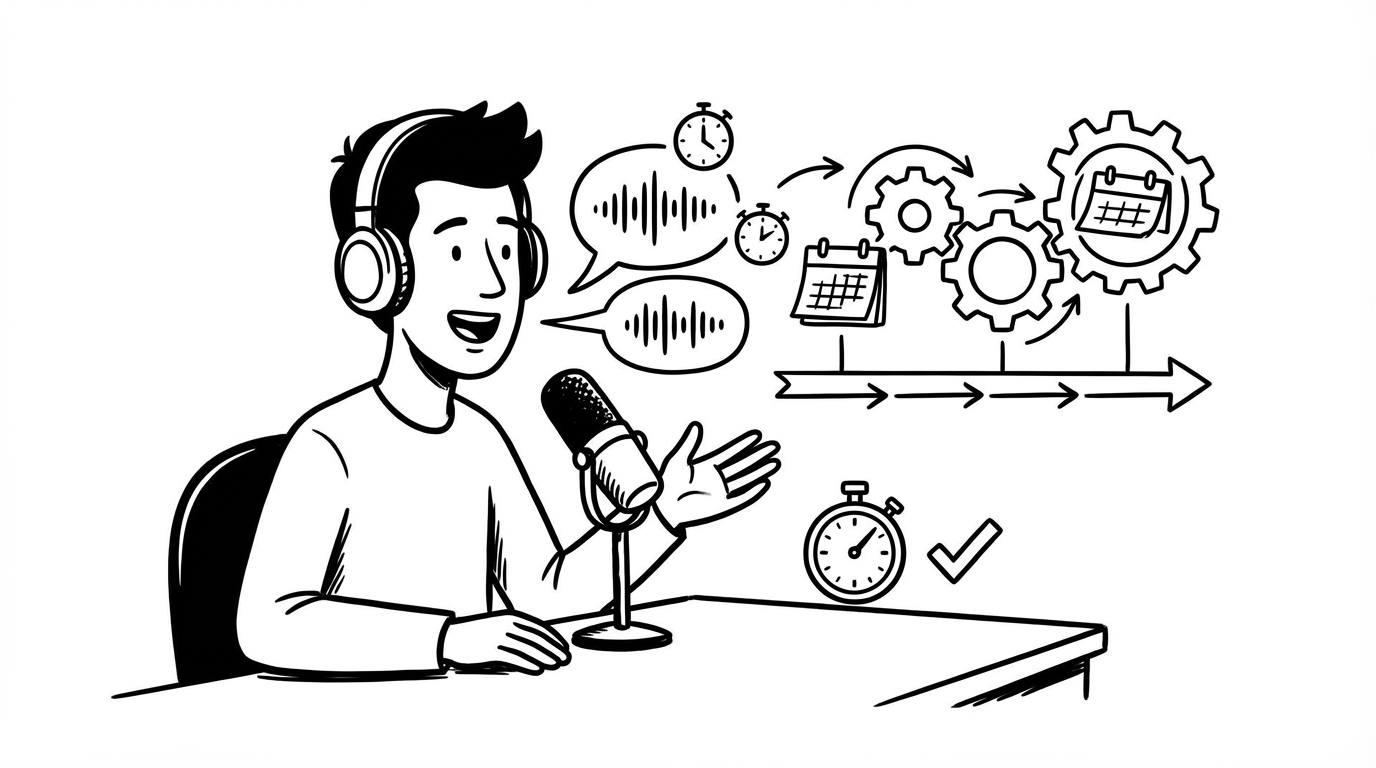
Voice dictation has always promised time savings, but most people have encountered enough clunky implementations to be skeptical. Fair. Let's look at the numbers honestly.
The Baseline: Typing vs. Speaking
The raw speed comparison: the average professional types at roughly 60–80 words per minute. The average person speaks at roughly 130–150 words per minute. That's a 2x speed advantage on words-per-minute, in theory.
In practice, the advantage is smaller, because dictation isn't purely about raw word production. There's setup time, review time, error correction time. The real question is whether total time-to-send (or time-to-done) is faster across real tasks.
A Breakdown of Common Work Tasks
Here's how dictation stacks up against typing for typical tasks, based on realistic time estimates:
Short email reply (50–80 words)
- Typing: ~60–90 seconds
- Dictation (SERP Transcribe): ~20 seconds to speak, ~15 seconds to review and fix
- Net time: ~35 seconds vs ~75 seconds. Dictation wins by about 2x.
Slack message (20–40 words)
- Typing: ~30–50 seconds
- Dictation: ~10 seconds to speak, ~5 seconds to review
- Net time: ~15 seconds vs ~40 seconds. Dictation wins, though the absolute time savings is small for any individual message.
Meeting notes capture (in real time)
- Typing notes while listening: significant divided attention, 10–15 words per minute in practice (you're also thinking)
- Dictation bursts: 5–10 seconds per capture, stays out of your way
- Net time: comparable, but dictation quality is higher because you're not distracted during capture
Long email or brief (300+ words)
- Typing: 4–6 minutes
- Dictation: ~2 minutes to speak, ~1 minute to review
- Net time: ~3 minutes vs ~5 minutes. Dictation wins by roughly 2 minutes per long email.
Post-meeting follow-up email
- Typing (composing from scratch): 5–8 minutes
- Dictation (speaking what you know): ~1–2 minutes total
- Net time: dictation wins significantly.
Where Dictation Doesn't Save Much Time
Honesty matters here. Voice dictation is not uniformly faster:
Very short inputs. A two or three word reply, a subject line, a quick username or URL — these are always faster to type. The overhead of triggering the hotkey and reviewing the output isn't worth it for tiny inputs.
Technical content with lots of exact strings. Code, command-line instructions, URLs, email addresses — these require precision that's hard to guarantee by voice, so the editing time often cancels out the dictation speed.
Editing existing text. Dictation is a drafting tool, not an editing tool. If you're revising something already written, the keyboard is faster.
Creative writing with lots of iteration. If you're the type who refines sentences heavily as you write, dictation adds friction because your revisions happen before you've produced anything.
The Weekly Time Math
For a typical knowledge worker, a realistic estimate of where dictation saves meaningful time:
- 20 email replies per day × 2 minutes each saved = 40 minutes/day
- 5 Slack threads per day × 30 seconds each saved = 2.5 minutes/day
- 2 meeting follow-ups per week × 5 minutes each saved = 10 minutes/week
- Daily notes/standup × 1.5 minutes saved = 7.5 minutes/day
Rough total: roughly 45–50 minutes per day, or about 3.5–4 hours per week saved for a heavy user.
That estimate will vary substantially based on how much you write in a typical day and which tasks you actually use dictation for. Someone who writes 50+ emails a day will see much larger savings. Someone who writes 10 will see proportionally less.
The Non-Time Benefits
There are also benefits that don't show up in time measurements:
Reduced cognitive friction. When you know what you want to say but typing it feels like work, that friction matters. Dictation removes it. The writing gets done instead of getting delayed.
Less physical strain. For people who write heavily, dictation reduces the repetitive keyboard strain that accumulates over hours.
Better first drafts. Speaking produces more natural, less stilted language than typing for many people. The output often reads better.
The Verdict
For most knowledge workers who write a significant amount — email, notes, messages, documents — voice dictation with a well-designed tool saves meaningful time. Not a dramatic transformation on day one, but a compounding efficiency that adds up over weeks and months.
The key variable is whether you build a real habit. Occasional dictation doesn't save much. Daily dictation across your common writing tasks is where the numbers become real.