Freelancers: Write Client Emails, Proposals, and Invoices Faster With Voice
The admin side of freelancing eats hours you should be billing. Here's how voice dictation handles client communication and paperwork in a fraction of the time.
SERP Transcribe Team
Product
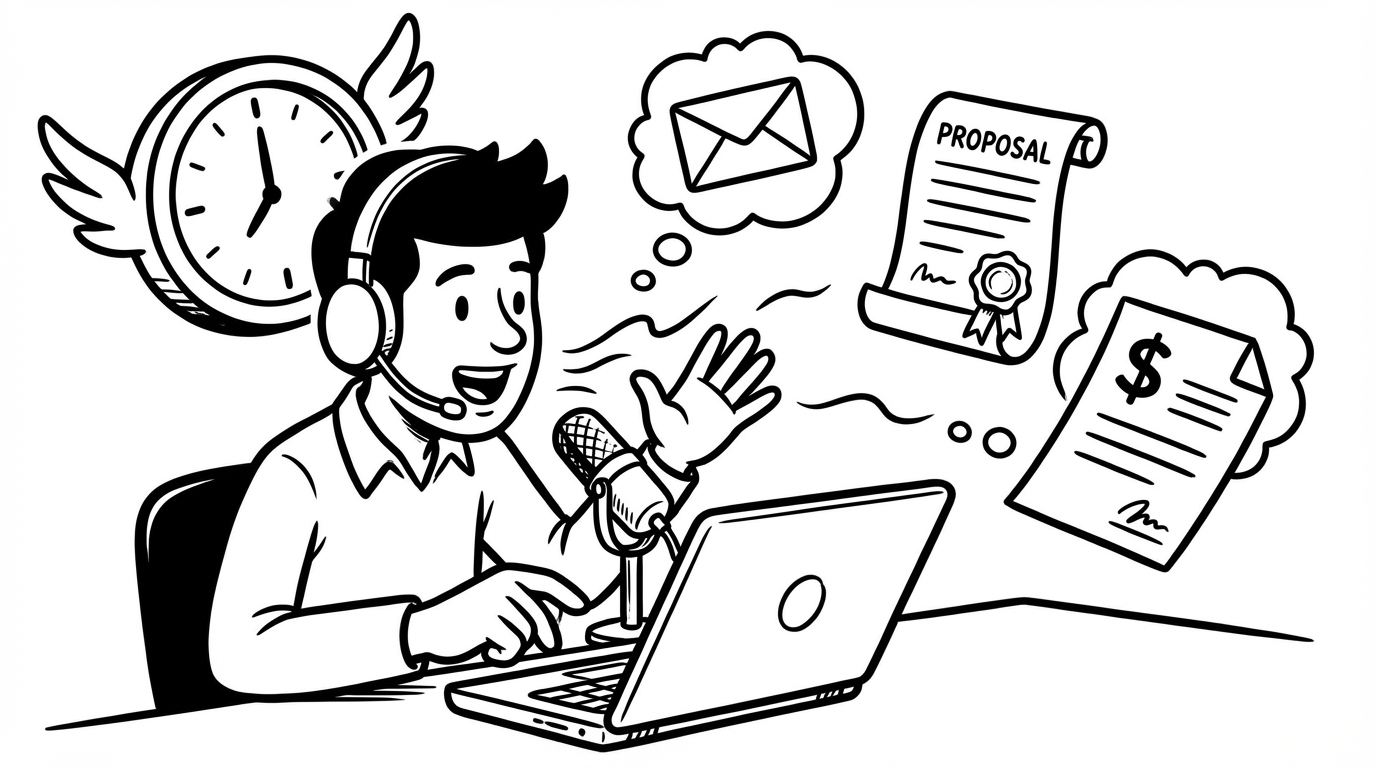
Freelancing has a dirty secret: a huge chunk of your working hours aren't billable. Client emails, project proposals, status updates, feedback responses, invoices with explanatory notes — all of it takes time, none of it pays directly, and all of it has to get done or the work dries up.
Voice dictation won't eliminate the admin. But it can cut the time you spend on it by more than half, which means more hours doing the work you actually get paid for.
Client Emails
Client communication is the highest-volume writing task most freelancers deal with. Proposals, project updates, revision requests, scope discussions, payment follow-ups — each one requires a slightly different tone and a clear, professional message.
The friction point isn't knowing what to say. It's sitting down and composing it properly. A project update email that would take 8 minutes to type can be dictated in 90 seconds:
"Hi James, quick update on the website project — I've finished the homepage and services page, both are in the shared folder for your review. The about page is about 70% done and I'm planning to have it to you by Thursday. One thing I wanted to flag: the logo file you sent over is quite low resolution and might not look great at full size on the hero image. Could you check if there's a higher-res version available? Happy to jump on a quick call if easier. Looking forward to your feedback."
Speak it, paste it, quick scan, send. The email that was sitting in your mental queue for two hours is done.
Proposals
Proposals are where most freelancers lose the most time. A well-written proposal can win or lose a project, which makes the blank page extra intimidating. The result is usually one of two failure modes: an under-written proposal that loses to a more polished competitor, or a proposal that takes an entire day to write.
Voice dictation solves this by separating the thinking from the writing. You already know what you want to say in a proposal — your understanding of the client's problem, your approach, why you're the right fit, and what it'll cost. You just have to get it out.
Dictate section by section:
The problem statement: "From our call last week, the main challenge you're facing is that your current website isn't converting visitors to leads — the contact form is buried and the messaging doesn't speak clearly to your target customer."
Your approach: "My approach for this project would be to start with a two-hour discovery session to understand your customer better, then redesign the key landing pages with clear hierarchy and a prominent call to action above the fold..."
Why you: "I've done similar conversion-focused redesigns for three e-commerce clients in the last year — I can share those case studies if useful — and my background in both design and copywriting means you won't need to hire separately for the words and the visuals."
Scope and pricing: Speak through the deliverables, timeline, and rate.
Each section in one burst. Paste into your proposal template, clean up the language, add any specifics. A proposal that normally takes three hours takes forty-five minutes.
Feedback Responses
Receiving client feedback and writing a considered response is another time sink that voice handles well. When feedback is difficult — pushback on your work, a request you disagree with, a scope creep ask — it's often the tone of the response that matters most, and typing a tense response under pressure produces stiff, defensive-sounding copy.
Speaking it produces something more natural. You explain your thinking the way you would on a call, which is usually more persuasive and less combative than the typed version.
Status Updates
Weekly or mid-project status updates are a necessary part of keeping clients confident in the work. Most freelancers let these slide because they feel like overhead. With voice, a status update is a 60-second dictation:
"Quick update for week two — the wireframes are done and I've uploaded them to the shared folder. I'm currently working through the visual design for the main screens. On track for the Friday delivery. One small thing: I'll need the brand guidelines PDF we discussed — if you can send that by Wednesday that would be great."
That email keeps the client informed, signals professionalism, and prevents the "just checking in, any updates?" message that wastes everyone's time.
Invoice Notes
Invoices themselves are formatted in billing software, but the accompanying note or email — explaining the work, the hours, the next payment milestone — is another short writing task that adds up over a month of clients.
Dictate it: "Hi Sarah, attached is invoice #12 for the brand identity work completed in February, totalling $3,200. This covers the logo design, colour palette, typography guide, and two rounds of revisions as agreed. The next milestone payment of $1,600 will be due on delivery of the final brand guidelines document, currently on track for March 15th. Let me know if you have any questions."
Thirty seconds. Professional. Done.
The Real Win: Less Context Switching
The biggest productivity gain for freelancers isn't any individual email — it's reducing the context switching cost of admin. Every time you stop doing billable work to write a client email, you pay a mental switching cost that makes it hard to get back into deep work. If the email takes 8 minutes, the full interruption cost (switching out, writing, switching back) might be 15–20 minutes.
When the email takes 90 seconds, the interruption cost shrinks dramatically. You can handle client communication in small windows throughout the day without it destroying your focus time.
That's the real math. Voice dictation doesn't just save writing time — it saves the attention cost that comes with it.