How Executives Use Voice Dictation for Email Triage
How senior leaders and busy professionals use voice dictation to clear their inbox faster — responding, delegating, and archiving at speaking speed without sacrificing quality.
SERP Transcribe Team
Product
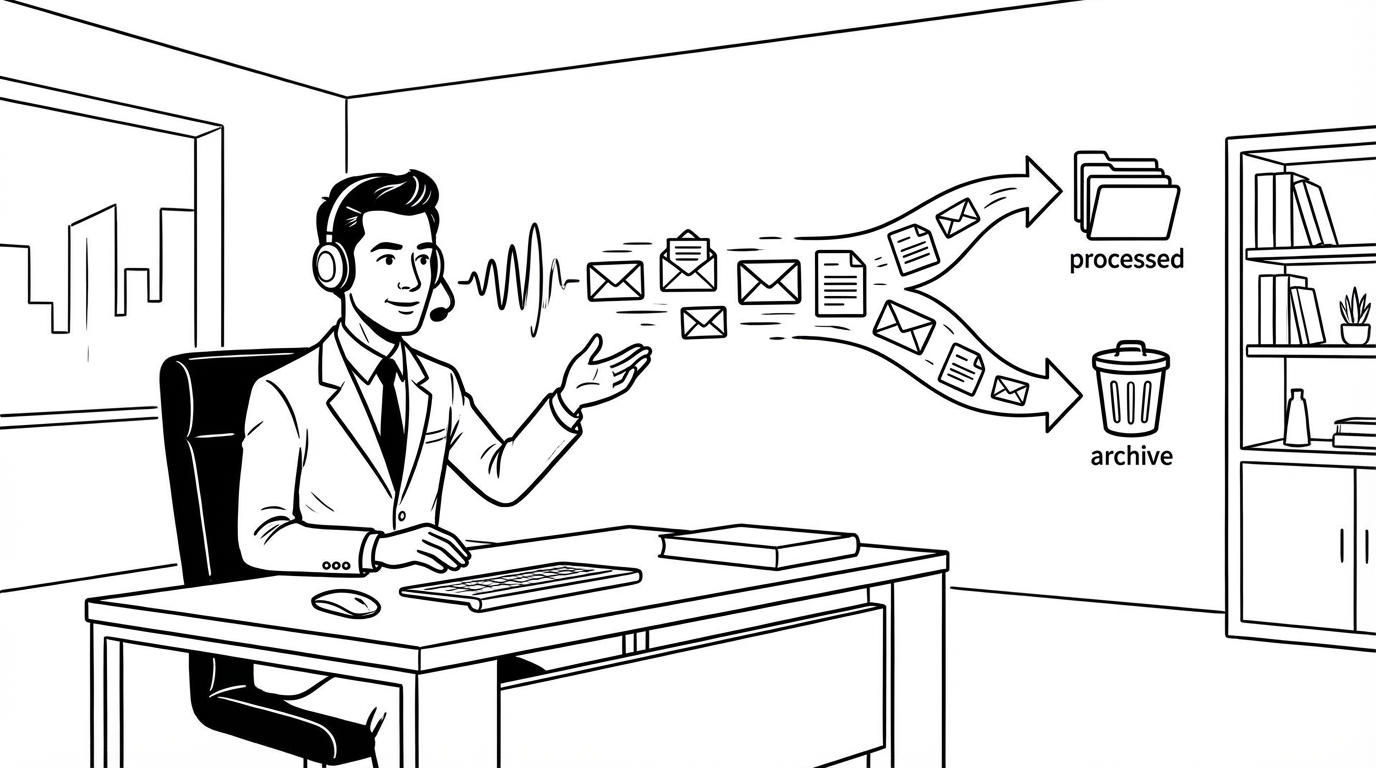
Email is where executive time goes to die. Research consistently finds that senior leaders spend two to four hours daily on email — a proportion of their working time that doesn't match its strategic value.
Voice dictation doesn't fix email culture. But it does meaningfully reduce the time cost of the one part of email that takes the longest: writing replies. Here's how executives use it as part of a triage workflow.
The Email Time Problem
Most of the time cost in email isn't reading — it's responding. A typical email triage session involves reading 30–50 messages and writing substantive replies to 10–15 of them. Those 10–15 replies, typed carefully, take 3–5 minutes each. That's 30–75 minutes of pure typing time, every day.
At senior levels, that writing time often gets compressed into the margins of the day — early morning, late evening, between meetings. The replies that get written under time pressure are rarely the best-considered ones. The replies that need care get deferred.
Voice dictation cuts the per-email writing time by 60–70% for most substantive replies. The 3–5 minute email becomes a 60-second email. The 30-minute triage block becomes a 10-minute one. That's not a marginal improvement.
The Triage Session Workflow
For a dedicated email triage block (morning, midday, or evening), the workflow with SERP Transcribe:
Read → categorize → respond → move on
- Read the email fully (don't rush this part — understanding it well means the reply is faster and better)
- Decide: respond now, delegate, defer, or archive
- For "respond now": click reply, hold hotkey, speak the response, release, paste, scan, send
- Move to the next email
The key is not interrupting the flow. Read, decide, respond, move. Voice dictation keeps the respond step from becoming the bottleneck that makes people batch their email into a long session rather than processing it in real time.
What Each Email Type Sounds Like by Voice
The brief acknowledgment: "Got it — this works for me. Confirmed for Tuesday at 2pm."
The delegation: "Thanks for flagging. Forwarding to [name] who owns this — [name], can you take a look and respond by end of week?"
The substantive reply: "A few thoughts on this. I think the proposal is directionally right but the timeline is too aggressive given where the team is right now. I'd suggest we push the launch to Q3 rather than Q2, which gives us time to do the proper testing and not repeat what happened last cycle. The core approach I support — let's discuss the timeline on Tuesday and I'll share my specific concerns then."
The decision email: "Approve. One condition: make sure legal has reviewed the terms before we execute. Loop in Sarah on legal. Otherwise move forward."
Each of these is 10–30 seconds to speak. Each would take 2–4 minutes to type at the level of care the subject warrants.
Dictating While Mobile
Executives often process email between meetings, in transit, or in brief windows between other work. SERP Transcribe is optimized for desktop use, but the approach applies on mobile too — using the built-in phone dictation (the mic icon on the keyboard) to speak replies when away from the desk.
The mobile dictation isn't as clean as SERP Transcribe's output, but the capture is fast and the cleanup on send is minimal for most replies. The important thing is getting the response written while the context is live.
For Replies That Need More Care
Some emails warrant careful, considered replies — sensitive communications, significant decisions, anything that will be forwarded or saved as a record. For these, dictation is still useful but the workflow is slightly different:
- Dictate a rough first pass — get the substance out
- Read it back
- Revise the keyboard pass more carefully than usual
- Read aloud one more time before sending
This is slower than the standard triage workflow but still faster than typing the careful reply from scratch. The dictation handles the structure and substance; the careful keyboard pass handles the precision.
Managing Reply Length
One side effect of dictation that some executives notice: replies get longer because speaking is easy. A question that deserves a three-sentence reply gets five paragraphs because speaking ten more sentences is effortless.
Keep a mental rule: one reply, one point. If your dictation starts covering multiple topics, stop and either split into separate replies or tighten the focus in your keyboard pass. Longer isn't better in executive email — the reader's time is also valuable.
The EA Collaboration Model
Executives who work with executive assistants have an additional workflow option: dictate the substance of a reply and have the EA finalize the formatting and send. This mirrors the traditional "executive dictates, assistant types" model but with voice-to-text handling the transcription instead of a human transcriptionist.
For high-volume executives, this model captures the speed benefit of dictation while keeping the EA's value-add on the editing and contextual judgment side.
Starting Small
If you're skeptical, try this: for one week, dictate every email reply over 50 words instead of typing it. Track the time. At the end of the week, look at how your email session lengths changed.
Most executives who run this experiment don't go back to full typing. The time is real, the quality is maintained, and the replies often sound more like the person writing them — which, at senior levels, matters more than most people realize.
Your email reply is often the first or only impression a person has of how you engage. A reply that sounds like you — thoughtful, direct, human — is a better version of the formal typed reply that often comes out when you're writing under time pressure.
Speak the reply. Send it. Keep moving.