How to Dictate Better Prompts for ChatGPT and Claude
Voice-to-text your AI prompts faster and get better results — techniques for speaking prompts that are clear, specific, and structured without typing a word.
SERP Transcribe Team
Product
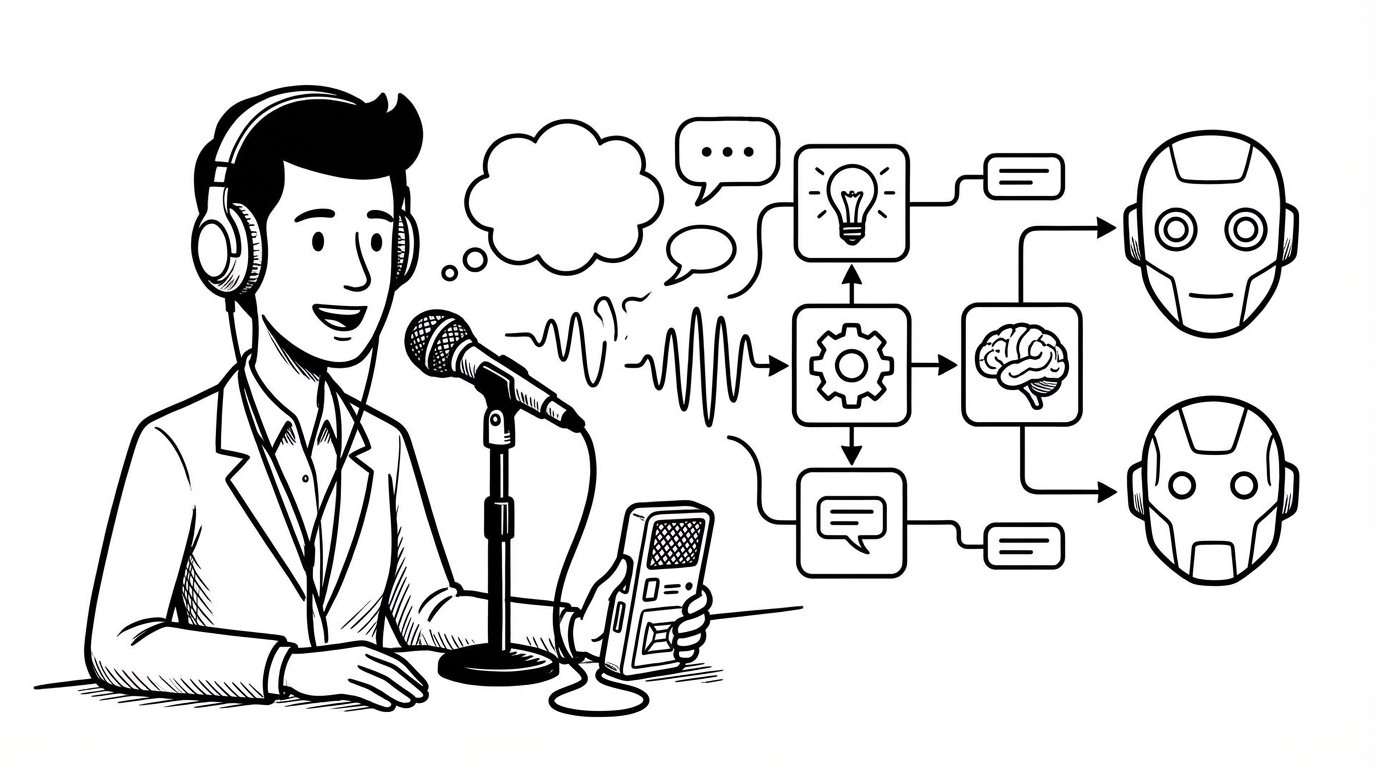
If you use AI tools like ChatGPT or Claude every day, your prompts are a bottleneck. Typing them takes time, and when you're in the middle of a thought, stopping to type a 100-word prompt kills your momentum.
Voice dictation fixes this — but speaking prompts well is a different skill from typing them. This guide walks you through how to dictate prompts that produce great AI output without sounding like a robot or writing an essay before you've started.
Why Dictated Prompts Often Underperform
When people type prompts, they naturally edit as they go — delete a word, rephrase a clause, tighten the framing. When people speak prompts, they often just... talk. And "just talking" tends to produce prompts that are:
- Too vague ("write me something about marketing")
- Too long with too little signal (lots of filler, minimal specifics)
- Poorly structured (context buried at the end, request unclear until the last sentence)
The fix isn't to speak differently — it's to use a light mental template that keeps your dictated prompts tight and effective.
The Prompt Structure That Works by Voice
A well-structured prompt has three components you can speak quickly:
- Role or context — who or what the AI should be for this response
- Task — what you want it to do
- Constraints or format — how you want the output shaped
In practice, this sounds like:
"You're a senior copywriter. Write a two-paragraph email pitch for a B2B SaaS product that tracks employee onboarding. Keep it direct, no fluff, end with a clear call to action."
That's a complete prompt, dictated in one natural burst. It took maybe 10 seconds to speak. The AI has role, task, and format — and the output will be dramatically better than "write me a sales email."
Speaking Specifics Without Overthinking It
The biggest improvement you can make to any prompt — typed or dictated — is adding specificity. But when speaking, people tend to stay abstract because specifics feel harder to articulate on the fly.
A simple trick: pause before you start and say the one most important detail out loud. What's the thing the AI most needs to know to get this right?
For a writing task: the audience and the tone. For a coding task: the language, framework, and the specific behavior you want. For an analysis task: the data you're giving it and the question you want answered.
Start with that detail, then add the request. You'll find the rest of the prompt flows naturally after you've grounded it.
Dictating Long-Context Prompts
For more complex tasks — detailed instructions, multi-step requests, prompts with background context — use a multi-burst approach with SERP Transcribe.
Burst 1: The context. Background, constraints, what the AI needs to know. Burst 2: The task. Exactly what you want it to produce. Burst 3: Format instructions. Length, structure, tone, any examples.
Paste each burst into the prompt field one at a time, then review the whole thing before submitting. This is faster than typing it all out and gives you natural breaks to make sure each section is clear.
Practical Templates for Common AI Tasks
Here are dictation-friendly templates you can adapt:
Content writing:
"Write a [format] about [topic] for [audience]. Tone is [adjective]. Length is [rough word count]. Include [key element] and avoid [thing to skip]."
Code generation:
"In [language/framework], write a function that [does what]. It should handle [edge case]. Return [output format]. Keep it clean, no unnecessary complexity."
Summarization:
"Summarize the following in [X] sentences. Focus on [key theme]. Write it as [bullet points/a paragraph/an executive summary]." Then paste the content to summarize after.
Editing and rewriting:
"Rewrite the following to be more [adjective]. Keep the core message but [specific instruction]. Match the tone of [reference if applicable]."
Voice Commands That Help With Prompts
When dictating structured prompts, a few voice commands make the output cleaner:
- Say "new line" between sections to create visual separation in the prompt
- Say "colon" when introducing a list or key element
- Say "quote" around any specific phrases or examples you want the AI to use verbatim
A Note on Prompt Iteration
One underrated workflow: dictate your first prompt, see the output, and then dictate a short follow-up. "Make it shorter," "add a CTA at the end," "rewrite the opening paragraph to be more direct." Short, spoken refinements are faster and more natural than trying to craft a perfect first prompt.
Most good AI output is the result of two or three exchanges, not one perfect prompt. Dictation makes those exchanges feel effortless — you're just talking to the AI the way you'd talk to a colleague.
That's where the real speed gain is.