How to Use Voice Transcription for Daily Writing (And Actually Stick With It)
A practical guide to building a daily voice-to-text writing habit with SERP Transcribe — from your first dictation to a full workflow you'll use every day.
SERP Transcribe Team
Product
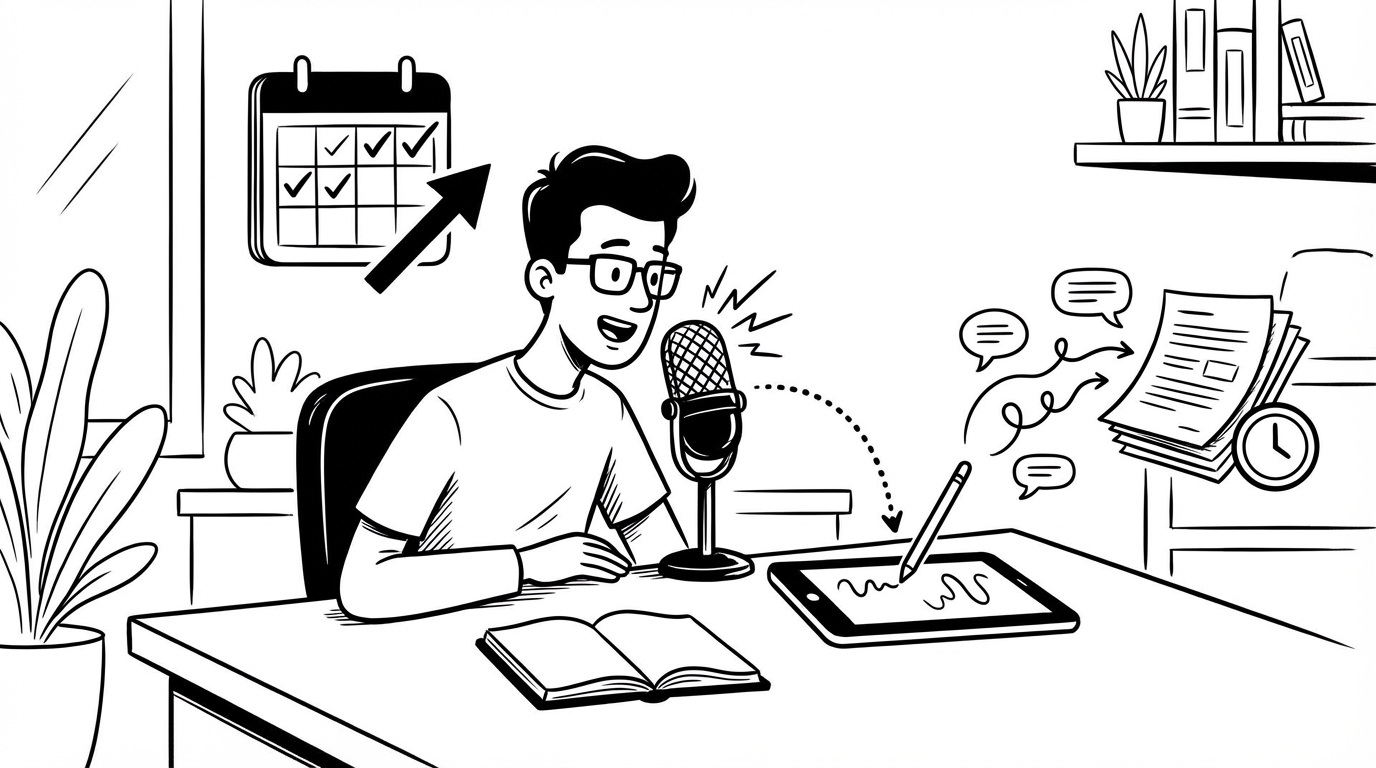
Most people try voice dictation once, stumble through it, and go back to typing. That's not a failure of the technology — it's a failure of how they approached it. Voice-to-text is a skill, and like any skill, it needs a ramp.
This guide will walk you through building a daily dictation habit that actually sticks, using SERP Transcribe as your tool.
Why Daily Writing and Dictation Go Together
When you write every day — emails, notes, standups, drafts — the bottleneck is rarely thinking. It's the translation from thought to text. You know what you want to say. You just have to type it.
Voice transcription eliminates that bottleneck. You speak at roughly 130–150 words per minute. You type at maybe 60–80. That gap is where your day goes.
The problem is most dictation tools feel like a ceremony. You open an app, configure a session, dictate into it, and then paste the result somewhere else. SERP Transcribe is different: you hold a hotkey, speak, release, and the text is ready to paste into whatever you already had open. No switching apps. No session setup.
Start Small: The Three-Bursts Rule
The worst mistake beginners make is trying to dictate long stretches of content right away. Your brain hasn't learned to compose verbally yet — it's still wired for typing.
Start with the three-bursts rule for your first week:
- Dictate your morning standup update (2–3 sentences)
- Dictate one email reply per day
- Dictate one Slack or chat message
That's it. Three short bursts. You're training two things simultaneously: your comfort with speaking into a mic, and your confidence that the output will be good enough to use.
After a week of this, short dictations will feel completely natural. You can start expanding from there.
Building Your Daily Workflow
Once three-bursts feels easy, build a lightweight workflow around it.
Morning (5–10 minutes): Dictate your daily priorities into your notes app. Don't worry about perfect phrasing — just get it out. Something like: "Today I need to finish the onboarding doc, follow up with the Acme proposal, and prep questions for the 3pm call." That's a full daily plan in one short burst.
During the day: Use SERP Transcribe for any reply or message longer than a sentence or two. Email replies are especially good candidates — you already know what you want to say, typing is just friction.
End of day: Dictate a short log. What you shipped, what's blocked, what carries over. Two minutes of dictation beats five minutes of typing, and the act of speaking it aloud helps you process the day.
What to Dictate vs. What to Type
Dictation isn't better for everything. Here's a quick framework:
Dictate: Email replies, Slack messages, meeting notes, draft content, daily logs, support tickets, any time you're composing from scratch and know what you want to say.
Type: Short commands, URLs, precise code, things that require visual formatting as you go, edits to existing text.
The general rule: if you're composing from thought, speak it. If you're editing or navigating, use the keyboard. SERP Transcribe is designed for exactly this split — dictate in bursts, then do a quick keyboard pass to clean up.
Dealing With Mistakes and Corrections
Early on, you'll hit transcription errors. Words get garbled, punctuation lands wrong, filler words slip in. Here's how to handle it without breaking flow:
Don't correct mid-burst. Finish the burst, paste, then edit. Stopping mid-sentence to fix a word kills your momentum and makes the whole thing feel clunky.
Speak the punctuation when it matters. If you want a clear sentence break, say "period" or "full stop." SERP Transcribe handles natural punctuation well, but being explicit helps when you need precision.
Accept ~95% accuracy. A sentence with one wrong word that you fix in two seconds is still faster than typing the sentence from scratch. Perfection isn't the goal — speed is.
The One-Week Ramp
Here's a structured first week:
| Day | Goal |
|---|---|
| 1–2 | Three bursts only (standup, 1 email, 1 message) |
| 3–4 | Add daily priority dictation each morning |
| 5–6 | Dictate all email replies during the day |
| 7 | Full-day trial: dictate everything except edits |
By day 7, most people are surprised how natural it feels. The voice-to-text gap closes quickly once you've got reps.
One Last Thing
The writers and professionals who stick with voice dictation long-term share one thing in common: they stopped thinking of it as a "voice tool" and started thinking of it as just how they write. The mic is the keyboard. The hotkey is the enter key.
That mental shift — treating dictation as your default first-draft mode — is what makes it a permanent workflow upgrade instead of an experiment.
Start with three bursts tomorrow morning. See how it feels.