Job Seekers: Write Cover Letters and LinkedIn Messages Faster With Voice
Job searching involves a huge amount of writing. Voice dictation makes cover letters, outreach messages, and interview prep faster so you can apply to more and stress less.
SERP Transcribe Team
Product
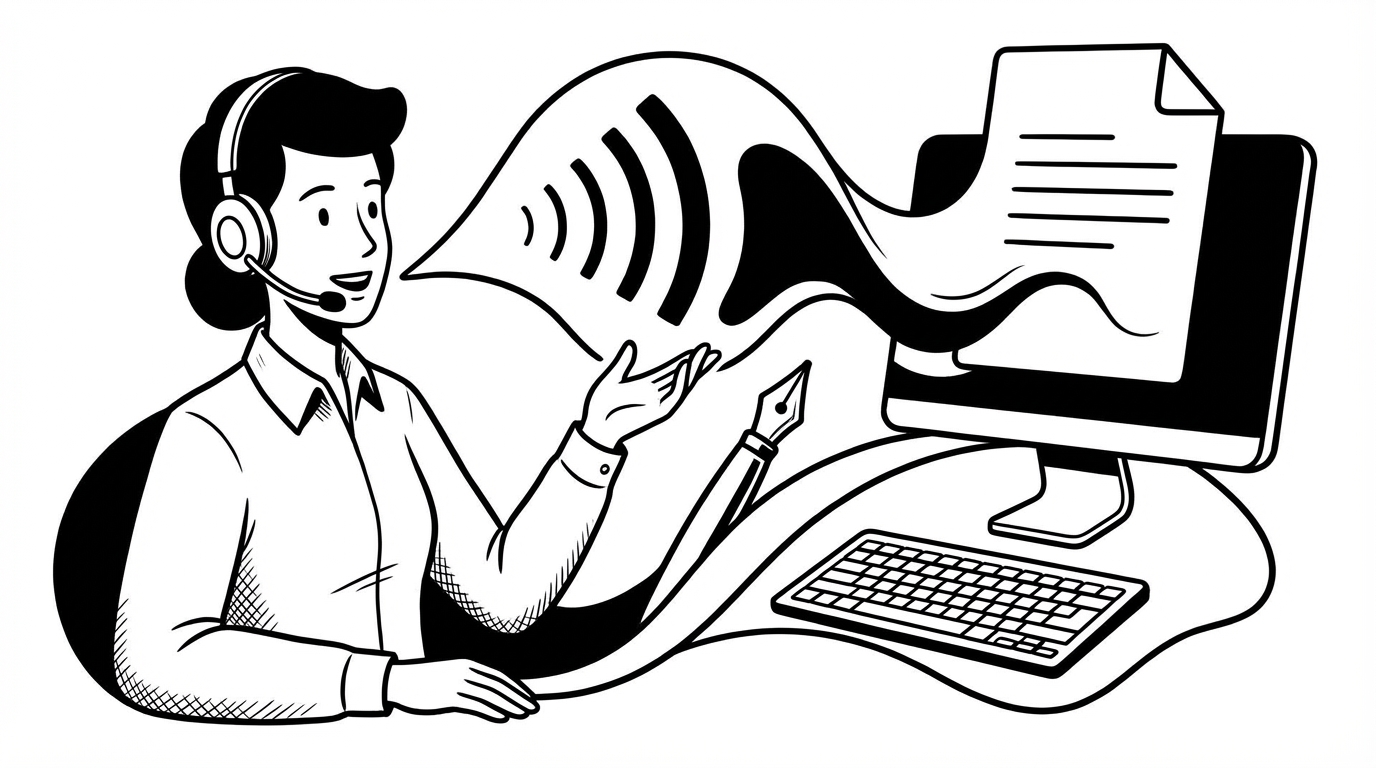
Job searching is exhausting, and a big part of why is the writing. Every application needs a tailored cover letter. Every interesting LinkedIn profile needs a thoughtful connection message. Every interview needs prep. Multiply that by dozens of applications and it becomes a part-time job in itself.
Voice dictation doesn't get you the job. But it does significantly reduce the time each application takes, which means you can apply to more roles, write better messages, and have more energy left over for the actual conversations.
Cover Letters
Cover letters are the most dreaded writing task in the job search process. The blank page, the pressure to be both professional and personable, the need to customize for every role — it all adds up to something people procrastinate on heavily.
The problem is usually not that you don't know what to say. It's that you can't find the words while staring at a blinking cursor. Speaking removes that block.
The dictation approach for cover letters:
Before you open a document, ask yourself: if a friend asked you why you want this job and why you'd be good at it, what would you say? Then hold your hotkey and say exactly that. Out loud. Conversationally.
"I've been doing content strategy for about four years now and the thing I've always found most interesting is the intersection of SEO and editorial quality — how to write things that rank without writing things that feel like they were written to rank. That's actually what drew me to this role specifically, because from what I can see, that tension is exactly what your team is working on..."
That's the beginning of a real cover letter. It sounds like a person, not a template. Paste it, clean up the language, structure it properly — but the hardest part (saying something genuine) is done.
The key insight: The best cover letters read like someone explaining why they want the job, not like someone performing enthusiasm. Speaking naturally gives you the former. Typing carefully tends to produce the latter.
Customizing for Each Role
The fastest way to customize a cover letter by voice:
- Keep a base version of your cover letter in a doc
- For each application, dictate a one-paragraph "why this company/role specifically" section
- Paste it into the relevant spot in your base letter
- Done in 90 seconds
That customization paragraph is what actually differentiates your application from the generic one. It's also the paragraph most people skip because it takes time. Voice makes it fast enough to do every time.
LinkedIn Connection Messages and InMails
LinkedIn outreach has a reputation for being generic and ineffective, mostly because most messages are generic and ineffective. "I'd love to connect and explore synergies" has never worked for anyone.
The messages that work are specific and genuine. They reference something real about the person, explain briefly why you're reaching out, and make a small, easy-to-say-yes-to ask.
Dictating these makes them more likely to hit that mark because speaking naturally produces specific and genuine language. You're talking to a person, not drafting a business communication.
"Hi Emma — I came across your post about the transition from agency to in-house strategy and it described almost exactly where I am in my career right now. I'm currently exploring that move and would love to hear how you navigated it if you have 20 minutes sometime."
Speak it, paste it, send it. An outreach message that might have taken 10 minutes of careful typing takes 30 seconds.
Interview Preparation
Preparing for interviews by voice is both useful and a little underrated. Speaking your answers out loud — to a wall, a mirror, or a notes doc — is much better practice than reading them silently.
How to use SERP Transcribe for interview prep:
- Write out a list of expected questions (type these — they're short)
- For each question, hold the hotkey and speak your answer out loud as if in the interview
- The transcription captures your answer as text
- Read back what you said — does it hang together? Is it too long? Does it actually answer the question?
- Revise by dictating again
This is active practice, not passive reading. You're training your brain to produce the answer verbally, which is exactly the skill you need in the actual interview. The transcription gives you a written record to review.
Thank-You Emails After Interviews
Thank-you emails after interviews are widely recommended and widely skipped because they require finding energy and time right after an already draining conversation. Voice makes this fast enough to actually do.
While the interview is still fresh, hold your hotkey and speak: "Thanks so much for taking the time today — really enjoyed learning more about the team's approach to X. The conversation about Y in particular was interesting, it lines up closely with what I worked on at my last role. Looking forward to the next steps."
Paste, clean up, send before you've left the building. The interview is still fresh, the personalization is genuine, and you've checked a box that most candidates skip.
The Volume Problem
Job searching is a numbers game to some extent — more applications, more chances. Voice dictation means each application takes less time, so the same hours produce more applications without the quality dropping.
When cover letters take 20 minutes to write, you write fewer of them. When they take 5 minutes, you write more — and they're often better, because they sound like you.