Multilingual Dictation: Best Practices With SERP Transcribe
How to get accurate results when dictating in multiple languages, switching between them, and handling mixed-language content with SERP Transcribe.
SERP Transcribe Team
Product
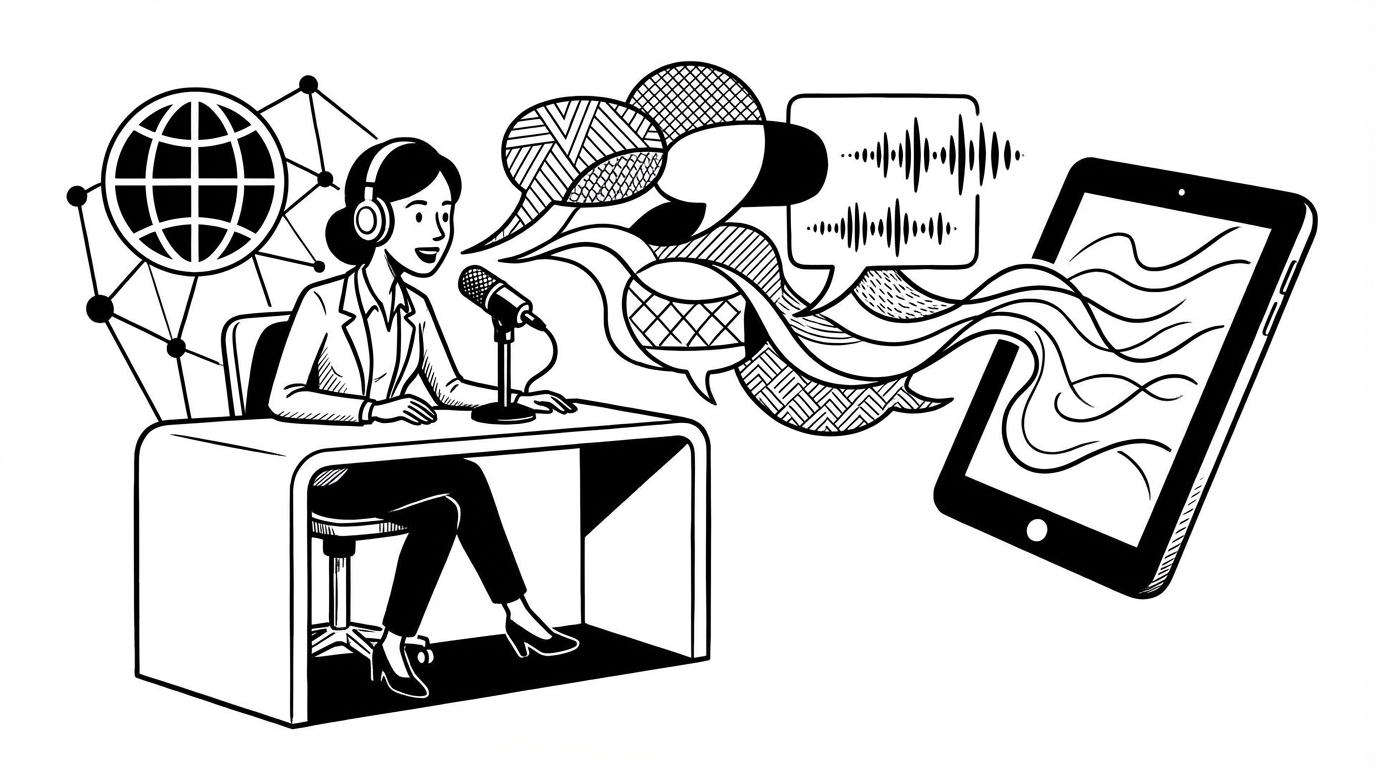
Voice dictation for multilingual users comes with a specific set of challenges that monolingual users rarely think about. Accents, code-switching, mixed-language content, and language detection — all of these affect accuracy in ways that aren't obvious until you're in the middle of a workflow.
This guide covers the practical reality of multilingual dictation and how to get the best results with SERP Transcribe.
Language Detection: How It Works
SERP Transcribe uses AI-powered speech recognition that detects your language based on what you're speaking, rather than requiring you to pre-select a language before each recording.
In practice, this works well for sustained speech in a single language. It can be less reliable for very short bursts (a word or two), heavy accents in languages the model has less training data for, or when you begin speaking in one language and the model has already committed to another.
If you find your language isn't being detected correctly, try starting your burst with a clear, complete sentence rather than a fragment — longer context gives the model more to work with.
Non-Native English Speakers
A significant portion of SERP Transcribe users speak English as a second or third language. A few things are worth knowing:
Accents rarely cause major problems. Modern speech recognition handles a wide range of English accents reasonably well. You may see more errors with specific sounds your accent produces differently from the training data, but the overall accuracy for professional-level English is generally good.
Regional vocabulary and spelling vary. If you're writing in British, Australian, or other regional English, the transcription output defaults to standard spellings. You may need to correct specific spellings (like "colour" vs "color") if regional accuracy matters for your audience.
Technical or domain-specific vocabulary is the trickier part. Words like product names, company names, or specialized jargon are more likely to be transcribed incorrectly regardless of accent. Build a habit of scanning these specifically in your review pass.
Code-Switching: When You Mix Languages
Many multilingual speakers naturally mix languages mid-sentence or mid-paragraph — a phenomenon called code-switching. This is one of the harder cases for voice transcription.
Some practical strategies:
Dictate in one language at a time when possible. Even if you think in a mixed way, completing a sentence in one language before switching to another tends to produce better results than switching mid-clause.
Accept that code-switching accuracy will vary. No current AI transcription system handles mid-sentence language switching as well as it handles consistent single-language speech. Review code-switched content more carefully.
Use separate bursts for different languages. If you need to produce text in two languages (bilingual documents, instructions for different audiences), use separate dictation bursts for each language section. This gives the model a clean context for each language.
Writing in a Language That's Not Your First
Some professionals dictate in a language they're fluent in but didn't grow up speaking. This raises a specific issue: transcription accuracy can be high even when your spoken production has errors, because the AI corrects toward what it expects rather than what you said. This can be helpful (fixing small grammar mistakes) or unhelpful (changing what you intentionally said).
In practice:
- Review your output more carefully for this use case
- Shorter bursts tend to produce more faithful transcription (less "correction")
- For highly precise content, a keyboard pass is especially important
Tips for Better Multilingual Accuracy
Speak clearly and at a moderate pace. This is true for any dictation but especially for non-primary languages where the model may have less exposure to your specific accent-language combination.
Use a quality microphone. Audio clarity matters more when the model is working harder to distinguish language and accent. An external mic or a quality headset makes a noticeable difference.
Be consistent with language per session. If you're doing a long dictation session in Spanish, stay in Spanish throughout. Mixed sessions add ambiguity the model has to resolve, and it doesn't always resolve it correctly.
Check proper nouns and names carefully. Names of people and places often look similar across languages but may be spelled differently. The transcription will often default to the most common version it knows, which may not be the one you want.
When to Use a Keyboard Pass
For multilingual content, the keyboard review pass isn't optional — it's essential. Set the expectation for yourself that dictated multilingual content gets reviewed before it goes anywhere. That habit will catch the small percentage of errors that accumulate and ensure your output is as accurate as your thoughts.