Podcasters and YouTubers: Script Episodes and Write Show Notes by Voice
Audio and video creators already think in spoken words. Using voice dictation to script episodes, outline content, and write show notes is the most natural workflow fit there is.
SERP Transcribe Team
Product
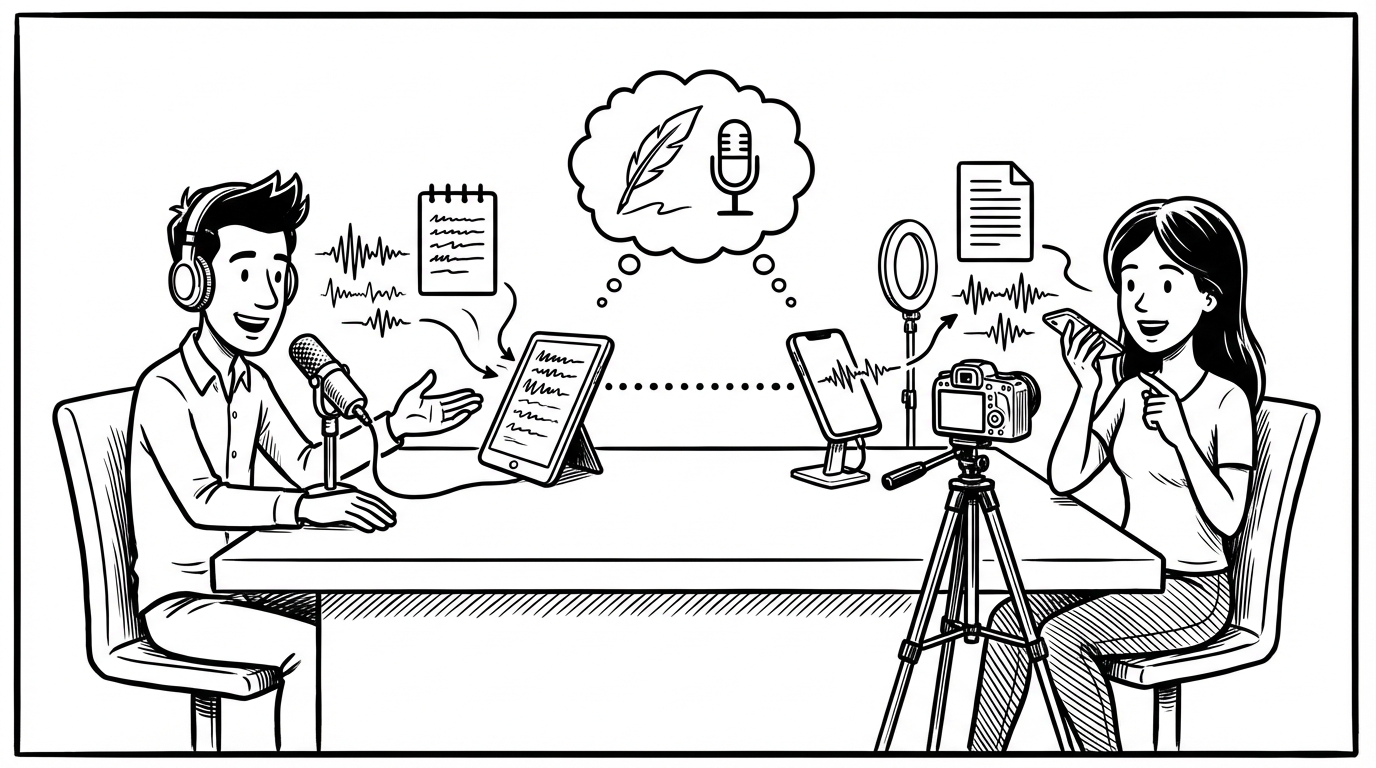
Here's an obvious thing that somehow gets overlooked: podcasters and YouTubers are people who communicate by speaking. Their whole output is spoken word. And yet most of them sit at a keyboard and type their scripts, outlines, and show notes when they could be speaking them.
Voice dictation is a natural fit for audio and video creators in a way it isn't for everyone. You already think in spoken language. The transcript is just capturing what's already happening in your head.
Scripting Episodes by Voice
Whether you script your episodes fully or work from a loose outline, speaking your first draft is almost always faster than typing it — and the output usually sounds more like how you actually talk, which matters a lot when it gets converted back to speech.
For fully scripted content:
Hold your hotkey, speak the segment, paste. You're not performing — you're just thinking out loud in the direction of the episode. The script doesn't need to be perfect on the first pass. You'll edit it, then record from the edited version.
A 10-minute segment might take 8 minutes to speak out rough and 5 minutes to clean up. That same segment might take 30 minutes to type because you're composing and editing simultaneously.
For outline-style creators:
Speak your talking points rather than writing them. "Intro — hook with the stat about X, then set up the problem. First point: Y. Back this up with the study from Z. Transition to second point by asking the question — what does this mean for the average person listening? Second point..."
Speaking an outline takes a fraction of the time typing it does, and the outlining phase is often where creators get stuck and procrastinate. Voice removes the friction.
The "Think Out Loud" Episode Prep Method
Before recording a new episode, spend 5–10 minutes holding your hotkey and just talking through the topic as if you're explaining it to a friend. Don't try to be good. Just speak.
"Okay so this episode is about the sunk cost fallacy and why it's harder to avoid than people think. The standard explanation is that you keep investing in something because you've already invested in it, which is irrational. But I think there's something missing in that explanation which is the social dimension — the reason it's so hard to quit isn't just the investment, it's what quitting says about you..."
That's an episode in rough form. The ideas are there, the angle is there, the voice is there. Now you clean it up, structure it, and record. The thinking-out-loud phase is usually the hardest part of episode prep, and voice makes it zero-friction.
Show Notes
Show notes are consistently the most neglected part of podcast production. They take time, they happen at the end of a production cycle when you're already tired of the episode, and their value (SEO, accessibility, the written summary for people who want to skim) is real but delayed.
Voice makes show notes a 5-minute task instead of a 20-minute one.
Right after you finish recording, while the episode is still fresh, hold your hotkey and speak: "Episode summary: we covered the sunk cost fallacy, specifically why the social cost of quitting is often higher than the financial cost of continuing. Key points: the standard definition, the social dimension I think gets overlooked, the three signals that tell you you're in a sunk cost trap, and practical steps for extracting yourself. Guest was Dr. Sarah Williams, behavioral economist at Stanford. Links to mention: her book, the study we referenced, the article in the Atlantic."
That's your show notes first draft. Paste it, format it into your template, add the timestamps and links. Done.
YouTube Descriptions and Titles
YouTube descriptions work differently than show notes but the same voice workflow applies. Speak through what the video covers, why it matters, and what the viewer will get from watching. Paste, optimize for search (the keyboard pass), finalize.
For titles, voice is less useful — good YouTube titles require iteration and precision that typing handles better. But descriptions, chapter markers, and pinned comments are all good dictation candidates.
Transcripts
Some creators publish full transcripts of their episodes or videos for accessibility and SEO. If you recorded audio, you don't need to dictate a transcript — use an AI transcription service for that. But for creator blog posts that expand on an episode topic, or "written version of this video" companion content, dictating the content is faster than typing it.
Hold the hotkey, speak the expanded version of your main points as if writing an article, paste, clean up. A companion blog post that would take two hours to write from scratch takes 30 minutes when you speak the first draft.
The Creator Who Speaks vs. The Creator Who Types
The creators who produce the most consistently are almost always the ones who've reduced the friction between having an idea and getting it out. Voice dictation removes one of the biggest friction points — the transition from thinking in spoken language to producing in typed language.
You already live in spoken language. Stop translating.