Privacy and Security: How SERP Transcribe Handles Your Voice Data
What actually happens to your audio when you use SERP Transcribe — how data is handled, what's stored, and what you should know before using it with sensitive information.
SERP Transcribe Team
Product
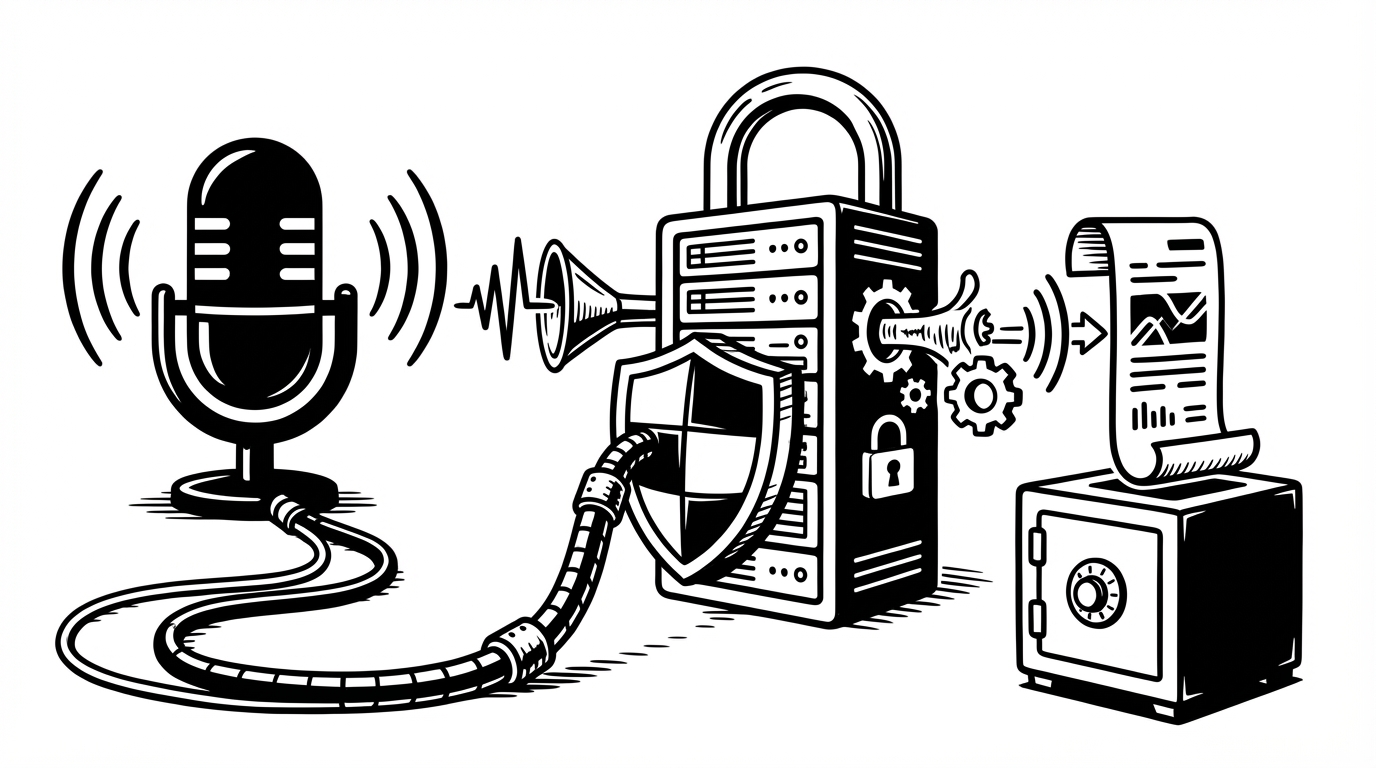
When you use any voice tool, a reasonable question is: what happens to the audio? It's your voice, your words, your content. You should know exactly how it's handled.
This post explains how SERP Transcribe approaches privacy and data handling, and answers the questions we hear most often from users before they trust a dictation tool with real work.
Push-to-Talk Means You Control When It Listens
The foundation of SERP Transcribe's privacy model is push-to-talk. SERP Transcribe is not always-on. It does not monitor your microphone continuously. It captures audio only when you are actively holding the hotkey — and it stops the moment you release it.
This is a meaningful design choice. "Always-listening" assistants (like some voice-activated smart speakers or ambient dictation tools) capture audio continuously, which introduces questions about what happens to audio captured when you didn't intend to speak. With push-to-talk, there's no ambient capture. You hold the button, you speak, you release. That's the only audio that's ever captured.
What Happens to Your Audio
When you hold the SERP Transcribe hotkey and speak, your audio is sent to a speech-to-text service for transcription. The resulting text is returned to your device and placed in your clipboard, ready to paste.
We don't sell your content. We don't build user profiles from your transcription content. The focus is on one job: turning your speech into paste-ready text.
For specifics on data retention windows, storage locations, and third-party processors, please refer to the SERP Transcribe Privacy Policy. If you have questions about how data is handled in an enterprise context, the Enterprise tier includes security review support.
What's Not Stored or Shared
SERP Transcribe is built to do one job well: fast, push-to-talk dictation. It doesn't record ambient audio, it doesn't log your clipboard content over time, and it doesn't analyze your transcriptions to serve you ads or recommendations.
Considerations for Sensitive Content
For most daily work — email replies, meeting notes, task descriptions, drafts — standard consumer privacy practices are appropriate. But if you work with content that has stricter requirements — healthcare records, legal documents, financial data, confidential client information — a few additional questions are worth asking before using any dictation tool:
Where is transcription processed? Cloud-based transcription means audio leaves your device. For most content, this is fine. For regulated data, you'll want to review the relevant compliance documentation.
Does your organization have a dictation tool policy? Many enterprise organizations have policies about third-party tools used for work content. Check with your IT or security team if you're unsure.
Is there an on-premise or local processing option? SERP Transcribe currently uses cloud-based transcription. If local-only processing is a hard requirement, the Enterprise tier is the right conversation to have.
Practical Guidance
For the vast majority of SERP Transcribe users — professionals using it for daily writing, email, notes, and communication — the privacy model is straightforward and appropriate. Push-to-talk recording, no ambient capture, content used only for transcription.
If you have specific compliance requirements or handle particularly sensitive categories of data, contact us before using SERP Transcribe for that content. We'd rather help you make an informed decision than have you discover a constraint after the fact.
The Short Version
SERP Transcribe only records when you're holding the hotkey. Audio is used to produce your transcription and isn't sold or used for advertising. We focus on doing one thing well and handling your data with straightforward, practical care.
For detailed terms, see the Privacy Policy and Terms of Service.