Push-to-Talk vs Always-Listening Dictation: Which Is Right for You?
Some dictation apps listen constantly. Others only capture when you hold a key. The difference matters more than you might think for privacy, accuracy, and daily usability.
SERP Transcribe Team
Product
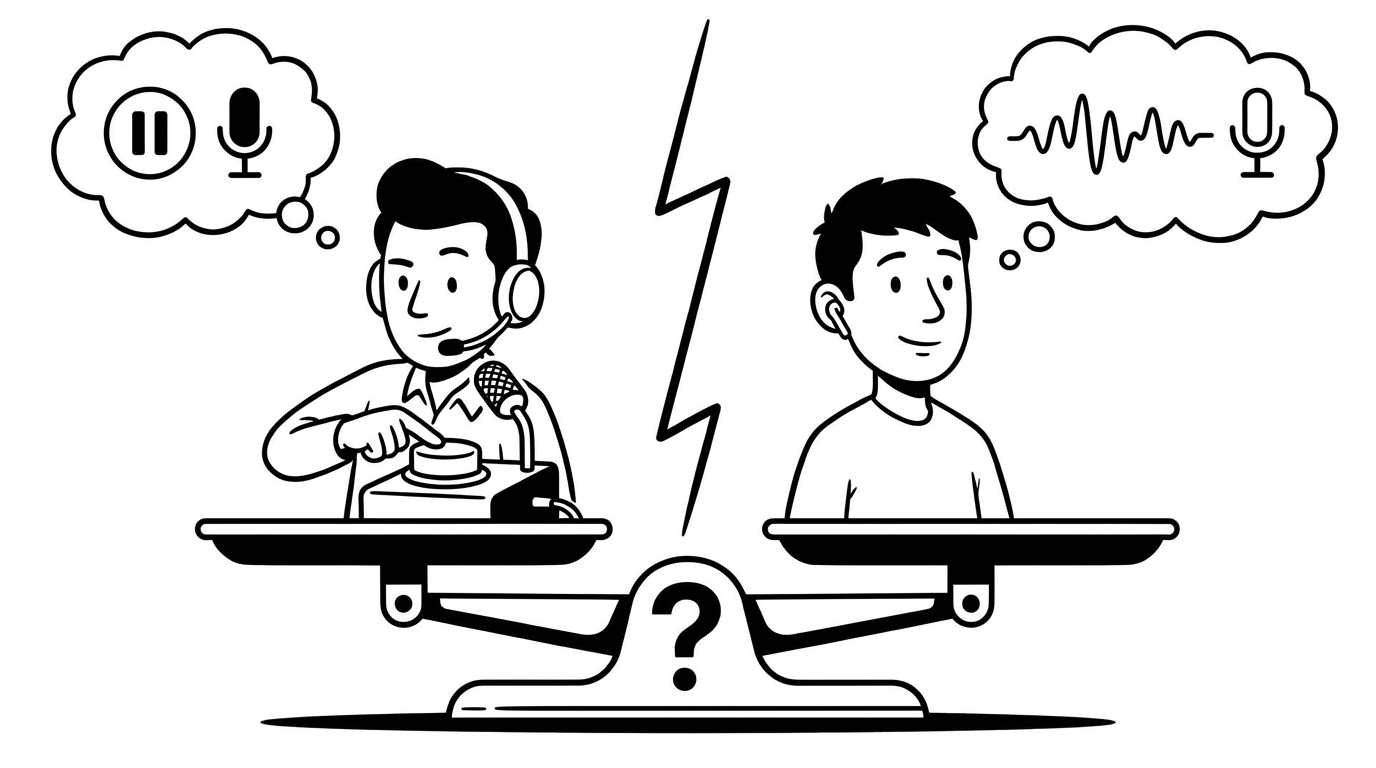
When you're comparing dictation apps, one of the first decisions you'll encounter is the activation model: push-to-talk, where you hold a key to record, versus always-listening, where the app captures audio continuously and transcribes when you speak.
Both work. They feel very different in practice. Here's what actually matters when choosing between them.
How Push-to-Talk Works
With push-to-talk (PTT), you hold a hotkey — typically a key combination like Ctrl+Shift+Space or just Fn — while you speak. When you release, the audio is processed and the text appears. Nothing is captured when you're not holding the key.
This is the model SERP Transcribe uses.
How Always-Listening Works
With always-listening dictation, the app runs in the background with your microphone open. When you start speaking in a recognized pattern (or after a wake word, or just continuously), it transcribes. You don't press anything — you just talk when you want to input text.
Google's voice typing, some modes of Dragon, and certain AI dictation tools use variations of this model.
Privacy: A Meaningful Difference
This is where the two models diverge most significantly.
With push-to-talk, your microphone is only active when you're intentionally holding the key. Your background conversations, your phone calls, your household sounds, your private moments — none of it is ever captured. The system is physically incapable of recording anything you didn't intend to dictate.
With always-listening, the microphone is open continuously. Most reputable apps process audio locally or have strict privacy policies, but the fundamental architecture means audio is being analyzed constantly. For professionals handling confidential information — legal, medical, financial, therapeutic — this distinction matters legally and ethically, not just personally.
Push-to-talk is the privacy-safe choice by design, not just by policy.
Accuracy and Noise Handling
Push-to-talk has a practical accuracy advantage: the system only processes intentional speech. Background noise, side conversations, TV in the background, the dog barking — none of it confuses the transcription because the microphone is off when you're not actively dictating.
Always-listening systems have to filter ambient sound continuously, which is technically harder and more error-prone, especially in noisy environments.
Natural Speech vs Intentional Bursts
Always-listening feels more natural to some users — you just talk, no button to hold. For hands-free situations or users with mobility limitations, this is a genuine advantage.
Push-to-talk requires the habit of holding a key, which feels slightly unnatural at first. Most users adjust within a week and report preferring it — the key press is a natural signal to your brain that you're switching to voice input, similar to how pressing send on an email feels satisfying as a completion signal.
The key-hold also encourages speaking in intentional bursts — one thought at a time — which actually produces better transcription and more organized output than open-ended continuous speech.
Workflow Fit
Push-to-talk is better for:
- Office environments or shared spaces where an always-on mic would be awkward
- Professionals handling confidential information
- Users who want to mix typing and voice fluidly throughout the day
- Most knowledge work: emails, messages, notes, documents
Always-listening is better for:
- Hands-free use cases (mobility limitations, physical tasks)
- Users who want to dictate extended documents without stopping
- Situations where holding a key throughout the session is impractical
Our Take
For the majority of everyday knowledge work — the emails, Slack messages, documents, and notes that make up most people's writing day — push-to-talk is simply the better model. It's more private, more accurate in real environments, and more natural once you build the habit.
Always-listening has its place, particularly for accessibility use cases. But for a professional who wants fast, reliable voice input across all their apps without worrying about what their mic is picking up, push-to-talk is the right architecture.