Remote Workers: Handle Async Messages and Updates Without Living in Your Inbox
Remote work means more written communication than ever. Voice dictation helps you stay on top of Slack, email, and async updates without spending your whole day typing.
SERP Transcribe Team
Product
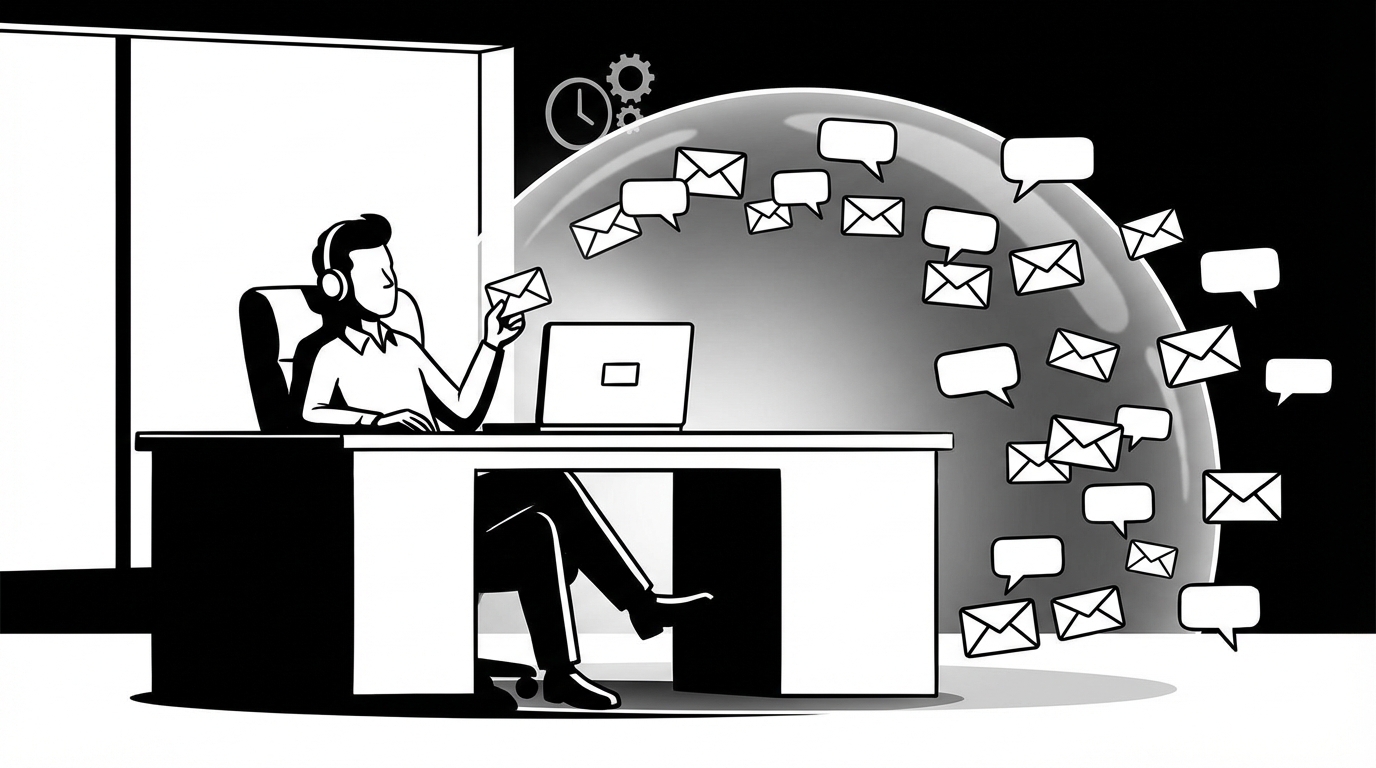
Remote work promised flexibility and delivered a new problem: everything is written now. Conversations that used to happen in passing — the quick question at someone's desk, the five-minute hallway catch-up — now require a Slack message, a written update, an email. The volume of writing a remote worker produces in a day would have seemed absurd to the same person working in an office.
Voice dictation is one of the most practical tools for remote workers specifically because the sheer volume of async writing is so much higher than it used to be.
The Remote Worker's Writing Problem
In a typical remote workday, you might write:
- 15–30 Slack messages across various channels and DMs
- 10–20 emails
- A daily standup update
- Comments in project management tools (Jira, Linear, Asana, Notion)
- A PR description or two
- Status updates for async meetings
- Notes from video calls
That's several thousand words of writing before you've done the actual work you're paid to do. And unlike office conversation, every message has to carry its full meaning in text — tone, context, nuance — because there's no body language, no vocal inflection, no reading the room.
Voice dictation doesn't reduce the volume, but it does reduce the time-per-message dramatically, which is what matters.
Slack: The Highest-Volume Win
Slack is where most remote workers spend the most writing time and where voice dictation has the biggest impact.
The key is using voice for anything beyond a one-liner. One-word or one-sentence replies are fast to type. Anything with context — an explanation, a status update, answering a question with nuance — is faster by voice.
Before: You see a complex question in a Slack thread. You type a paragraph-length response over 3–4 minutes, editing as you go.
After: You read the question, hold your hotkey, speak your response naturally, paste, do a 5-second scan, hit enter.
The spoken response is often better too — more natural, less stilted. Written Slack messages can read as terse or flat. Spoken ones tend to land warmer.
Async Video vs. Written Updates
Some remote teams use async video tools (Loom, Notion video, etc.) for updates. Voice dictation sits in an interesting middle ground: it has the naturalness of spoken communication but produces text, which is skimmable and searchable in ways video isn't.
For updates where people need to be able to reference specific details later — status updates, decision summaries, blockers — a voice-dictated written update gives you both benefits. It sounds like you wrote it on a call rather than grinding through a keyboard, and it's readable rather than requiring someone to watch a video.
The Daily Standup Written Update
Async standups (what you did yesterday, what you're doing today, any blockers) are a daily writing task that most remote workers handle inconsistently. Some days it's detailed and useful. Some days it's a sentence or two that conveys almost nothing.
Voice makes it easy to write a genuinely useful standup every day without it feeling like an effort:
"Yesterday: finished the user auth refactor and wrote tests for the main flows. Today: starting on the email notification service — I've scoped it out and I'm planning to start with the template system before wiring up the sending logic. Blocker: still waiting on the design specs for the onboarding email templates, pinged Sophie about it yesterday but no response yet."
Speak it, paste it into your standup channel. Forty-five seconds. Your team has everything they need. You haven't had to think hard about how to phrase it.
Thoughtful Async Communication
One of the most important soft skills in remote work is async communication — writing messages that are complete enough that the recipient can act on them without needing to ask a follow-up question. Under-written async messages create back-and-forth that in an office would have been a 30-second conversation.
Voice dictation makes writing complete messages fast enough that you actually do it. The message that would have been "did you see the PR?" becomes:
"Hey — wanted to flag my PR from yesterday, it's ready for review whenever you have time. The main change is to the auth middleware, I've added notes in the PR description explaining the reasoning. Happy to pair on the review if the changes are confusing."
That message answers the questions the recipient would have asked, eliminates a round of back-and-forth, and takes 15 seconds to speak.
End-of-Day Wrap-Up Notes
Many remote workers find that the absence of office structure makes it harder to mentally "leave work" at the end of the day. One practice that helps is a brief written wrap-up: what you did, what's in progress, what's waiting for tomorrow.
Voice makes this a 60-second habit instead of a 10-minute task:
"Okay wrapping up Thursday — got the auth middleware done and reviewed, two comments still to address. Email notification service is started, template engine is working, sending logic is tomorrow. The design blocker is still open, following up first thing in the morning. Nothing urgent overnight."
Paste it into your notes or your team's async check-out channel. Your brain offloads the open loops onto the document. You can actually stop thinking about work.
The Remote Work Writing Load Is Not Going Away
Distributed teams communicate in writing. That's not changing. The workers who thrive in remote environments are often the ones who write clearly and quickly — who keep communication flowing without making it the main thing they do all day.
Voice dictation gives you the speed to handle the volume and the naturalness to handle the quality. That combination is exactly what remote work requires.