Scripting YouTube Videos With Voice Dictation
How to use voice dictation to write YouTube scripts faster — from loose outlines to full word-for-word scripts — without losing the natural, conversational delivery that works on camera.
SERP Transcribe Team
Product
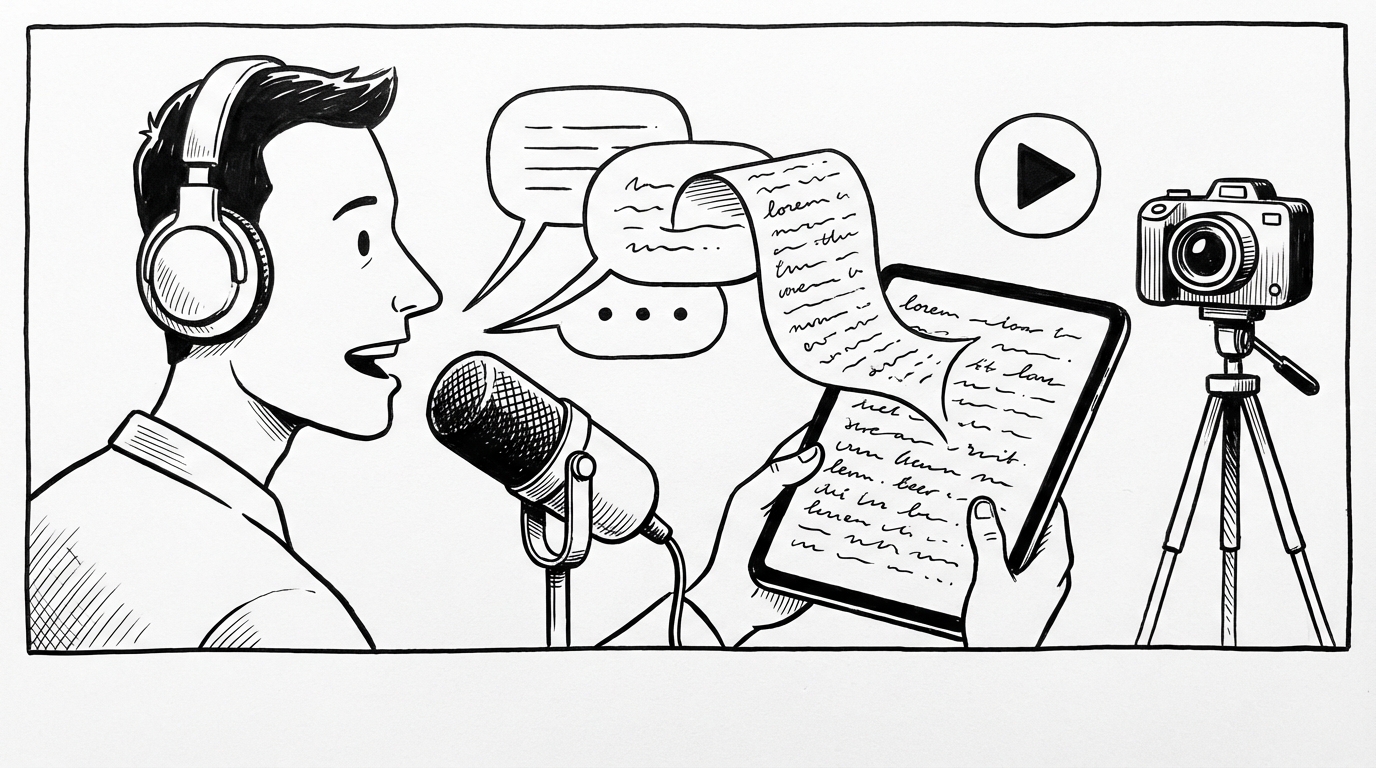
YouTube scripts have a problem that most writing doesn't: they have to sound natural when spoken out loud. A script that reads well on paper often sounds stilted on camera. And a script that sounds natural on camera often doesn't come out of a typing session — it comes out of speaking.
Voice dictation solves the YouTube scripting problem almost perfectly. You're writing something meant to be spoken, by speaking it. The output sounds like you.
The Script Quality Problem for YouTubers
There are two failure modes for YouTube scripts:
Over-scripted: Written the way you'd write an article, read on camera, sounds robotic. Viewers can tell you're reading. The delivery is flat. Comments say "sounds like a script."
Under-scripted: You know the general points but wing the specifics. You ramble. Key arguments don't land. The edit takes forever because there's no structure.
The sweet spot is a script that captures your natural speaking rhythm — the way you'd actually explain this topic to someone you're talking to. Dictation produces exactly that because you're speaking it into existence rather than composing it as text first.
Three Scripting Levels and How to Dictate Each
Level 1: Bullet outline (for experienced creators)
If you can talk fluently to camera from notes, dictate your bullet points and key phrases. These aren't full sentences — they're memory prompts.
Hold the hotkey: "Intro — hook with the stat about creator burnout. Point one — scripting takes too long, most creators spend 3x more time scripting than filming. Point two — why full scripts aren't always the answer — the reading problem. Point three — the middle path, detailed outline with key lines written out. Outro — link to my scripting template."
That's a complete outline for a 10-minute video, dictated in 25 seconds. You know your material — you just need the structure.
Level 2: Detailed outline with key lines
For most creators, this is the optimal format. Dictate a section-by-section outline where you write out the sentences that matter most (your hook, your key claims, your transitions) and leave the explanatory parts as notes.
Dictate the hook in full: "Here's a number that surprised me: the average YouTube creator spends more time scripting their videos than filming them. And most of that time is wasted."
Dictate the notes for the middle: "Explain why — the blank page problem, the over-writing trap, the reading-vs-talking divide."
Dictate the close in full: "There's a faster way to script that actually makes your videos better, not worse. Here's how it works."
The result is a script that has precision where it needs it (your most important lines) and flexibility where that serves you better (the explanatory sections you can riff on).
Level 3: Full word-for-word script
For tightly produced content — educational videos, explainers, highly edited talking-head content — a full script gives you control over every word. Dictation is the fastest way to get there.
Go section by section. Speak each section as if you're filming it. Because you're speaking naturally, the script will sound natural when you deliver it. After your keyboard pass to clean up and tighten, read it aloud once to confirm the rhythm works.
Dictating the Hook
The hook is the most important sentence in your script. Spend real time on it — but speak it, don't type it.
Dictate three or four variations of your hook and paste them all. Then pick the best one, or combine elements from different versions.
This "dictate multiple options, choose the best" approach for critical lines is faster than agonizing over a single typed version. Speak quickly, evaluate, decide.
The Conversational Register Problem
When you type a YouTube script, you naturally drift toward written-language register. Sentences get more complex. Words get more formal. The rhythm gets stiff.
Dictation keeps you in conversational register because you're actually talking. "Here's the thing" and "So what does that actually mean" and "Let me show you" — these phrases that make videos feel natural come out in dictation without effort. They feel forced when typed.
After a dictated draft, you may actually need to add some formality in the keyboard pass — tighten the logic, structure the arguments. But the natural delivery is already there. You're editing toward clarity rather than toward naturalness.
B-Roll and Visual Notes
While dictating, it's easy to drop visual production notes inline. Just speak them as you go: "B-roll: show the screen recording here" or "Cut to: the before and after graphic."
These paste into your script and serve as production notes when you're filming or editing. Getting them into the script while you're thinking about the content is much better than trying to add them in a separate pass.
Turning Recordings Into Scripts
Some creators prefer to film first and write the script after — especially for vlog or documentary-style content. In this case, transcribing your recording gives you a working script to edit.
SERP Transcribe is optimized for live dictation, but for this workflow, transcribing a recorded file through another tool and then using SERP Transcribe for the cleanup and annotation pass still saves significant time over typing the script from scratch.
A Weekly Content Workflow
For consistent YouTube creators, a dictation-first scripting habit changes the content pipeline:
- Topic ideation: Dictate a rough pitch for each video idea (30 seconds each, multiple ideas)
- Script draft: Dictate the full outline or script the day before filming
- Filming: Use the dictated script as your teleprompter or outline
- Edit notes: Dictate your editing notes while watching the rough cut
Each step is faster with voice. The content pipeline that used to take a full day now takes half a day. That's the difference between posting once a week and posting twice.