SERP Transcribe for API Documentation Writers
How to use voice dictation to speed up the most time-consuming parts of writing API documentation — endpoint descriptions, parameter tables, guides, and changelogs.
SERP Transcribe Team
Product
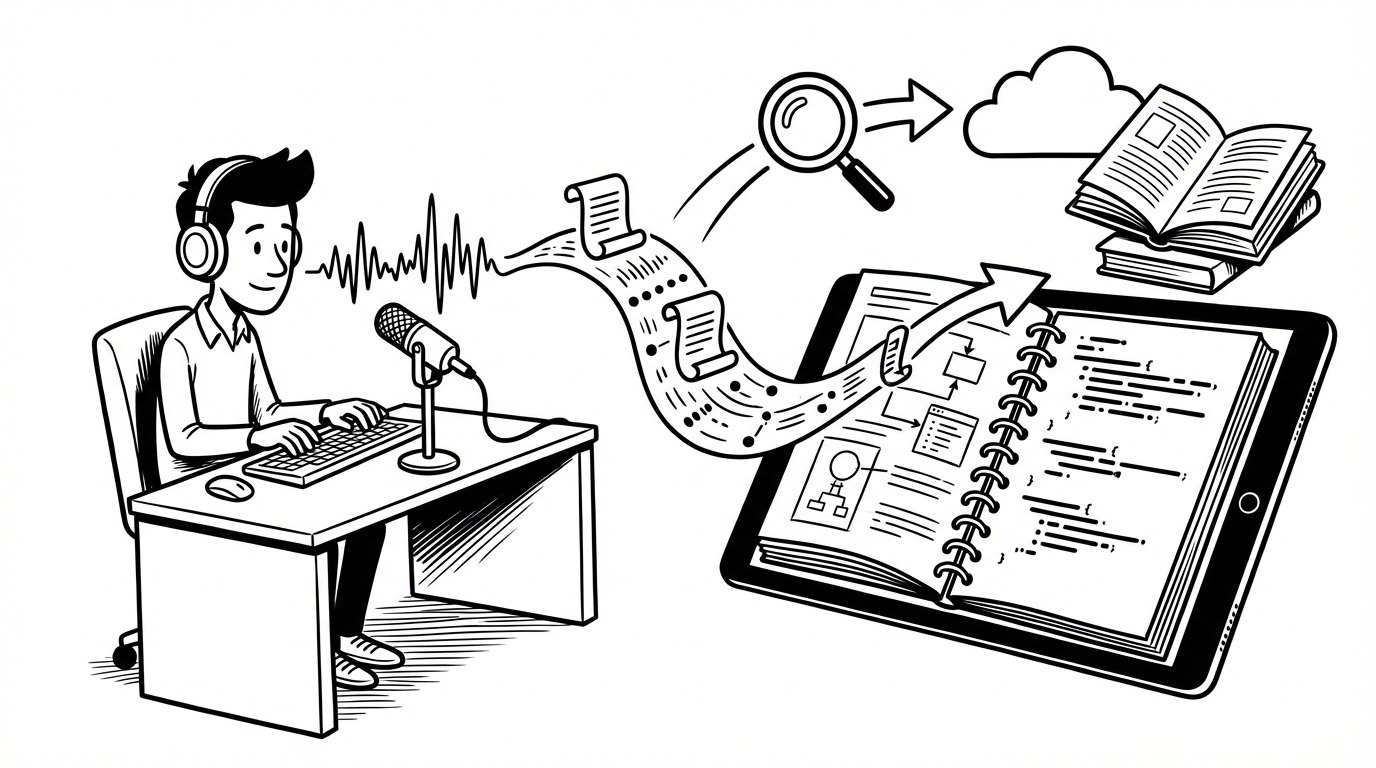
API documentation is one of the most time-intensive forms of technical writing. It requires precision, completeness, and consistency across dozens or hundreds of endpoints. It also requires switching constantly between code-mode thinking and prose-mode writing — which is cognitively expensive.
Voice dictation can cut the prose-writing portion of API docs significantly. Here's how to apply it to the parts of API documentation that are most time-consuming.
Where Voice Dictation Fits in API Docs
Not every part of API documentation is a good candidate for dictation. The split breaks down like this:
Dictate (prose content):
- Endpoint descriptions ("what does this endpoint do and when would you use it")
- Parameter descriptions and notes
- Authentication and authorization explanations
- Conceptual guides and overview sections
- Error message explanations
- Changelog entries
- Getting started guides
Type (structured/precise content):
- URL paths and HTTP methods
- Parameter names and data types
- Code examples and sample requests/responses
- Schema definitions
- Status codes
The rule of thumb: anything that requires natural language explanation is a dictation candidate. Anything that requires precise characters — code, names, paths — type it.
Dictating Endpoint Descriptions
Endpoint descriptions are the most consistently under-documented part of most APIs. Developers know what the endpoint does; writing it up in clear prose takes time they don't want to spend.
For each endpoint, speak through three things:
- What it does — the plain-English purpose
- When to use it — the common use case, not just the technical behavior
- Anything non-obvious — gotchas, rate limits, ordering considerations, dependencies
Example spoken:
"This endpoint retrieves a paginated list of invoices for an organization. Use it when you need to display billing history or export financial records. Important note: results are sorted by creation date descending by default, and the maximum page size is 100. If you need a specific date range, use the created_after and created_before query parameters — without these, it returns all invoices going back to account creation."
Paste that into your docs, clean up the prose slightly, and you have a complete endpoint description. Most API documentation skips the "when to use it" and "non-obvious" sections entirely because they take too long to write. Dictation makes them fast enough to include.
Parameter Tables
Parameter descriptions in tables (description column) are often terse to the point of uselessness: "The user ID." "Start date." "Optional filter."
Dictation makes it practical to write complete parameter descriptions. For each parameter:
- Type the parameter name, type, and required/optional field (structured, precise — type these)
- Click into the description column
- Dictate a full description: "The unique identifier for the user whose invoices you want to retrieve. Must be a valid UUID. If the user does not exist or you don't have permission to access their account, the endpoint returns a 403."
That's a complete, useful description. It took 12 seconds to speak. Compare to the two-word descriptions that make developers guess.
Conceptual Guides and Overview Sections
Getting Started guides, authentication explanations, and conceptual overviews are pure prose — and they're the content that determines whether developers actually understand your API or give up and file a support ticket.
These are ideal dictation targets. For a Getting Started guide:
- Speak the narrative flow: what a new developer needs to do first, second, third
- Speak the explanations: why things work the way they do, not just what to do
- Type the code blocks: the actual request examples, SDK snippets, response bodies
The prose scaffolding that holds the code examples together — speak it. The code — type it.
Changelog Entries
Changelogs are consistently underwritten because they happen at the end of a release cycle when everyone is tired of the work and wants to ship. A good changelog entry explains what changed, why, and what developers need to do about it (if anything).
Dictate it right after you finish the change, when the context is fresh:
"Version 2.4.0 adds support for webhook signature verification. Previously, webhooks were delivered without a way to verify they came from our servers. Now every webhook request includes an X-Webhook-Signature header containing an HMAC-SHA256 signature of the payload. Developers should update their webhook handlers to verify this signature. The verification is optional in 2.4.0 but will be required in 3.0.0. See the webhook security guide for implementation details."
That's a complete, informative changelog entry, dictated in about 20 seconds.
Working With Docs-as-Code
If your team uses a docs-as-code approach (MDX, RST, AsciiDoc in a git repository), SERP Transcribe pastes cleanly into any text editor. The workflow is the same: open your file, position your cursor, dictate the prose sections, type the code and structured content.
For teams using OpenAPI/Swagger spec files (YAML or JSON), dictate the description strings and paste them in — they're just string values in the spec file. Everything else in the spec (paths, schemas, types) type normally.
Reducing the Documentation Lag
The biggest problem in API documentation isn't quality standards — it's lag. Docs get written weeks after the API is built, by which point the engineer who built it has moved on and the details are fuzzy.
Dictation reduces lag by making it fast enough to document at the moment of building. If documenting an endpoint takes 30 seconds instead of 5 minutes, you'll do it while the context is live in your head rather than scheduling it for "later" that never comes.
The result is more accurate, more complete documentation produced faster — not because the process changed, but because the friction of prose writing dropped enough to make in-the-moment documentation practical.