SERP Transcribe vs Aqua Voice: Which Dictation App Is Better?
Aqua Voice polishes your speech into prose automatically. SERP Transcribe gives you fast, accurate transcription you control. Here's how to choose.
SERP Transcribe Team
Product
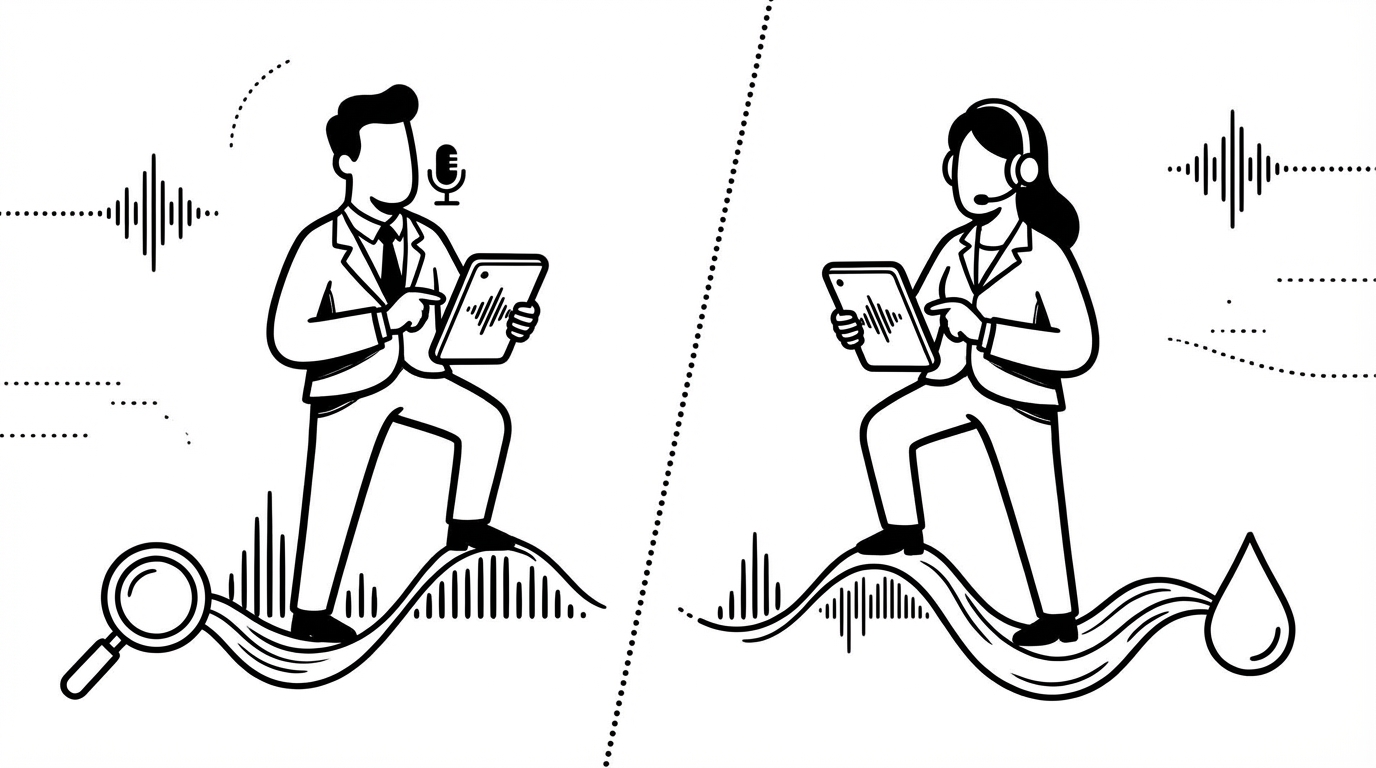
Aqua Voice and SERP Transcribe both sit in the voice dictation category, but they're solving slightly different problems. Aqua aims to take your rough spoken words and output polished, edited prose automatically. SERP Transcribe captures what you say accurately and puts you in control of the editing. Understanding that difference is the key to choosing the right tool.
What Aqua Voice Does
Aqua Voice is built around a specific idea: dictation output should look like something you meant to write, not a transcript of you talking. It uses AI to clean up filler words, smooth sentence structure, and format the output before it lands on screen. The result reads like edited writing rather than raw speech.
This is genuinely useful for certain workflows — particularly longform writing where you want the spoken draft to be closer to finished prose.
What SERP Transcribe Does
SERP Transcribe transcribes what you say, accurately and fast, and delivers it ready to paste wherever you're working. It works in any app system-wide, uses a push-to-talk hotkey model, and doesn't rewrite your words — what you speak is what you get, cleaned up for natural punctuation but otherwise faithful to your voice.
The Core Tradeoff
Aqua's AI polish is useful when you want output that requires minimal editing. But it introduces unpredictability — the AI sometimes changes words you intended, restructures sentences you liked, or softens phrasing that you meant to be direct. You lose some control over exactly what ends up on screen.
SERP Transcribe's faithful transcription means what you speak is what you get. If you want to change it, you change it. If you spoke it exactly how you wanted it, it lands exactly how you said it. The editing pass is yours to do, not delegated to an AI that might not share your intentions.
For short-form communication — messages, emails, quick notes — faithful transcription is almost always what you want. You know what you're trying to say; you just want it typed fast.
For longform writing, the answer is more personal. Some writers love the AI polish because it gets them to a clean draft faster. Others find it frustrating because the output doesn't sound like them anymore.
Platform Support
Aqua Voice is currently Mac-only. SERP Transcribe supports both Mac and Windows, making it the better choice for Windows users or anyone working across platforms.
Privacy
Both apps use cloud processing for transcription. If working with sensitive content, SERP Transcribe's push-to-talk model means nothing is ever captured when you're not actively holding the hotkey — a meaningful privacy distinction for professionals handling confidential information.
Price
Aqua Voice is premium-priced and subscription-based. SERP Transcribe offers a more accessible entry point with a free tier, making it lower-risk to try.
Who Should Use Which
Choose Aqua Voice if: You primarily do longform writing, you want AI to handle the editing pass for you, and you're on Mac.
Choose SERP Transcribe if: You want faithful transcription across all your apps, you work on Windows or cross-platform, you prefer controlling your own edits, or you want a tool that handles everything from quick messages to long documents without AI rewriting your words.
The best dictation tool is the one that gets out of your way. For most everyday use — messages, emails, notes, replies — SERP Transcribe's approach of accurate, immediate, paste-ready transcription is exactly that.