SERP Transcribe vs Google Docs Voice Typing: Is the Free Version Good Enough?
Google Docs has built-in voice typing for free. So does SERP Transcribe do anything different worth paying for? Here's an honest answer.
SERP Transcribe Team
Product
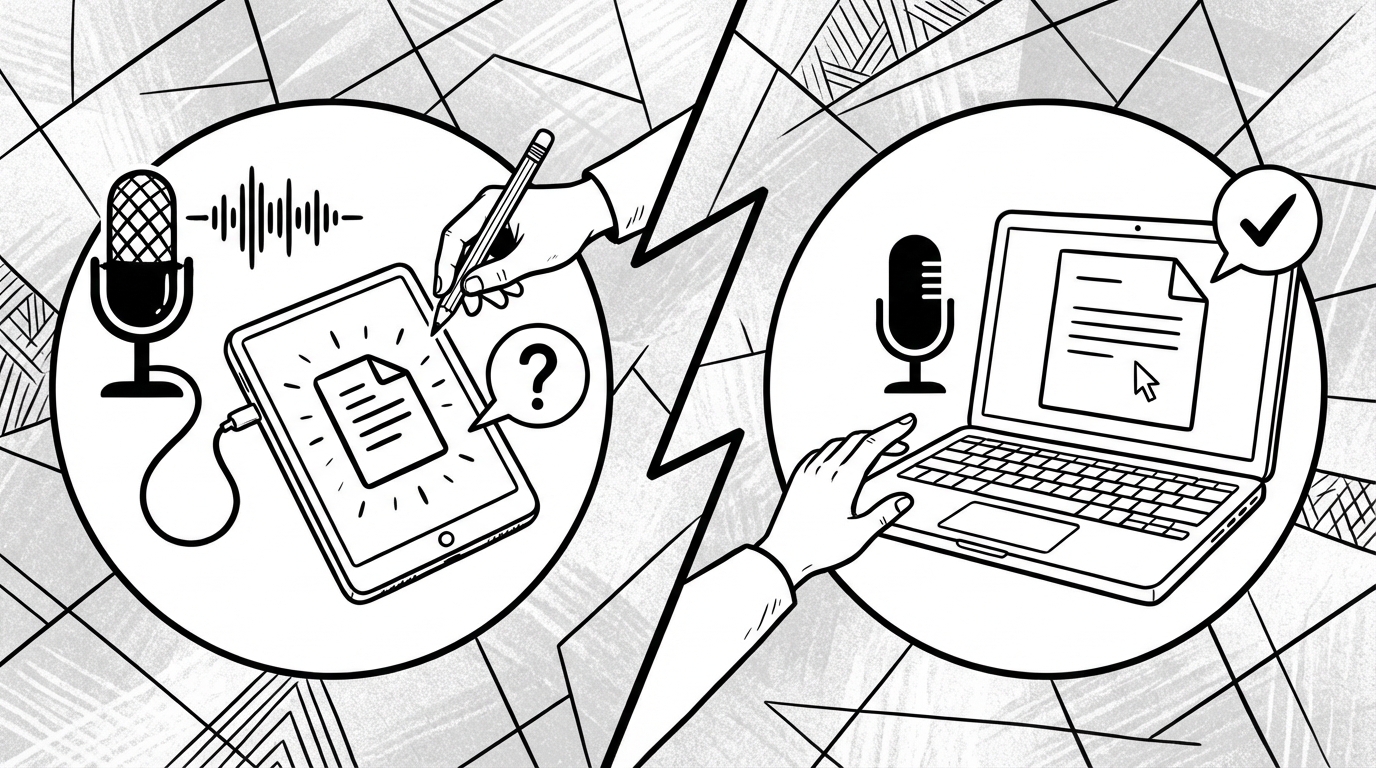
Google Docs has voice typing built in, it's free, and it works reasonably well inside Google Docs. So the honest question is: what does SERP Transcribe do that justifies using it instead?
The answer comes down to one word: everywhere.
How Google Docs Voice Typing Works
Google Docs voice typing is accessed via Tools → Voice Typing (or Ctrl+Shift+S on Windows, Cmd+Shift+S on Mac). It opens a floating microphone button. You click it, speak, and words appear in your document. It's always-on while active — not push-to-talk.
It works well inside Google Docs. The accuracy is solid, it handles punctuation commands like "period" and "new paragraph," and it's free with any Google account.
The Single Biggest Limitation
Google Docs voice typing works only in Google Docs. Open Gmail to write an email — it doesn't work there. Switch to Slack to reply to a message — doesn't work. Notion, your notes app, a form on a website, your CRM — none of it.
Every time you want to use voice in a different app, you're back to typing.
How SERP Transcribe Is Different
SERP Transcribe works system-wide — in every app on your computer. Email, Slack, Notion, Obsidian, VS Code, browser fields, desktop apps, everything. One hotkey, any app, always available.
The workflow is also different. Instead of clicking a microphone button and speaking in always-on mode, you hold your hotkey, speak a burst, release, and the text is ready to paste. This push-to-talk model is faster for real use because you're not managing a microphone state — you just hold and speak.
Accuracy Comparison
Both tools use modern speech recognition and achieve high accuracy for clear speech. SERP Transcribe uses Whisper-based processing which handles accents, natural speech patterns, and technical vocabulary particularly well. Google's accuracy is good but more variable with non-standard accents and specialized terminology.
When Google Docs Voice Typing Is Enough
If your entire writing workflow lives inside Google Docs — you write everything there, you don't need voice in email or other apps, and you're happy clicking a microphone button — then Google's free tool is genuinely sufficient. There's no reason to pay for something you don't need.
When SERP Transcribe Is Worth It
If you write across multiple apps — which describes most people's actual workflows — Google Docs voice typing creates a frustrating situation where voice works in one place and not others. SERP Transcribe removes that limitation entirely. One tool, everywhere.
If you use voice heavily, the push-to-talk model is also significantly more comfortable for sustained use than managing an always-on microphone.
The Real Question
Do you want voice typing only in Google Docs, or do you want voice typing in every app on your computer?
If the former: Google's free tool is fine. If the latter: SERP Transcribe is what you need.
Most people who start with Google Docs voice typing and then try SERP Transcribe don't go back — not because Google's tool is bad, but because having voice available everywhere changes how much you actually use it.