SERP Transcribe vs Otter.ai: Different Tools for Different Jobs
Otter.ai records and transcribes meetings. SERP Transcribe lets you dictate anything, anywhere, in real time. Here's why you might need both — or just one.
SERP Transcribe Team
Product
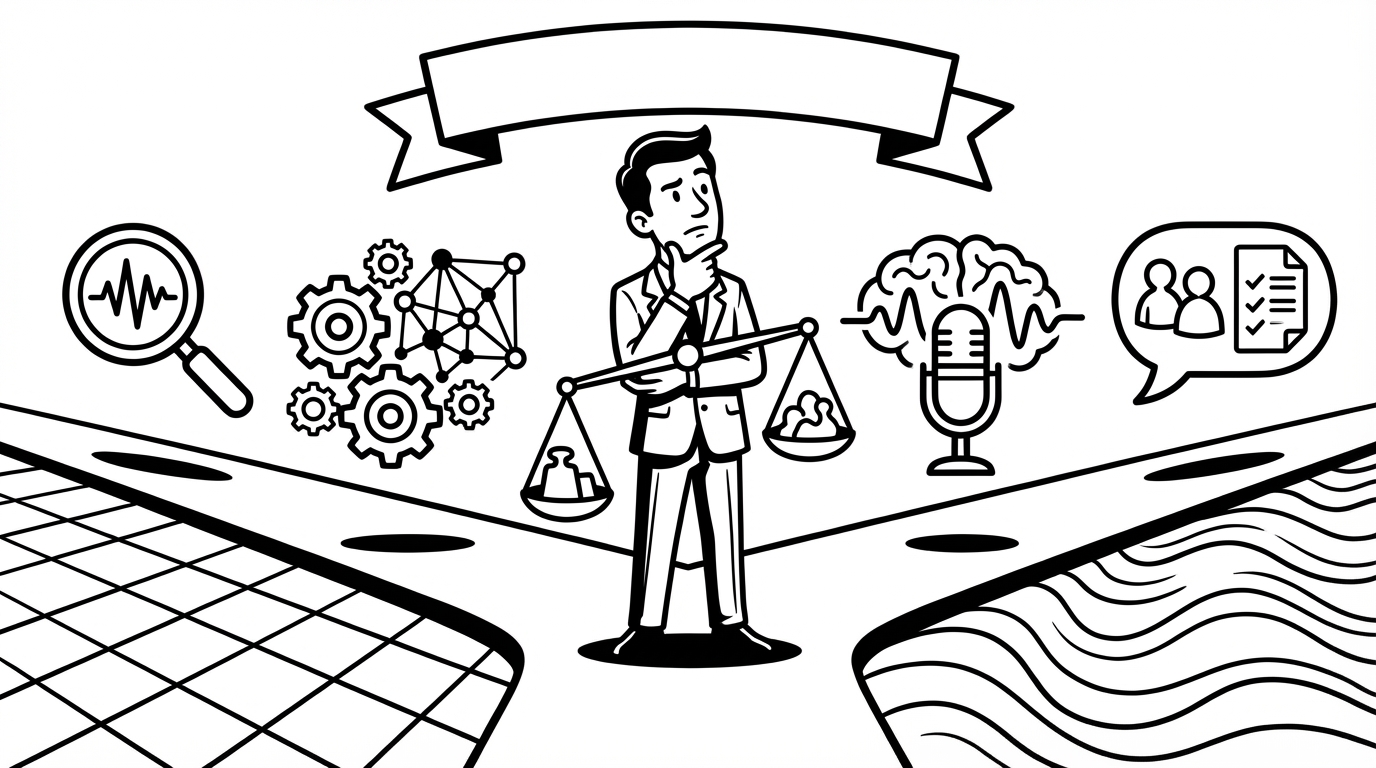
People often compare SERP Transcribe and Otter.ai as if they're competing for the same job. They're not. Otter is a meeting transcription tool. SERP Transcribe is a real-time dictation tool. They solve different problems, and understanding the distinction helps you figure out which one — or whether both — belongs in your workflow.
What Otter.ai Is For
Otter.ai records audio from meetings, calls, or in-person conversations and produces a transcript after the fact. It can join Zoom, Google Meet, and Teams calls automatically, identify different speakers, and generate summaries. It's designed for the "I want a record of what was said in this meeting" use case.
It's a passive capture tool — you turn it on, a conversation happens, and you get a transcript later.
What SERP Transcribe Is For
SERP Transcribe is an active dictation tool — you hold a hotkey, speak, and your words appear as text immediately in whatever app you're working in. It's designed for the "I want to write something by speaking instead of typing" use case.
It works in emails, messages, docs, notes, forms, code editors — anywhere you'd normally type. You're producing written output, not recording a conversation.
When You'd Use Each
Use Otter.ai for:
- Recording and transcribing meetings you don't want to take notes during
- Getting a searchable record of a conversation that already happened
- Reviewing what was said on a call and pulling out action items
- Interviews, focus groups, research conversations
Use SERP Transcribe for:
- Replying to emails and messages by voice
- Writing documents, notes, reports faster than typing
- Capturing ideas and to-dos as they occur to you
- Dictating content into any app on your computer in real time
Can They Work Together?
Yes, and for some workflows they complement each other well. You might use Otter to capture a client meeting, then use SERP Transcribe to write the follow-up email, the action item summary, and the CRM notes — all by voice, all faster than typing.
The meeting capture is Otter's job. Everything you write afterward is SERP Transcribe's.
What SERP Transcribe Doesn't Do
SERP Transcribe is not a meeting recorder. It won't join your Zoom calls, it won't identify speakers, and it doesn't transcribe recorded audio files. If meeting transcription is what you need, Otter is the right tool for that.
What Otter Doesn't Do
Otter is not a real-time dictation tool. You can't use it to write an email by speaking, add a task to your notes app by voice, or type into any application hands-free. It doesn't have a hotkey model, it doesn't work system-wide, and it's not designed for the active-writing use case at all.
The Short Answer
If you need meeting transcription: Otter. If you need real-time voice typing across all your apps: SERP Transcribe. If you do both: consider using both — they don't overlap, they stack.
Most knowledge workers who try SERP Transcribe after using Otter have a specific moment of realization: "I've been transcribing my meetings but still typing everything I write. I didn't realize I could dictate that too." That realization is usually what makes SERP Transcribe stick.