SERP Transcribe vs SuperWhisper: Two Push-to-Talk Dictation Tools Compared
SuperWhisper and SERP Transcribe both use push-to-talk and run on Whisper-based models. Here's how they differ and which is the better fit for your workflow.
SERP Transcribe Team
Product
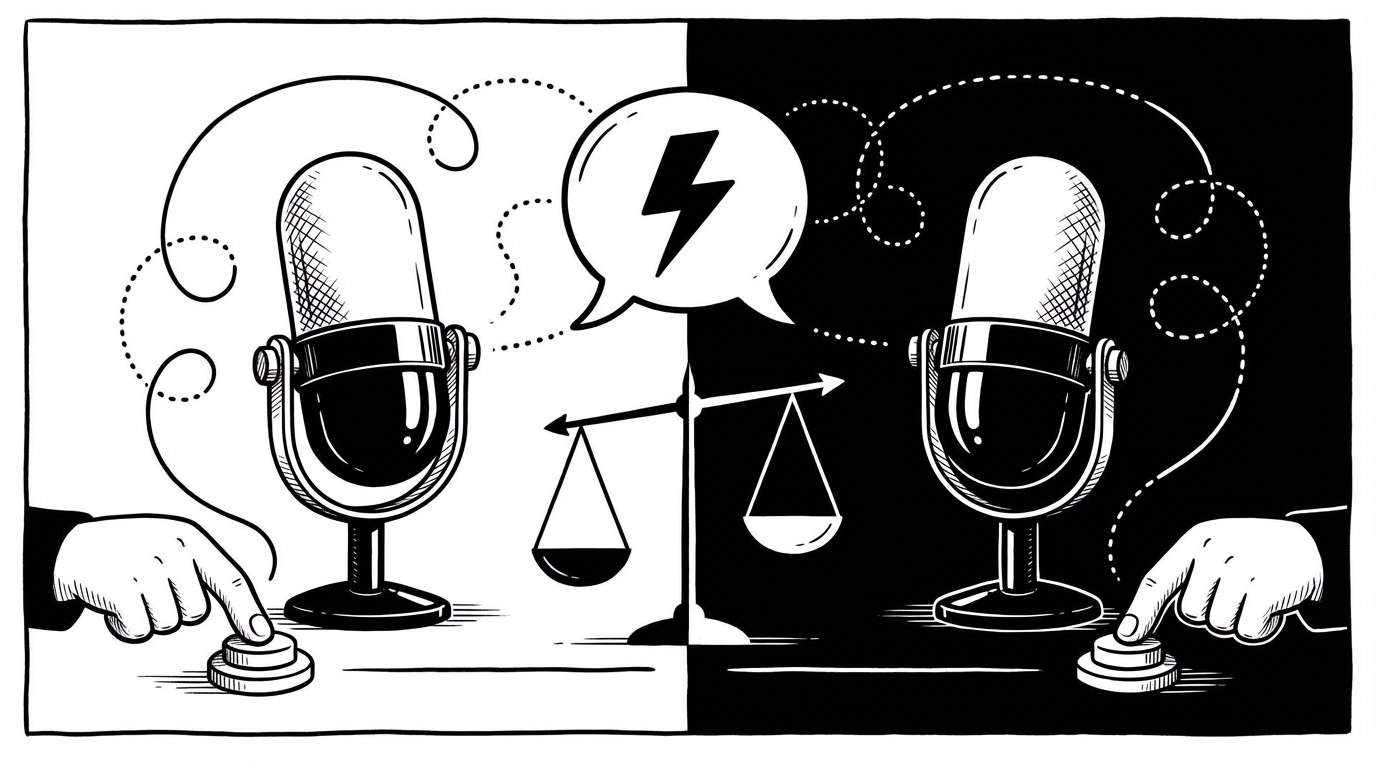
SuperWhisper has built a loyal following among Mac power users, particularly developers and privacy-focused users who want local, fast voice dictation without cloud dependency. If you're comparing it to SERP Transcribe, you're probably a person who's done some research already.
Here's an honest look at how the two tools compare.
The Core Similarity
Both SERP Transcribe and SuperWhisper use a push-to-talk model — you hold a hotkey, speak, release, and your text is ready to paste. Both are built around Whisper-based speech recognition. Both prioritize speed and accuracy over elaborate AI post-processing. In terms of the fundamental dictation experience, they're more similar than different.
The differences are in platform support, pricing model, and a few specific features.
Platform Support
SuperWhisper is Mac-only. If you work exclusively on macOS, that's fine. If you use Windows or split time between platforms, it's a dealbreaker.
SERP Transcribe runs on both Mac and Windows.
Local vs Cloud Processing
SuperWhisper's headline feature is local processing — it runs Whisper models on your machine, meaning your audio never leaves your device. For users who handle sensitive information and want zero cloud dependency, this is a significant advantage.
SERP Transcribe processes audio to produce accurate transcription with a privacy-first approach — push-to-talk only, no passive recording.
If local-only processing is a hard requirement (medical, legal, government use), SuperWhisper wins on that specific point. For most users, the practical privacy difference comes down to: are you comfortable with audio being processed remotely for transcription? If yes, SERP Transcribe works fine. If no, local processing matters to you.
Pricing
SuperWhisper uses a subscription model with different tiers depending on which Whisper model you want to run locally. Better models cost more.
SERP Transcribe is more straightforward in its pricing and generally more affordable, particularly for users who don't need the most powerful local model.
Performance and Latency
Local processing on SuperWhisper means performance depends on your hardware. On a modern Mac with Apple Silicon, it's fast. On older hardware, processing time can be noticeable.
Cloud-processed transcription (SERP Transcribe) is consistently fast regardless of your device's hardware, since the heavy lifting happens server-side.
Who Each Tool Is For
Choose SuperWhisper if:
- You're on Mac only and that won't change
- Local processing is a hard requirement — you need zero audio sent to any server
- You're comfortable managing model selection and hardware performance tradeoffs
- You're a power user who enjoys tweaking your setup
Choose SERP Transcribe if:
- You use Windows, or use both Mac and Windows
- Cloud-processed transcription is acceptable and you want consistent speed regardless of hardware
- You want a simpler setup without model selection decisions
- You want cross-platform consistency
The Bottom Line
If you're on a Mac and local processing is non-negotiable, SuperWhisper is a strong choice and worth the subscription. If you want reliable push-to-talk dictation that works on both platforms with a clean experience and no hardware constraints, SERP Transcribe covers you.
Both are genuinely good tools for serious dictation users. The decision comes down to platform and your stance on local vs cloud processing.