SERP Transcribe vs Wispr Flow: Which Voice Dictation App Is Right for You?
An honest comparison of SERP Transcribe and Wispr Flow — pricing, accuracy, privacy, and who each tool is actually built for.
SERP Transcribe Team
Product
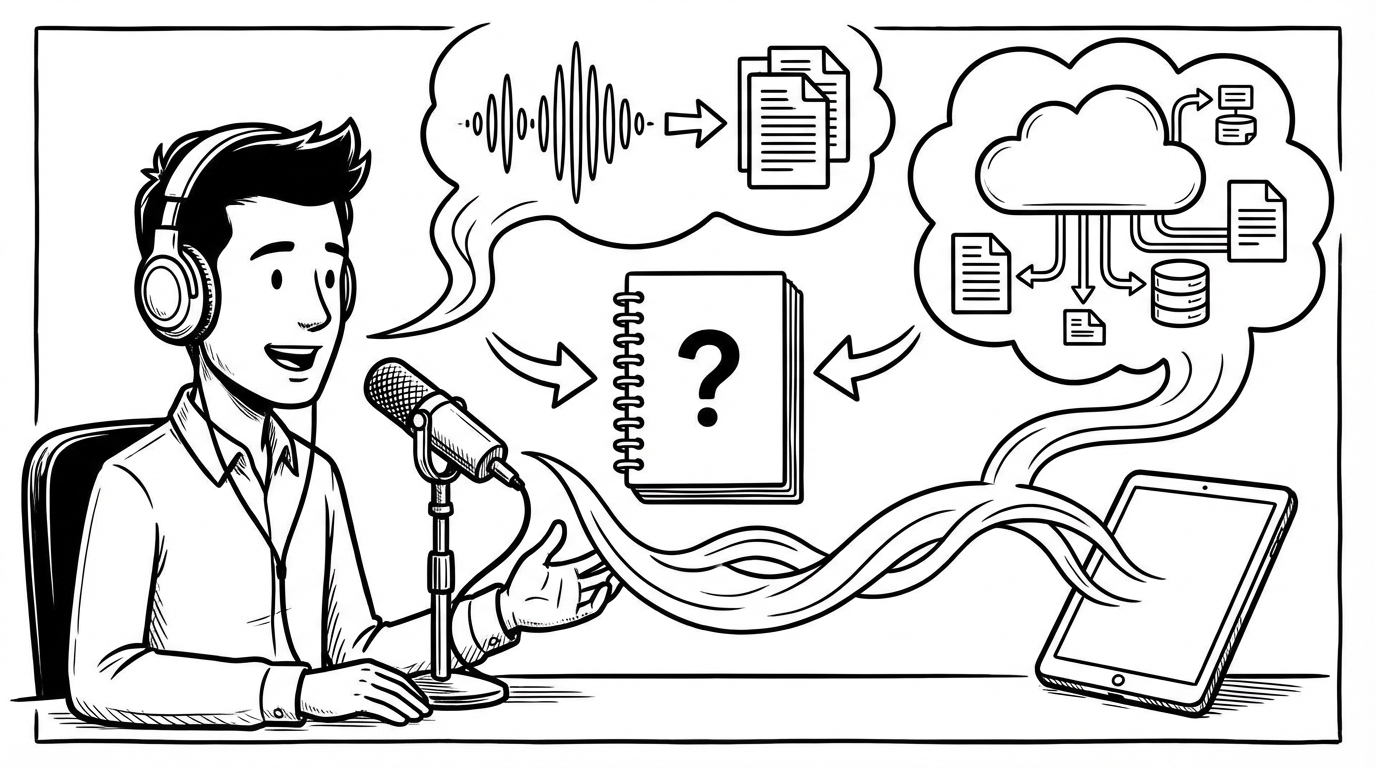
Wispr Flow is currently the most-talked-about voice dictation app on the market. It's well-funded, well-reviewed, and has built strong word-of-mouth among developers and knowledge workers. If you're comparing dictation tools, you've probably seen it.
So how does SERP Transcribe compare? This is an honest breakdown — what each tool does well, where they differ, and who each one is built for.
The Short Version
Wispr Flow is a premium, AI-enhanced dictation platform with a polished feature set, cross-platform support, and enterprise compliance options. It's priced accordingly.
SERP Transcribe is a fast, accurate, privacy-first push-to-talk dictation tool focused on doing one thing well: capturing your speech and getting it into text instantly, everywhere, without overhead.
The right choice depends on what you're optimizing for.
Pricing
This is often the deciding factor. Wispr Flow's paid plans start at $15/month for unlimited dictation. Enterprise plans are priced higher.
SERP Transcribe is significantly more affordable, with a generous free tier and paid plans well below what Wispr charges. If budget matters, this is a meaningful difference.
Accuracy
Both tools use modern speech recognition and perform well for standard English. Wispr Flow's AI post-processing cleans up filler words and formats output automatically. SERP Transcribe transcribes accurately and lets you edit the output — you're in control of what lands on screen.
For most everyday dictation — emails, messages, notes, documents — both tools are accurate enough that the difference won't affect your workflow.
Privacy
Wispr Flow sends audio to their servers for processing. They have strong compliance certifications (SOC 2 Type II, HIPAA controls) and a privacy mode on higher-tier plans.
SERP Transcribe's push-to-talk model means audio is only captured when you're actively holding the hotkey. Nothing is recorded passively. For users who are privacy-conscious but don't need enterprise compliance documentation, this is a meaningful distinction.
Platform Support
Wispr Flow runs on Mac, Windows, and iOS. SERP Transcribe runs on Mac and Windows as a desktop app.
If you need dictation on your iPhone as well, Wispr has the edge. If you primarily work on a computer, both cover you.
The AI Processing Question
Wispr Flow's standout feature is AI-enhanced output — it doesn't just transcribe what you say, it cleans it up, removes filler words, and formats it. The result is output that often needs less editing.
SERP Transcribe gives you what you said, accurately transcribed. You do the editing. This is less "magical" but means you have full control over the output and there's no AI rewriting your words in ways you didn't intend.
Which you prefer comes down to taste. Some people love not having to edit. Others prefer their exact words, not an AI interpretation of them.
Who Each Tool Is For
Choose Wispr Flow if:
- You want AI post-processing to clean up your dictation automatically
- You need iOS support
- You need enterprise compliance documentation (SOC 2, HIPAA)
- Budget isn't a primary concern
- You want a feature-rich platform that's actively being expanded
Choose SERP Transcribe if:
- You want fast, accurate dictation without the subscription cost
- You prefer your exact words transcribed, not AI-rewritten
- Privacy matters to you and you want push-to-talk capture only
- You want a lightweight tool that stays out of your way
- You're looking for the most affordable path to reliable voice dictation
The Bottom Line
Wispr Flow is an excellent product at a premium price. If you're a heavy user who wants AI-enhanced output and can justify the monthly cost, it delivers.
SERP Transcribe is for users who want accurate, fast, private voice dictation without paying $15+/month for features they don't need. It does the core job — speech to text, instantly, everywhere — and does it well.
Try both. Most tools in this category offer free tiers. The right one is whichever fits your workflow and doesn't make you think about it.