Using Voice to Fill Jira Tickets and GitHub Issues Faster
How developers and PMs can use voice dictation to write complete, well-described Jira tickets and GitHub issues without the usual grind of staring at a blank description field.
SERP Transcribe Team
Product
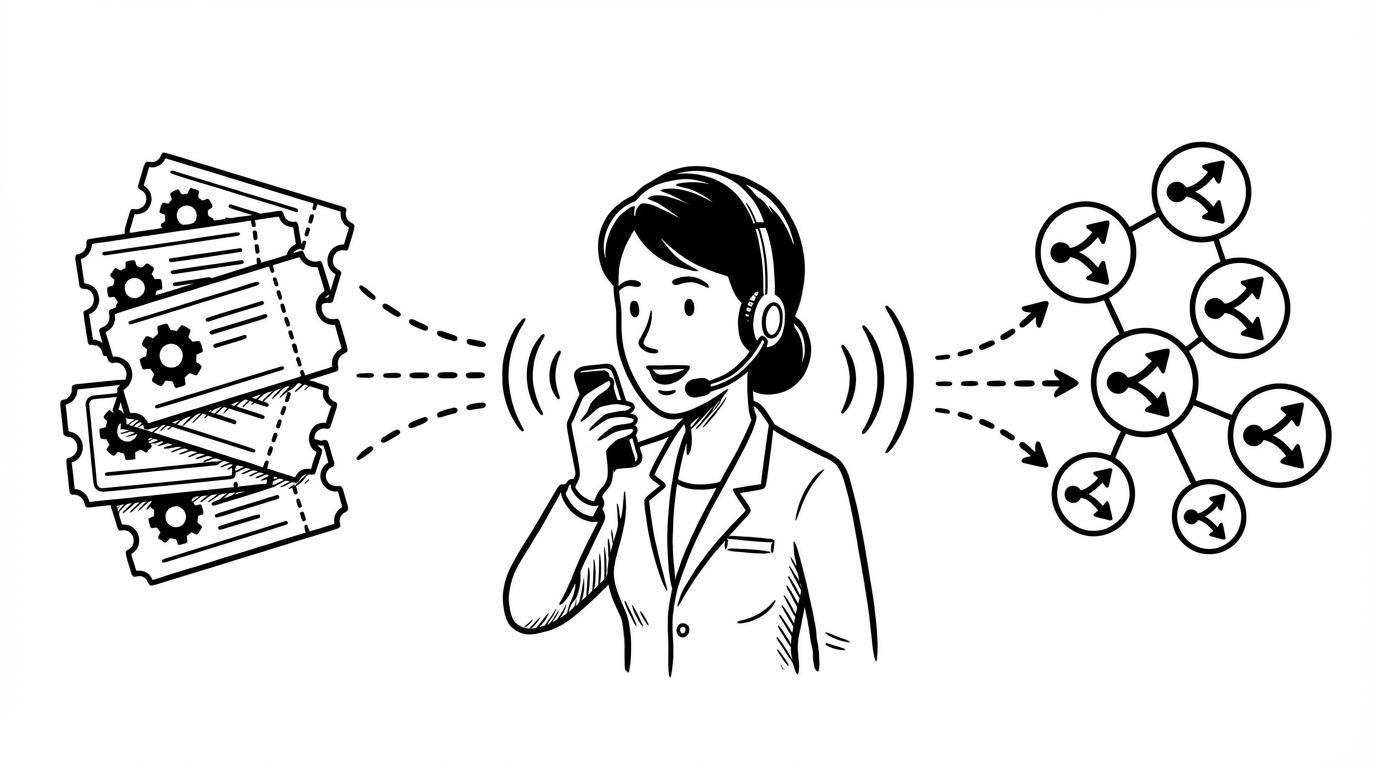
Ticket quality is one of those things everyone on an engineering team agrees matters, and almost no one consistently executes on. The description field sits there, empty or half-filled, and the person who knows the most about the issue — the one who just filed it — moves on before they've captured what they know.
Voice dictation changes the economics. Here's how to use SERP Transcribe to write complete, useful tickets in about the same time it currently takes to write incomplete ones.
Why Tickets Get Under-Described
It's not laziness. Filing a detailed ticket requires switching from whatever you were doing (encountering a bug, finishing a meeting, doing a code review) into a writing mode where you construct a clear, organized description. That switch has a cost. The blank description field asks a lot.
Speaking is closer to the cognitive mode you're already in. You just encountered the bug — you can explain it immediately. The act of explaining something verbally is lower-friction than composing a written description.
The SERP Transcribe Ticket Workflow
For a bug report:
- Open a new Jira issue or GitHub issue
- Type the title (keep this short and precise — worth typing)
- Click into the description field
- Hold hotkey, speak the full context:
"This is a reproduction of the bug we saw in staging yesterday. When a user with a free tier account tries to access the export feature, the button appears active but clicking it throws a 403 silently — no error message is shown to the user. Steps to reproduce: log in as a free tier user, navigate to the Reports tab, click Export. Expected: either the button should be disabled or a proper upgrade prompt should appear. Actual: the button is clickable but the export fails with no feedback. This is affecting multiple users based on Sentry reports from the last 48 hours."
- Release, paste
- Do a quick cleanup pass, add any structured fields (priority, labels, assignee)
That description took about 25 seconds to speak. It would take most developers 3–5 minutes to type that level of detail — which is why they usually don't.
Templates You Can Speak
Having a loose mental template helps structure dictated descriptions. You don't need to memorize it — speaking through these sections naturally produces complete tickets:
Bug template (speak through these in order):
- What's the behavior? (what actually happens)
- What should happen instead?
- Steps to reproduce
- Environment/context (user type, browser, environment, etc.)
- Any relevant logs, errors, or screenshots (mention what you'll attach)
- Urgency or business impact
Feature request template:
- What user problem does this solve?
- What's the proposed behavior?
- What does "done" look like? (acceptance criteria)
- Any known constraints or edge cases
- Priority rationale
Tech debt / refactor template:
- What's the current state?
- Why is it a problem? (performance, maintainability, scalability, etc.)
- What does the improved state look like?
- Estimated effort or risk
GitHub Issues With Markdown
GitHub issues render Markdown, which means your dictated description can include structured formatting. The workflow is:
- Dictate the prose sections
- Paste
- Add Markdown formatting manually (headers with
##, code blocks with triple backticks, etc.)
You don't need to dictate the Markdown syntax — just speak the content and add structure in your keyboard pass. This is actually faster than trying to dictate with explicit formatting commands.
For code snippets within an issue, always type those — dictation doesn't produce reliable code syntax.
Jira Fields and Structured Data
For Jira tickets, the description field is where dictation shines. The structured fields (priority, labels, epic, story points, assignee) are faster to fill by clicking and selecting than by dictation. The division of labor:
- Description, acceptance criteria, reproduction steps: dictate
- Title, labels, priority, epic link, story points: click/type
If your team uses a specific Jira template with pre-filled section headers, click into each section and dictate the content for that section separately.
PR Descriptions
PR descriptions follow the same pattern as issue descriptions and are arguably even more neglected. Most PRs get a one-line description or nothing at all. A well-written PR description covers:
- What this PR does (the what)
- Why it was necessary (the why)
- How to test it (testing steps)
- Any screenshots or demo links
- Any follow-up work or known limitations
Speak through those five points for your next PR. It'll take about 30 seconds. The reviewer who picks it up will have all the context they need, and you'll spend less time in back-and-forth explanation.
The Compound Effect
The real value isn't any individual ticket — it's what happens to your team's velocity when tickets consistently have enough context to be picked up and worked on without a clarification round.
Every under-described ticket costs time: the person who picks it up has to ask questions, wait for answers, context-switch back to the reporter. That's a hidden tax that compounds across a whole sprint. Better tickets, written faster, reduce that tax at scale.
Voice dictation makes writing complete tickets fast enough that you'll do it every time instead of most of the time.