Voice Dictation on Apple Silicon Mac: Why M-Series Chips Changed Everything
Apple Silicon Macs can run Whisper models locally at speeds that make local voice transcription genuinely practical. Here's what this means for your dictation setup.
SERP Transcribe Team
Product
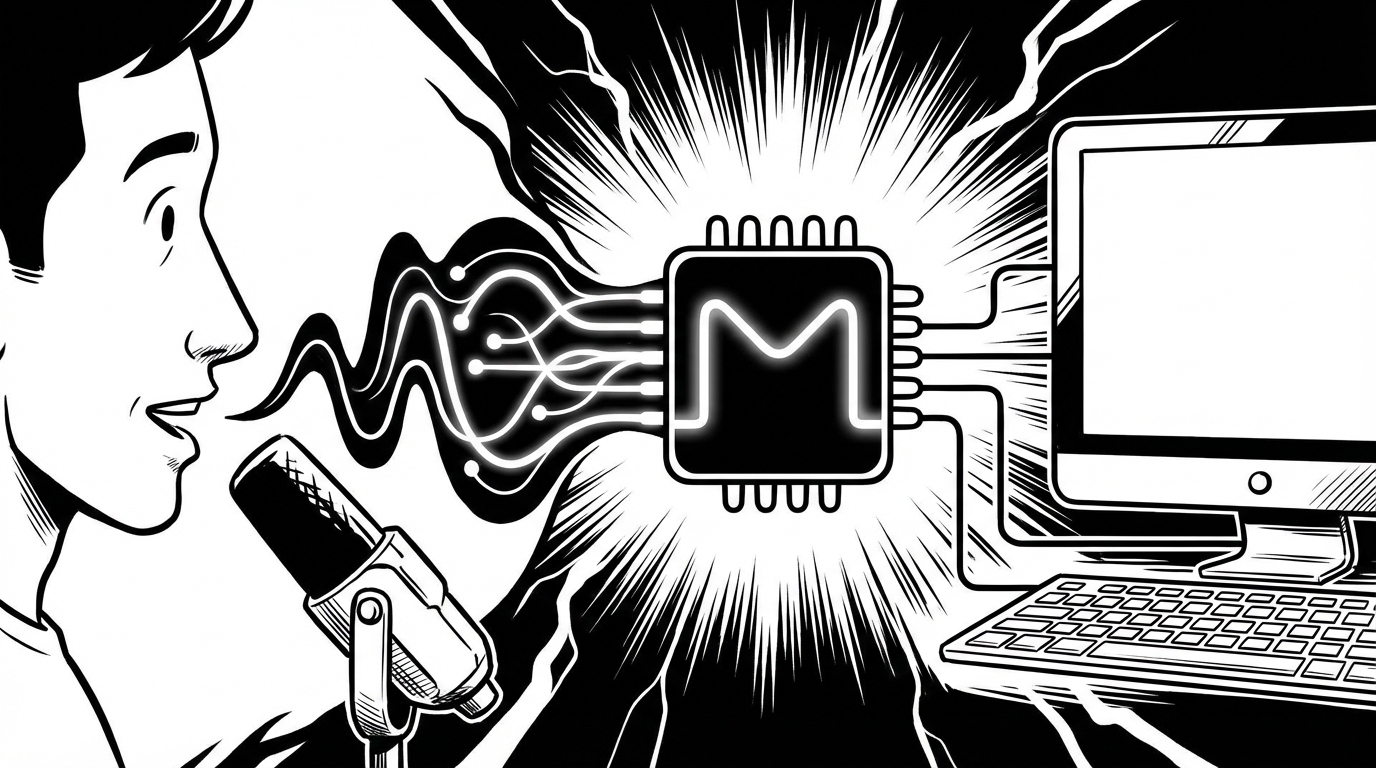
The voice dictation experience on an M-series Mac (M1, M2, M3, and M4 chips) is meaningfully different from any other platform — and it's worth understanding why, because it changes the privacy and performance calculus for local voice processing.
What Apple Silicon Changed
Whisper, OpenAI's speech recognition model, is computationally intensive when run locally. On older Intel Macs and standard Windows hardware, running Whisper locally produced latency that made it impractical for real-time dictation — you'd speak, wait 3–5 seconds, and get your transcription. Useful for bulk transcription, frustrating for conversational dictation.
M-series chips changed this. The Apple Neural Engine and the unified memory architecture of Apple Silicon process Whisper models dramatically faster than CPU-based processing on equivalent hardware. On an M2 or M3 Mac, the latency for a push-to-talk dictation burst (a sentence or short paragraph) is typically under one second. That's fast enough for comfortable daily use.
Cloud vs. Local: The Choice That Matters Now
Before Apple Silicon, the choice between cloud and local processing was mostly theoretical for real-time dictation — local was too slow to use daily. Cloud was practical; local wasn't.
On an M-series Mac, local processing is now practical for daily use. Which means the cloud vs. local choice is a real decision:
Cloud processing (most current dictation apps):
- Audio is sent to servers, transcribed, returned
- Slightly faster in some cases, depending on connection
- Requires internet connection
- Privacy depends on the provider's data handling policies
- Works on any hardware
Local processing on Apple Silicon:
- Audio never leaves your machine
- Under 1 second latency on M2/M3 for short bursts
- Works offline, on a plane, in any location
- True privacy — your spoken content isn't transmitted anywhere
- Requires Apple Silicon for practical speeds
For professionals handling confidential information — legal, medical, financial, executive — local processing on Apple Silicon provides a level of privacy assurance that no cloud tool can match.
Tools That Support Local Processing on Apple Silicon
Superwhisper: The most fully-featured local Whisper tool for Mac. Runs entirely on-device on Apple Silicon, supports multiple Whisper model sizes (larger models = better accuracy, more RAM required), and provides a push-to-talk interface similar to SERP Transcribe.
SERP Transcribe: Uses cloud processing by default with strong privacy practices; worth checking current documentation for local processing support on Apple Silicon.
Running Whisper directly: Technically sophisticated users can run Whisper locally via Python or the whisper.cpp project, which is optimized for Apple Silicon and achieves particularly impressive speeds on M-series chips.
Choosing the Right Whisper Model Size
For local processing on Apple Silicon, Whisper comes in multiple model sizes. The tradeoff is accuracy vs. speed:
- Tiny/Base: Fastest, lower accuracy — functional but noticeable errors
- Small: Good balance — solid accuracy, fast enough for comfortable use
- Medium: Better accuracy, small latency increase — the sweet spot for most users on M2/M3
- Large: Best accuracy, requires more RAM and processing — practical on M3 Max/Ultra chips
For daily dictation on an M2 or M3 Mac, the small or medium model gives you 93–95%+ accuracy with under-1-second latency. This is comparable to cloud-based tools without any data transmission.
RAM Considerations
Running Whisper locally consumes RAM. On a Mac with 8GB of unified memory (the base configuration), you can run smaller Whisper models comfortably. With 16GB+, medium and large models are practical without impacting other applications significantly.
If you're buying a new Mac and plan to use local voice processing, the upgrade from 8GB to 16GB RAM is worth it for this use case among others.
The Battery and Offline Benefit
Local processing on Apple Silicon is also battery-efficient in a way that cloud processing isn't. Sending audio to the cloud, waiting for processing, and receiving the result requires active network connectivity and some network overhead. Local processing uses the Neural Engine, which is highly power-efficient by design.
For laptop users who work in locations with poor connectivity — planes, rural areas, co-working spaces with weak wifi — local processing is the practical choice regardless of privacy considerations.
The Bottom Line for Mac Users
If you have an M-series Mac and work with confidential content, the combination of Apple Silicon local processing capability and a tool like Superwhisper gives you a privacy level that no cloud-based dictation tool can match. Your voice never leaves your machine. Period.
If you have an Intel Mac, cloud-based tools like SERP Transcribe remain the practical choice — the hardware doesn't support fast local processing.
If you have an M-series Mac and don't have specific privacy requirements, cloud-based tools like SERP Transcribe remain excellent and may have features (UI, cross-platform consistency, automatic updates) that matter to you. The local option is now genuinely practical, not just theoretically possible — which means it's a real choice rather than a technical curiosity.