Voice Dictation for Lawyers: Drafting Briefs and Documents Faster
How attorneys use voice dictation to accelerate legal drafting — briefs, memos, client emails, and intake notes — while maintaining the precision the profession demands.
SERP Transcribe Team
Product
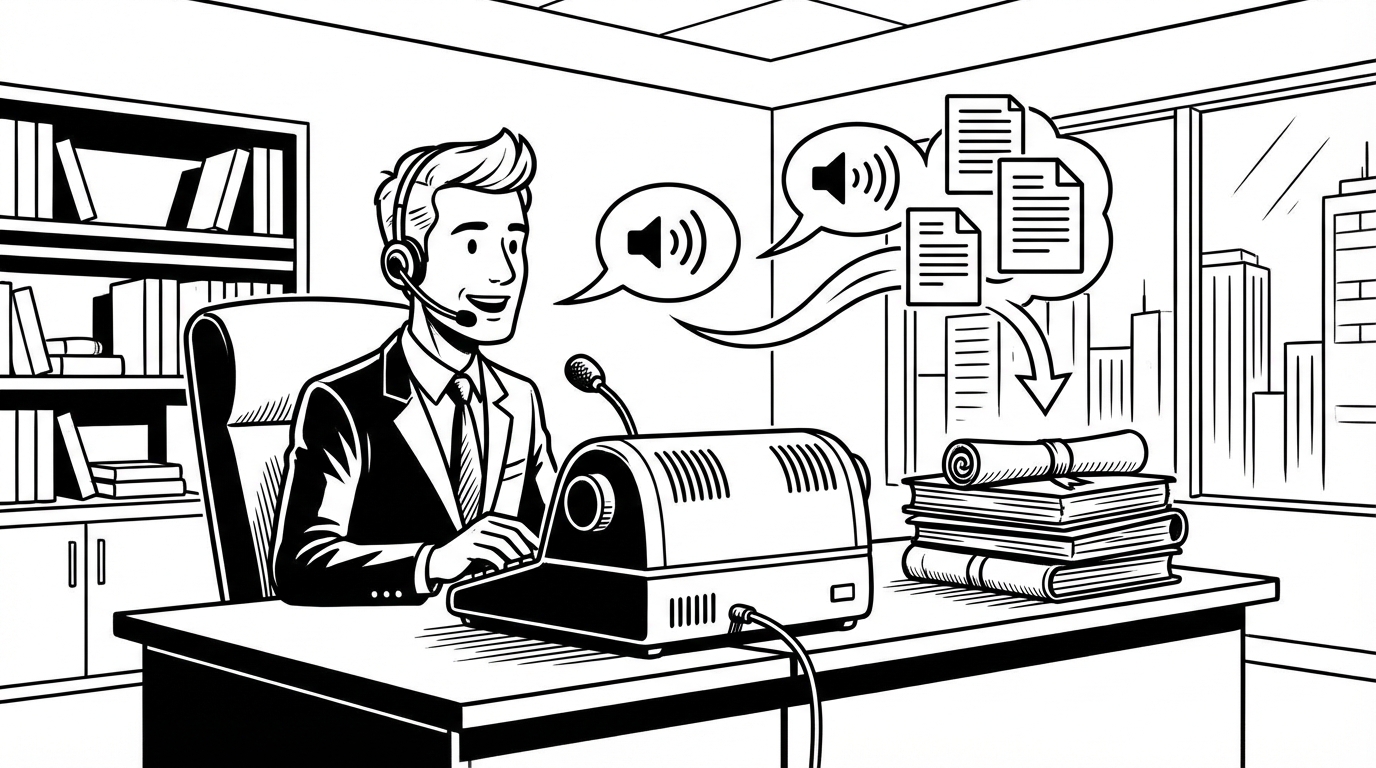
Legal professionals have used dictation longer than almost any other profession. Before digital tools, attorneys dictated letters and briefs to secretarial staff who transcribed them. The workflow moved to desktop computers, and dictation largely disappeared. Now it's back — and the modern tools are meaningfully better than what came before.
This guide covers where voice dictation fits in legal work, how to use it effectively, and what to keep in mind given the precision legal writing requires.
Where Dictation Works Well in Legal Practice
Legal writing covers a wide range of document types with different precision requirements. Voice dictation is more appropriate for some than others.
High-value dictation targets:
Client correspondence and emails — the largest volume of writing most attorneys do daily. Dictating client emails is a low-risk, high-payoff starting point. The register is professional but conversational, and the stakes for a transcription error are lower than for a filed document.
Internal memos — analysis and reasoning written for colleagues or supervisors. These benefit from the natural argument structure that comes from speaking through an analysis.
First drafts of briefs and motions — dictating the argument section of a brief, where you're constructing a legal argument you've thought through, is faster than typing it and often produces cleaner reasoning (because spoken argumentation tends to be more direct than typed legal writing, which drifts toward density).
Case notes and matter summaries — capturing what happened in a client meeting, a deposition, or a court appearance while it's fresh. Same logic as CRM notes for sales reps: the capture window is short and dictation is faster than typing.
Intake notes — recording client information during or immediately after an intake call.
Lower-value or riskier dictation targets:
Contracts and transactional documents — these require exact language, defined terms, cross-references, and are typically built from templates. The precision requirements make dictation less appropriate for the substantive content, though dictating explanatory comments or negotiation notes is fine.
Filed court documents (at draft stage) — fine to dictate first drafts; require careful review before filing. Dictation errors in a legal argument are usually obvious and caught in revision. Dictation errors in citations, case names, or statutory references are more dangerous — always type these.
The Brief-Drafting Workflow
For the argument section of a brief:
- Review your research notes and the structure of your argument
- Open your word processor to the argument section
- Dictate the argument in section-by-section bursts — speak through each argument as if you're explaining it to a colleague
- Type citations, case names, and statutory references (never dictate these)
- Do a full editing pass for precision and style
Speaking through a legal argument tends to produce more direct, cleaner prose than the over-nominalized, passive-voice-heavy style many lawyers fall into when typing. "The court should grant the motion because the plaintiff fails to state a claim" — that's the spoken version. The typed version often becomes "It is respectfully submitted that dismissal of the complaint is warranted based upon plaintiff's failure to adequately allege..."
Dictation keeps the argument tighter. The editing pass can restore necessary formality; it can't easily recover buried reasoning.
Client Email Workflow
Client emails represent a significant portion of daily legal writing. Most are routine: updates on case status, answers to questions, requests for information or signatures. Dictating these is straightforward.
For a typical case update email, the dictated version:
"Hi Michael, wanted to update you on where things stand with the contract dispute. We received the opposing party's discovery responses last week and I've been reviewing them. There are some gaps we're going to need to push back on, and I'm drafting a deficiency letter this week. We're still on track for the March 15th mediation. Let me know if you have questions — happy to schedule a call if it would be helpful."
That email, spoken in 20 seconds, would take most attorneys 3–4 minutes to type and edit. Multiply that across 15–20 client emails a day and the time savings are significant.
Dictating Deposition and Meeting Notes
The post-deposition note is one of the most important and most neglected pieces of documentation in litigation. While everything is fresh — the witness's demeanor, the key admissions, the surprising moments, the lines to follow up on — that knowledge needs to be captured.
Dictating a post-deposition summary in the car or immediately after returning to the office preserves information that's genuinely difficult to reconstruct days later from transcript alone. The transcript tells you what was said; the dictated note captures what it meant and what to do with it.
Privacy and Confidentiality Considerations
Legal work involves confidential client information, and the privacy considerations for voice dictation in a legal context deserve careful attention.
Before using any cloud-based dictation tool with client information, attorneys should consider:
- Whether the tool's data handling is consistent with their professional responsibility obligations around client confidentiality
- Whether their firm has a policy on third-party tools for work product
- Whether particularly sensitive matters (criminal defense, high-stakes litigation) warrant additional caution
For most routine correspondence and drafting, cloud-based dictation is consistent with standard legal practice. For the most sensitive matters, review the SERP Transcribe privacy policy or consult your firm's IT and ethics counsel.
Building the Habit
The attorneys who benefit most from dictation are those who use it consistently — not as a special tool for certain documents, but as the default first-draft mode for all correspondence and writing.
Start with client emails for one week. Dictate every email draft instead of typing it. At the end of the week, note how much time you saved and whether the quality suffered. For most attorneys, it didn't — and the time freed up is real.
From there, extend to memos, then to brief argument sections. Build the habit in layers rather than trying to overhaul everything at once.
Dictation has been in legal practice for a century. The modern version is better, faster, and available to solo practitioners and small firms without a transcription staff. The efficiency gains that large firms have always had from dictation are now accessible to everyone.