Using Voice Dictation While Traveling: Hotels, Airports, and On the Road
Travel kills productivity for most people. Here's how to use voice dictation to stay on top of your work from anywhere — without a desk, without quiet, and without extra gear.
SERP Transcribe Team
Product
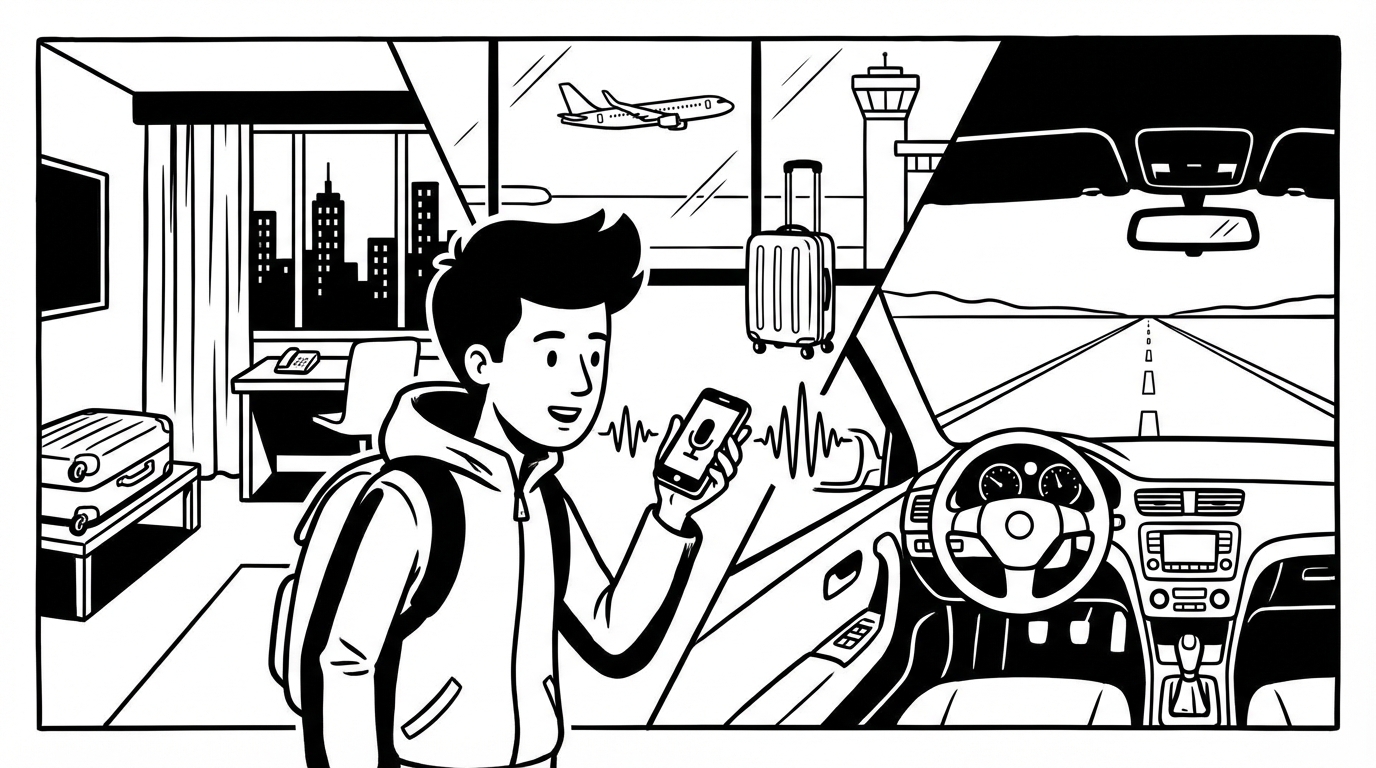
Travel is where productivity goes to die — or at least gets significantly harder. Crowded airports, noisy lounges, hotel rooms without proper desk setups, back-to-back meetings with no buffer to catch up on emails. Voice dictation doesn't fix the schedule, but it does mean you can write faster in the gaps, handle your inbox in places you'd normally be stuck just waiting, and maintain output without a proper desk setup.
The Travel Voice Dictation Setup
The setup for travel is simpler than a home office: your laptop and your existing hotkey. You don't need extra hardware — your laptop's built-in microphone works fine for voice dictation in most travel environments. If you already use an earphone mic or earbuds at home, bring them.
What you don't need to bring: a USB microphone, an audio interface, a dedicated recording setup. The travel use case is about getting good enough audio for accurate transcription in a variety of environments. Modern Whisper-based transcription is robust to variable audio quality in a way that earlier voice recognition wasn't.
Airport and Lounge Use
Airports are loud — gate announcements, rolling luggage, crowds. Dictation accuracy drops somewhat in high-noise environments, but with a few adjustments it's workable:
Speak toward your laptop. Position your laptop so you're close to the built-in mic (or hold your phone close if using phone dictation). Proximity to the mic compensates for background noise.
Lean in slightly. Speaking with your mouth 6–8 inches from the laptop mic in a noisy environment gets much better audio than speaking at your normal desk distance.
Use earbuds with mic. If you have AirPods, Galaxy Buds, or similar, the close-to-mouth mic quality is significantly better than the laptop mic in noisy environments. This is the single best upgrade for travel dictation.
Speak in short bursts. Shorter dictation segments (2–3 sentences) are more robust to noise than long continuous passages. The model has less audio to get wrong.
Priority use: In noisy airports, use voice for messages and notes rather than long documents. Save the long-form work for the flight or the hotel.
On the Plane
Planes are actually good for voice dictation — relatively quiet once at altitude, you have your laptop open, and you're mostly idle anyway. The challenge is social: speaking to your laptop in a middle seat feels self-conscious.
Window seat tip: A window seat gives you a wall to face slightly, which makes quiet voice dictation feel less exposed.
Volume control: Speak quietly — significantly below normal conversational volume. Whisper-level speech produces slightly lower accuracy but is socially unobtrusive. The person next to you won't notice, and your transcription will still be 90%+ accurate for clear, quiet speech.
Offline capability: Make sure SERP Transcribe is set up and cached before the flight if you need it to function without wifi. Check your app's offline capabilities before traveling.
Use the flight time. A 3-hour flight with wifi is 3 hours of dictation-capable writing time. The emails you've been putting off, the draft document you haven't started, the notes from last week's meetings — voice on a flight clears backlogs that have been building for days.
Hotel Room Dictation
Hotel rooms are actually good dictation environments — quiet, private, no social awkwardness about speaking to your laptop. The main difference from home is setup:
No external monitor, no desk mic: You're probably on a laptop screen, which is fine. The laptop mic in a quiet hotel room is good quality.
Bed vs desk: If the hotel desk is uncomfortable (many are), dictating while sitting on the bed with the laptop on your lap is perfectly workable. The laptop mic proximity is similar.
Early morning and late evening: Hotel room dictation is particularly useful for clearing email first thing in the morning before a full day of meetings, or catching up in the evening when the day's context is fresh.
Coffee Shops and Co-Working Spaces
Coffee shops are workable with earbuds; without them, the background noise and social visibility make continuous dictation awkward. The sweet spot: earbuds, quiet corner, speaking quietly for messages and notes rather than long-form documents.
Co-working spaces are generally better — lower noise floor, more acceptable to be speaking, often private areas available.
The Travel Backlog Problem
Business travel usually creates a writing backlog: days of emails to catch up on, notes from meetings to write up, follow-ups to send. Voice dictation during transit — on the plane, in the lounge, in the Uber — converts otherwise dead time into productive writing time.
A three-day business trip with 6 hours of transit time is 6 hours of potential writing time. Without voice, transit time is mostly wasted (catching up on email slowly with one thumb, or not at all). With voice, it becomes high-productivity catch-up time.
That might be the most practical value of travel dictation: the backlog you come home with is smaller because you worked through it in the margins of travel rather than letting it pile up for Monday morning.