Voice Dictation With Asana and Monday.com: Better Task Descriptions in Seconds
Vague tasks create rework. Voice dictation makes writing detailed task descriptions fast enough that you actually do it — in Asana, Monday.com, and any project management tool.
SERP Transcribe Team
Product
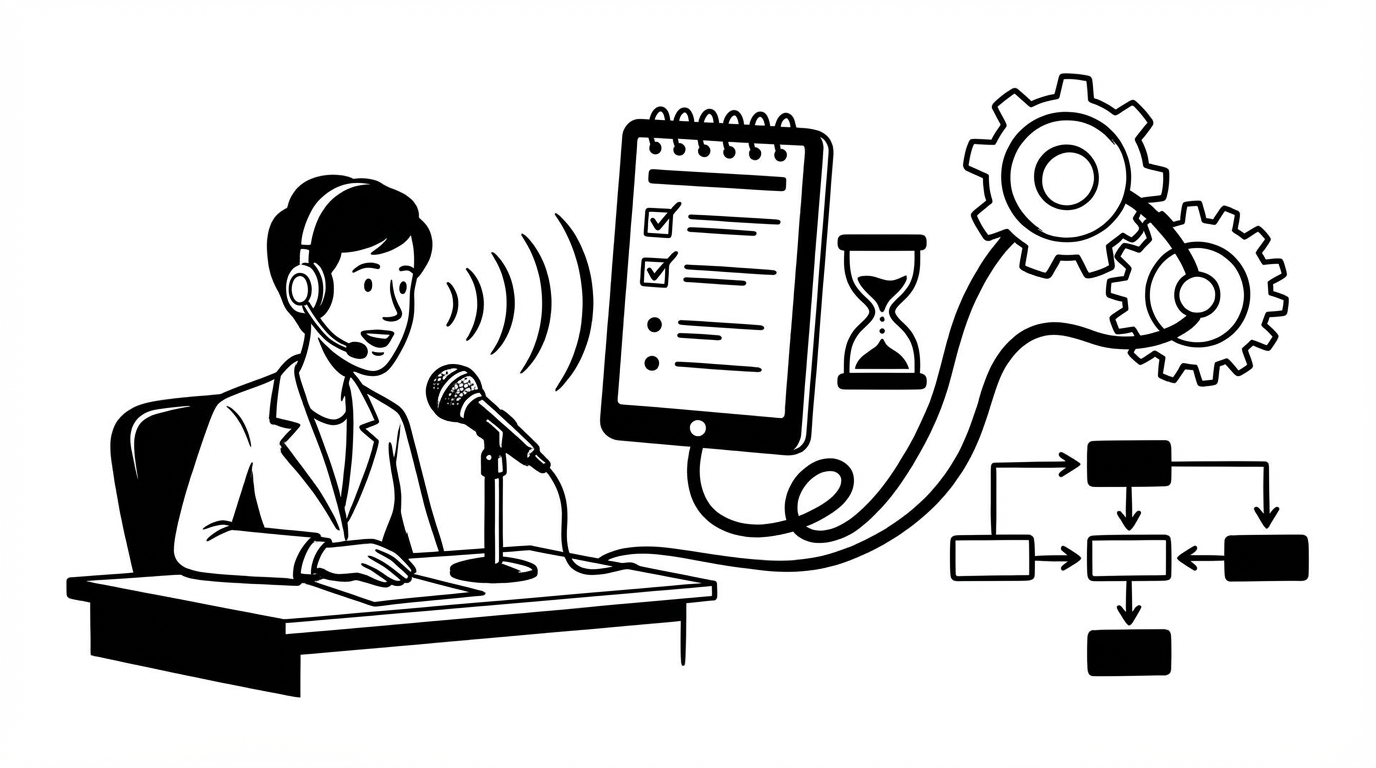
Project management tools like Asana and Monday.com are only as useful as the quality of the information in them. A task called "Update the landing page" is almost useless — it creates ambiguity, requires back-and-forth to clarify, and often results in the wrong thing getting done. A task with a complete description — what specifically needs to change, why, who the stakeholders are, what done looks like — is actionable on its own.
The reason most tasks have poor descriptions is simple: writing them takes time that nobody has in the moment. Voice dictation changes that.
How Voice Works in Project Management Tools
Both Asana and Monday.com are web-based applications. SERP Transcribe works system-wide — that means it works in the browser fields of any project management tool with no integration or plugin required.
Click into a task description field, hold your hotkey, speak, release, paste. That's it.
Writing Better Task Descriptions by Voice
Asana task description example:
"Update the homepage hero section for the Q1 campaign launch. The copy needs to reflect the new positioning we decided on in Tuesday's meeting — lead with the 'works everywhere' message rather than the feature list. Anna has the approved copy in the Google Doc — link is in the campaign folder. The CTA button should change from 'Get Started' to 'Try Free Today.' Check with Marcus on the visual — he may want to update the hero image too, or this might be copy-only. Target: complete by end of week so we can review before the Wednesday all-hands. Tag marketing and dev for visibility."
Forty seconds of speaking. That task is actionable by anyone who picks it up, with full context, clear stakeholders, and a concrete deadline.
Monday.com item description example:
"Client proposal for Meridian Technologies. This is a proposal for the Q2 engagement we discussed on the discovery call March 4th. Scope includes a 3-month strategy engagement, weekly sessions, deliverable at end is a 90-day growth roadmap. Pricing as discussed: $8,500 for the engagement. Use the proposal template in the shared drive — section 3 needs to be customized based on their specific challenges (see call notes). Jennifer needs to review before we send. Target send date: March 12th."
Complete, specific, includes the relevant context and files. If Jennifer gets assigned this on Monday morning, she has everything she needs.
Project Update Posts
Both Asana and Monday.com have status update and comment features for keeping teams informed. Voice handles these faster than typing:
"Status update on the website redesign — development is on track for the March 18th deadline. All page templates are done. We're currently in QA; Sarah found three layout issues on mobile that Marcus is fixing today. No blockers currently. On schedule to hand off to content by end of week as planned."
A complete status update in 20 seconds. The team is informed, the record is documented, and you're done before you'd have finished typing the first sentence.
Creating Multiple Tasks Quickly
One high-value workflow: using voice to rapidly create a batch of tasks after a meeting or planning session. While the decisions are fresh, create tasks one by one by voice:
- Open Asana/Monday.com
- Create first task, click into description
- Hold hotkey, speak the full description, paste
- Tab or click to next task
- Repeat
Creating 10 well-described tasks by voice takes about 5 minutes. The same tasks with proper descriptions typed would take 20–30 minutes. The tendency to shortcut descriptions ("just put a title and fill it in later") evaporates when the description takes 30 seconds to speak.
Dependency and Context Notes
When a task has dependencies, blockers, or important context that needs to be documented, voice makes capturing that easy:
"Note: this task is blocked until the brand guide refresh is complete — Sarah estimated that'll be done by March 10th. Once it's done, we can finalize the color palette and update all the component files. Don't start the component update before the brand guide is signed off — we've had this issue before where we had to redo work."
Context and institutional knowledge like this rarely gets written down because it takes too long. Voice makes it practical to capture every time.
Templates and Repeating Tasks
Both tools allow task templates and repeating tasks. When setting up recurring tasks or templates, invest the 2 minutes to dictate a complete description once — the time is recovered every time that template is used. A recurring weekly meeting agenda task with a full description of what needs to be prepared is significantly more useful than a recurring task that just says "prepare for weekly meeting."
The Team Effect
When one person on a team starts writing better task descriptions by voice, it tends to raise the quality bar for everyone — the norms shift, and good descriptions become the standard rather than the exception. The downstream benefits (less back-and-forth, fewer misunderstandings, faster execution) compound over time.
If you manage a team and want to improve execution quality, your own example of well-described tasks is one of the highest-leverage changes you can make.