Voice Dictation With Linear and Jira: Keep Your Issues Detailed Without the Grind
Vague tickets slow teams down. Voice dictation makes writing detailed, specific issue descriptions fast enough that you actually do it — every time.
SERP Transcribe Team
Product
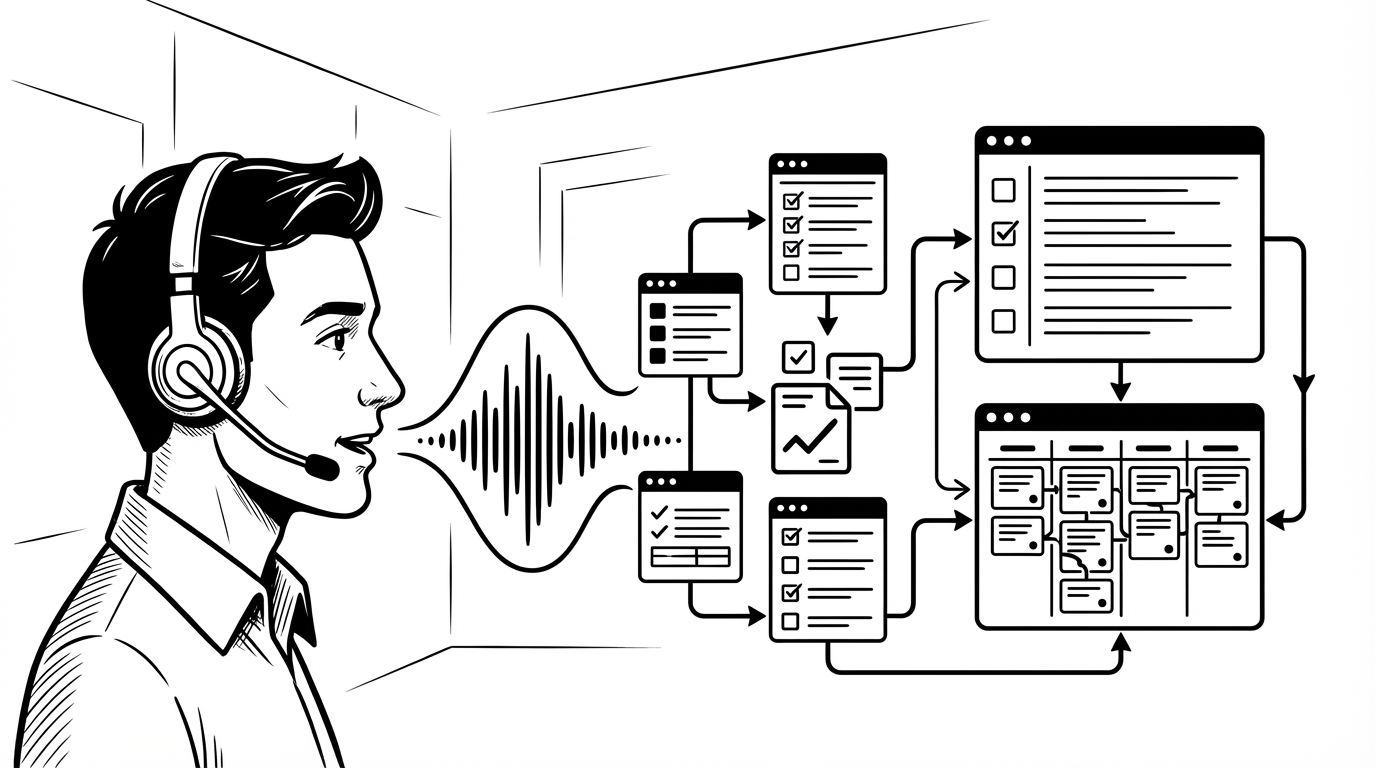
The quality of tickets in Linear and Jira is a direct predictor of how smoothly a team executes. Vague tickets — "fix the login bug," "update the dashboard," "improve performance" — create exactly the kind of ambiguity that generates back-and-forth, rework, and missed context. Detailed tickets — with reproduction steps, expected vs. actual behavior, context, and definition of done — are how teams actually ship cleanly.
The reason most tickets are vague isn't laziness. It's that writing a detailed issue takes time, and the person who notices the problem is usually in the middle of something else. Voice dictation makes writing a complete ticket nearly as fast as writing a vague one.
How Voice Works in Linear and Jira
Both Linear and Jira are web-based applications with standard text fields — voice dictation works in them the same way it works in any app. Click into the description field, hold your hotkey, speak the ticket content, paste.
No plugin, no integration, no special setup. Just hold and speak.
Writing Better Bug Reports by Voice
A complete bug report has: what happened, what was expected, how to reproduce it, environment details, and any relevant context. Typing all of that takes 3–5 minutes. Dictating it takes 45 seconds:
"Bug: authentication token not refreshing on mobile. When a user has the app open for more than two hours, their session appears to expire without automatically refreshing the token. They get a 401 error on the next API call and get logged out. Expected behavior: the token should refresh silently in the background before expiration. Steps to reproduce: log in on mobile, leave the app open without using it for approximately two hours, then try to perform any action — you'll see a 401 response in the network tab. Happened consistently in testing on iOS 17.2, not yet confirmed on Android. Possible cause: the token refresh logic isn't running in background app state. Note: this doesn't happen on desktop. Priority: high — this is actively affecting users."
That's a bug report that an engineer can actually work from. It would take the same engineer 4–5 minutes to type with that level of detail. Spoken in 50 seconds.
Feature Requests and User Stories
Feature requests often get the "just a title" treatment because writing the full user story takes time nobody has in the moment. Voice makes the full story fast:
"Feature request: bulk archive for projects. As a power user with many completed projects, I want to be able to select and archive multiple projects at once rather than archiving them one at a time. Current behavior requires opening each project, going to settings, and clicking archive — for 20+ projects this is prohibitively tedious. Acceptance criteria: checkbox selection on project list, bulk archive action in the action menu, confirmation dialog showing count of selected projects, undo option for 30 seconds after archiving. Nice to have: filter to show archived projects and bulk restore."
A complete user story with acceptance criteria, in 40 seconds of speaking.
Task Descriptions for Engineering Work
Technical tasks in Linear and Jira often have sparse descriptions because the engineer writing them knows the context — but their future self, or a teammate picking it up later, doesn't. Voice makes writing the full context easy:
"Refactor the auth middleware to support multiple token providers. Currently the middleware is tightly coupled to our JWT implementation and doesn't support the OAuth tokens we'll need for the enterprise SSO feature. The refactor should abstract the token validation interface so we can plug in different validators without touching the middleware logic. Reference the RFC in the docs folder — the interface design is already specced. This is a prerequisite for the SSO feature in Q2. Estimate: 2–3 days. No user-facing changes."
That description would take 5 minutes to type. It took 35 seconds to speak. The next engineer to touch this ticket has everything they need.
Sprint Planning and Refinement Notes
During sprint planning and backlog refinement, the notes that capture decisions made about tickets — why something was prioritized, what was descoped, what dependencies were identified — often don't get written because everyone's already in the next meeting. Voice capture immediately after the session while the discussion is fresh:
"Sprint planning notes: decided to pull the bulk archive feature into this sprint — it's been on the roadmap for two months and the design is ready. The auth middleware refactor got moved to next sprint — dependency on the SSO spec isn't finalized yet. Three tickets were split: the dashboard performance work got divided into a data layer ticket and a render optimization ticket. Carry-over from last sprint: two tickets in review, expecting them to close by Wednesday."
Speak it, paste it into the sprint notes or a team doc. Sixty seconds. The decisions are documented before they're forgotten.
The Ticket Quality Compound Effect
Teams that write consistently detailed tickets move faster over time, not slower. Less back-and-forth on ambiguous requirements. Fewer missed edge cases. Better estimates because the work is clearly defined. Faster onboarding because the project history is legible.
Voice dictation doesn't make your team write better tickets by itself. It removes the time barrier that makes detailed tickets feel expensive. When the marginal cost of a complete ticket is 45 seconds instead of 5 minutes, the quality floor rises naturally.