Using Voice Dictation With Notion: Faster Pages, Notes, and Databases
Notion users write constantly — meeting notes, project docs, wikis, journals. Here's how push-to-talk dictation integrates into your Notion workflow without friction.
SERP Transcribe Team
Product
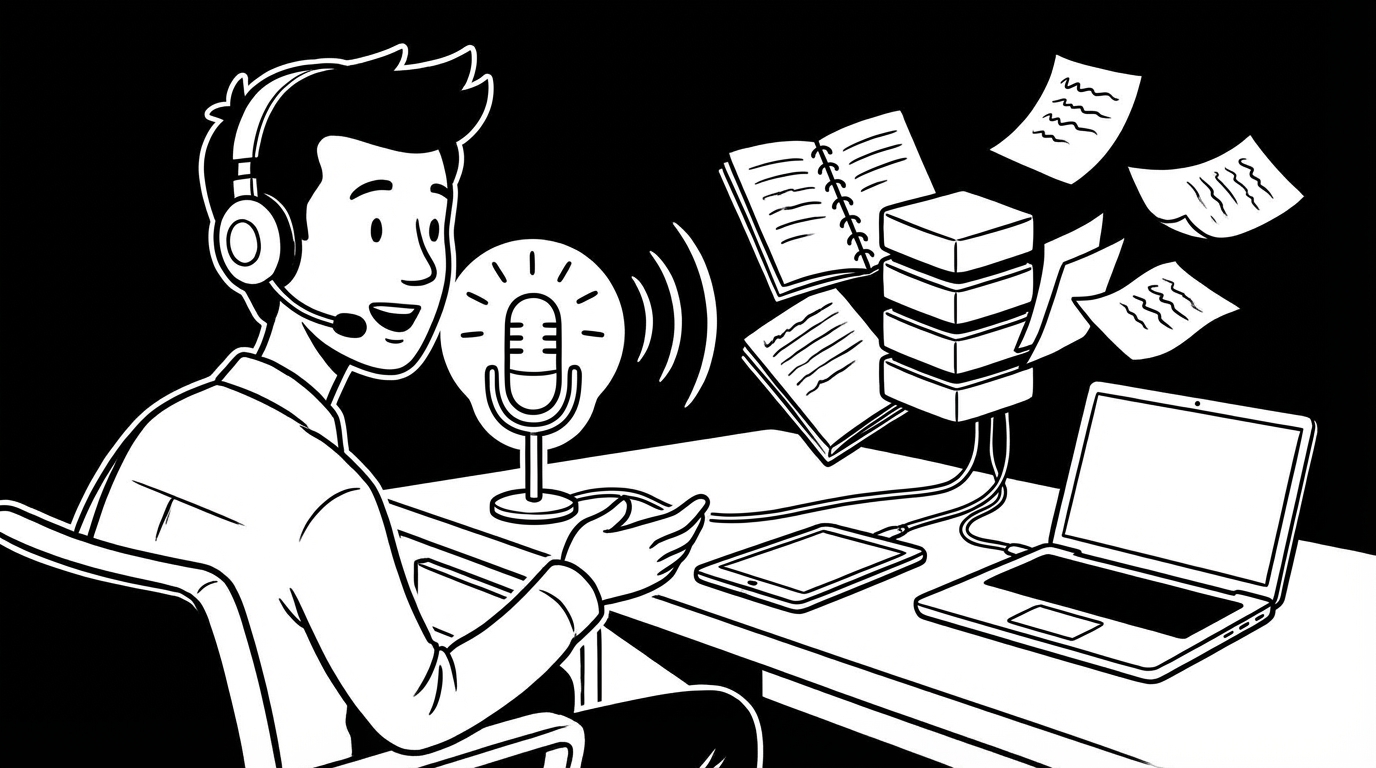
Notion is many things to many people: a note-taking app, a project manager, a wiki, a personal journal, a company knowledge base. What all of these have in common is that they generate a lot of writing. Voice dictation works in Notion the same way it works anywhere — you dictate into the text field, paste, and the content lands in the block.
Here's how to integrate it practically into the most common Notion use cases.
Meeting Notes
Meeting notes are the highest-frequency writing task for most Notion users. You're in a meeting, things are being said, you're trying to capture what matters without losing track of the conversation.
The post-meeting dictation approach works well: immediately after the meeting ends, hold your hotkey and speak through what happened while it's still fresh. Structure it however your meeting notes template asks for — decisions made, action items, context — but speak it rather than type it.
"Team sync February 20. Decisions: we're going with Option B for the API redesign, timeline is end of Q1. Action items: Marcus to write the spec by Friday, I need to set up the stakeholder review meeting this week. Context: the main concern raised was backwards compatibility — James flagged three clients who would need migration support. That's a Q2 thing, not blocking the spec."
Paste that into your meeting notes template. Done in 45 seconds. Compare to typing the same thing out at the end of a day of back-to-back meetings.
Project Documentation
Project pages — scope, goals, decisions, status — are documents that get written once and updated regularly. Voice is useful for both the initial creation and the updates.
For the initial creation: speak through the project like you'd brief a new team member. What's the context, what problem are you solving, what's the plan, what are the risks. The spoken version is often clearer and more complete than the typed version because you're narrating rather than constructing.
For updates: hold the hotkey, speak the status as of today, paste it under a dated header. Running update logs that would otherwise be skipped because "there's not time to write a proper update" take 30 seconds by voice.
Personal Journal and Reflection Pages
If you journal in Notion — daily reflections, weekly reviews, processing difficult situations — voice is particularly well-suited. The stream-of-consciousness honesty that good journaling requires comes more naturally from speaking than from composing.
Hold the hotkey, speak whatever's on your mind without filtering, paste it into your journal page. No structure required. The thinking-out-loud quality of spoken notes is an asset for journaling, not a problem.
Database Properties With Text Fields
Notion databases have text fields — descriptions, notes, context fields — that are often left blank because adding them requires clicking in and typing. Voice makes these faster to fill:
- Click into the text field
- Hold hotkey
- Speak the note or description
- Paste
This is especially useful for large databases where you want to add context to many records — a CRM database, a content calendar with notes, a project tracker with brief descriptions.
Writing Wiki Pages
Team wikis and knowledge bases are often under-written because adding a page is perceived as a significant effort. Voice makes adding a wiki page low enough effort that people actually do it.
The workflow: create a new page, hold the hotkey, speak through what you want this page to explain — what the process is, why it exists, what someone new needs to know. Paste the spoken first draft, add structure and headers, link to related pages.
A knowledge base page that might have been "on the list" for weeks gets done in 10 minutes with voice versus 30 minutes of typed composition.
SERP Transcribe + Notion: The Technical Setup
SERP Transcribe works system-wide — it doesn't need any Notion-specific integration. You click into any Notion text block, hold the hotkey, speak, and paste. That's all the setup required.
The one place Notion requires attention: make sure you've clicked into the text block (not just hovered over the page) before triggering the hotkey. Notion requires an active block selection for paste to work correctly. Click, then dictate.
The Notion Power User Workflow
For heavy Notion users, voice dictation tends to show up in a few predictable patterns:
Morning pages in Daily Notes: Open today's daily note, hold hotkey, speak the brain dump of what's happening and what you're thinking about. Sets context for the day.
Quick capture to Inbox database: Speak a thought or idea, paste it as a new record in your inbox database. Triage later.
End-of-day review: Hold hotkey, speak what happened today, what you accomplished, what's open. Paste into the day's note. Context for tomorrow's morning pages.
The theme is the same as in all voice dictation workflows: capture when the material is fresh, at the cost of almost no time, and let the organization happen later. Notion's structure supports the later organization. Voice supports the immediate capture. They complement each other well.