Using Voice Dictation With Obsidian: Build Your Second Brain Faster
Obsidian users capture ideas, build knowledge graphs, and write notes constantly. Voice dictation makes all of it faster — here's how to integrate it into your PKM workflow.
SERP Transcribe Team
Product
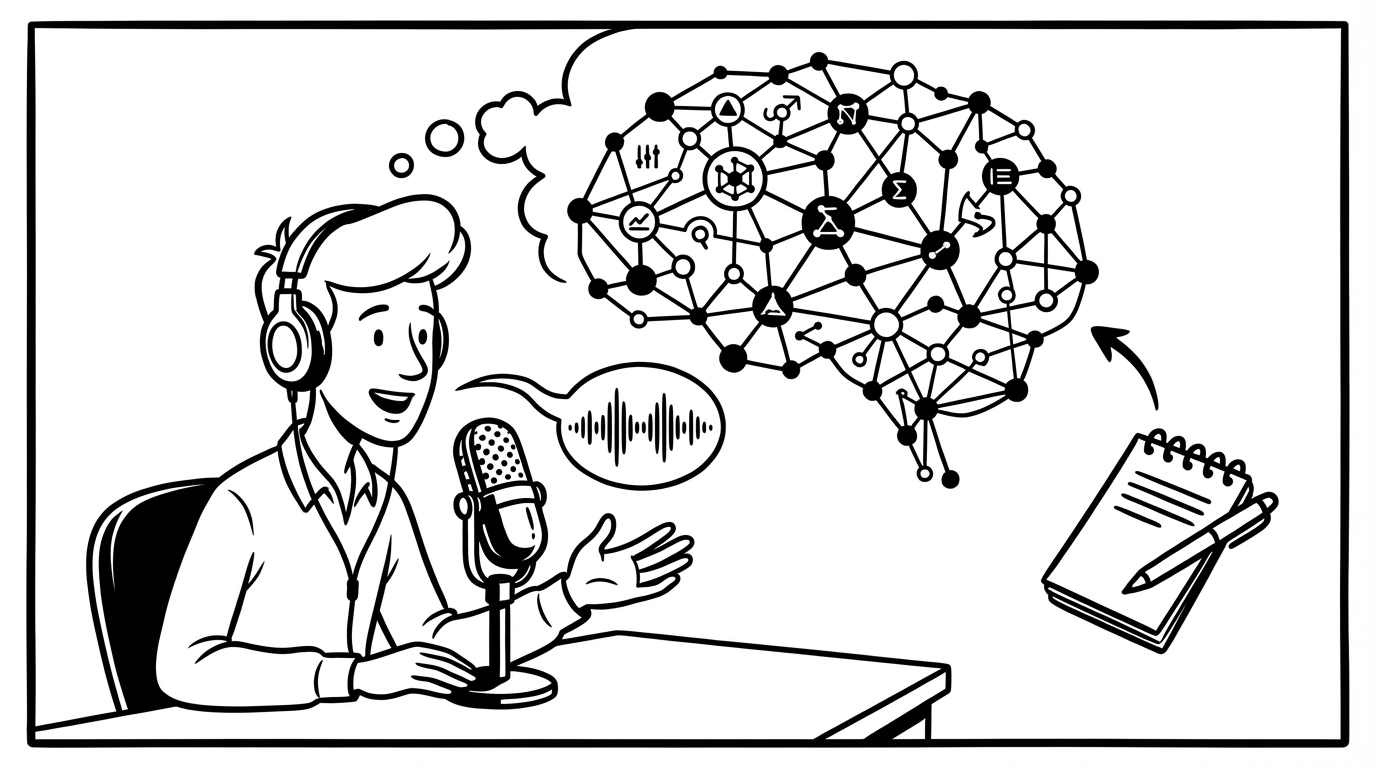
Obsidian is built around a philosophy of continuous capture — ideas, links, notes, fleeting thoughts, permanent notes, literature notes. The whole system works better when you add to it frequently and frictionlessly. Voice dictation is a natural fit: it reduces the friction of capture to the point where you'll add to your vault more often, with more detail.
The Core Use Case: Fleeting Notes
In Zettelkasten and similar PKM systems, a fleeting note is a quick capture of a thought before it disappears. It's meant to be rough, fast, and plentiful. The friction of writing slows this down.
With voice dictation, a fleeting note is a 15-second operation:
- Open Obsidian (or have it already open)
- Open a new note or your daily note
- Hold your hotkey
- Speak the thought: "Idea — the friction cost of capture systems may be proportional to how much they ask you to think about organization during the capture phase. Systems that defer organization are faster to add to and therefore get more use."
- Release, paste
- Add a tag or link later
That note is captured before the thought fades. The organization step is deferred, which is how it should be — capture first, organize later.
Daily Notes by Voice
If you use daily notes in Obsidian (a common workflow), voice dictation makes the running log of the day much faster to maintain:
- Morning intentions: hold hotkey, speak your priorities and goals for the day, paste
- Capture throughout the day: any thought, link, or observation goes in with a quick hotkey burst
- End of day: speak a review — what happened, what you learned, what's open
A daily note that would take 20 minutes of careful typed entries becomes a running voice-captured document that you contribute to in 15-second increments throughout the day.
Literature Notes and Book Notes
When reading and taking notes — literature notes that capture your response to a text — speaking your thoughts while you read (or immediately after finishing a section) produces more natural, more genuine reactions than typed notes.
Hold the hotkey and respond to what you just read: "This is the strongest argument in the chapter — the claim that distributed systems can't achieve both consistency and availability simultaneously. What I'm not convinced by is the implicit assumption that consistency is always preferable. The examples all come from financial systems where this is clearly true, but does it hold for social platforms?"
That's a genuine intellectual response. It's the kind of note that's useful when you come back to it — it captures your actual thinking, not a summary of what the text said.
Permanent Notes by Voice
Permanent notes — the refined, standalone ideas that form the core of a Zettelkasten — require more care than fleeting notes. But voice is still useful for the first draft.
Speak the idea clearly and completely: "Concept: the legibility of a system — how easily it can be read and understood by someone from outside — is often in tension with its efficiency. Systems optimized for legibility (bureaucracies, standardized processes) lose some of the local adaptations and tacit knowledge that make systems efficient. James Scott's Seeing Like a State is the key reference."
Paste that as a rough permanent note, add your links and backlinks, clean up the phrasing. The thinking is done; the formatting is editing.
Integrating With Templates
Obsidian's template system plays well with voice dictation. If you have a standard template for meeting notes, book reviews, project logs, or any other note type — the fields that require actual prose content can be filled by voice.
Open the template, click into the "Summary" field, hold hotkey, speak, paste. Click into "Key Takeaways," repeat. For structured note types, this is significantly faster than typing into each field.
The MOC (Map of Content) Workflow
Building a Map of Content note — an overview that links related notes and describes how they relate — is a writing task that benefits from voice. You're describing a knowledge structure you already understand; speaking it out is often faster and more natural than composing the description.
Hold hotkey: "This MOC covers my notes on distributed systems. The foundational paper is the CAP theorem note. From there it branches into consistency models (strong, eventual, causal), availability patterns, and partition handling strategies. The connection I want to make clearer is between consistency models and the CAP tradeoffs — that's where the practical decisions live."
Paste, add links, format. The architecture of the MOC is described in 30 seconds of speaking.
The Friction Law of PKM
The most-used PKM systems are the lowest-friction ones. It's not about having the most sophisticated structure — it's about how easy it is to add to the system when a thought occurs to you.
Voice dictation is the lowest-friction capture method available when you're at a computer. A thought occurs, you speak it, it's in the vault. No deliberation about where to put it (fleeting notes first, sort later), no slowdown from typing, no thought lost to the capture overhead.
Your second brain gets smarter the more you feed it. Voice makes feeding it faster.