Voice-to-Text for Meeting Notes and Follow-Ups
How to use SERP Transcribe to capture meeting notes in real time and turn them into action items and follow-up emails without the usual post-meeting lag.
SERP Transcribe Team
Product
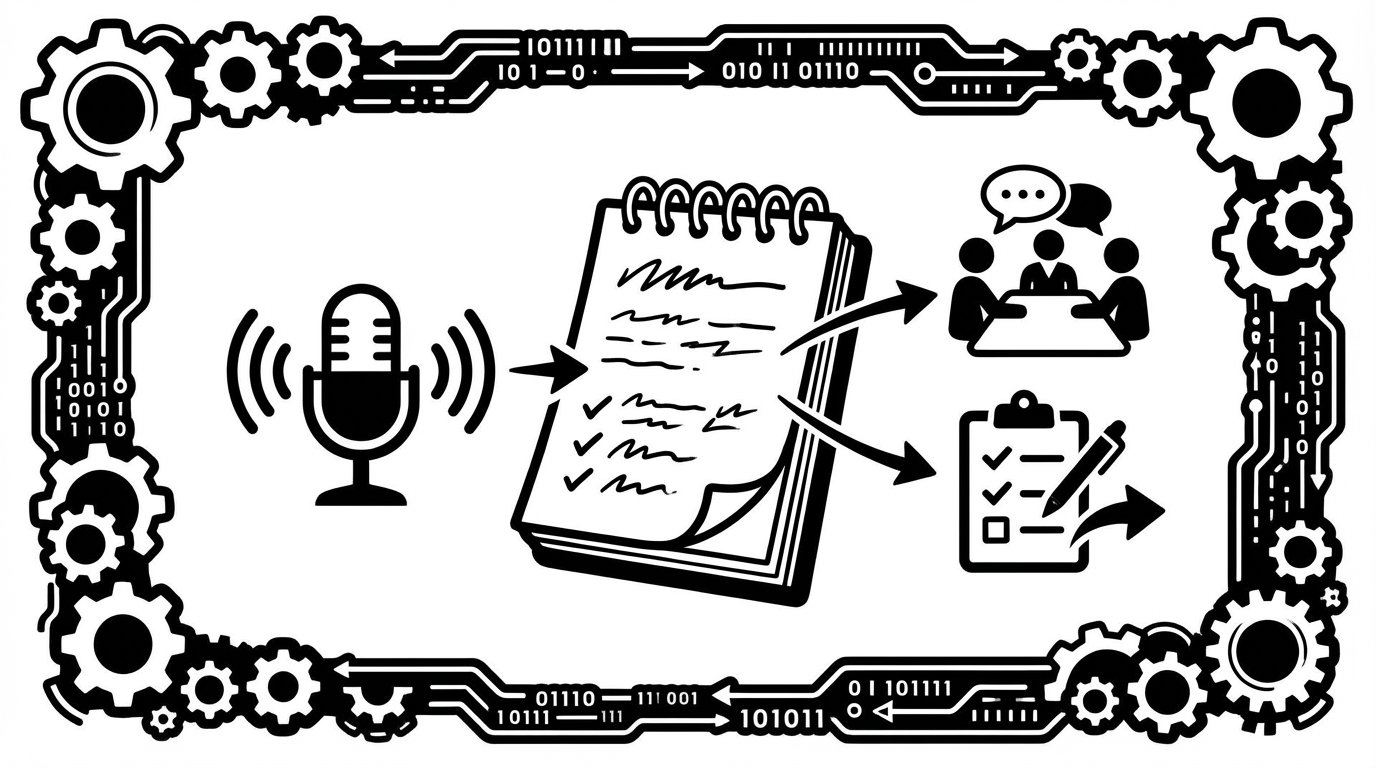
Meetings generate more work than most people account for: notes to write up, decisions to document, action items to distribute, follow-up emails to send. Most of this work happens in the hour after the meeting, when you're also catching up on everything else.
Voice dictation compresses that time significantly. Here's how to use SERP Transcribe to capture notes during a meeting and turn them into follow-ups without the usual drag.
The In-Meeting Workflow
The best time to capture notes is during the meeting, not after it. Memory degrades fast — the "I'll write this up properly later" instinct almost always produces worse notes than capturing things as they happen.
SERP Transcribe's push-to-talk model works well here because it doesn't interfere with your participation in the meeting. You're not typing while someone talks. You're listening, then grabbing your hotkey for five seconds when something important is said.
The pattern:
- Decision is made → hold hotkey → "Decision: we're going with the Q2 launch date, not March" → release
- Action item is assigned → hold hotkey → "Action item: Brian to draft the spec by Friday" → release
- Key context is shared → hold hotkey → "Context: the delay was because of the API dependency on the payments team" → release
Each of these is a three-to-seven-second capture. Paste them into your notes doc as they happen. By the time the meeting ends, you have a working document.
What to Capture vs. What to Skip
You don't need to transcribe everything. Verbatim meeting minutes are rarely the most useful output. Focus on:
- Decisions — what was agreed, what was ruled out, what's TBD
- Action items — who owns what, by when
- Key context — why a decision was made, what constraints were identified
- Open questions — what needs to be resolved after the meeting
Skip: general discussion, back-and-forth, things that got superseded by a later decision.
A focused set of capture points produces more useful notes in less time.
Post-Meeting: The Five-Minute Cleanup
Right after the meeting (ideally within the same hour, while context is fresh), do a quick five-minute cleanup:
- Review your pasted notes — they'll be rough, but the substance is there
- Organize into clear sections: Decisions / Action Items / Open Questions
- Fill in any gaps with dictation bursts for anything you remember but didn't capture
This five-minute pass turns raw captures into something you can actually share.
Writing the Follow-Up Email
Follow-up emails are a perfect dictation use case. You know what you want to say (what was decided, what the actions are, who owns what). Typing it perfectly feels like friction. Speaking it is natural.
A follow-up email for a project meeting might sound like:
"Hey everyone, following up from today's call. Three things: first, we're confirmed on the Q2 launch date — target is April 15th. Second, Brian is drafting the spec by Friday EOD. Third, we still need to align with the payments team on the API dependency before we finalize the timeline — Sarah's going to reach out today. Let me know if I missed anything."
That's a complete, clear follow-up email, dictated in about 20 seconds. Quick keyboard pass, send.
Async Standups and Status Updates
The same workflow applies to async written standups (common in Slack, Notion, or tools like Geekbot). You know the format — Yesterday / Today / Blockers — and you know what you want to say. Dictating it takes less than 30 seconds.
Build this into your morning routine: open the standup channel or field, hold hotkey, speak your update, release, review, post. Standup done.
Meeting Notes in Long-Running Docs
Many teams keep running meeting notes in a shared Google Doc or Notion page — a running log of every meeting with the same group. SERP Transcribe works well here:
- Start each meeting by dictating a date/title header
- Capture during the meeting in bursts
- Do your quick post-meeting cleanup
- The doc is already updated; nothing extra to do
No retyping from scribbled notes. No "I'll write this up later" that never happens.
The Time Math
A typical hour-long project meeting without dictation: 10–15 minutes of note-writing plus 5–10 minutes for the follow-up email. That's 15–25 minutes of post-meeting work.
With SERP Transcribe: 5-minute in-meeting capture + 5-minute cleanup + 1-minute follow-up email. That's about 11 minutes, and the quality is usually better because the content was captured while it was fresh.
Over a week of meetings, that adds up.