Voice Typing on X, LinkedIn, and Instagram: Post More Without Burning Out
How to use voice dictation to write social media posts, threads, and captions faster — so you actually show up consistently without the usual grind.
SERP Transcribe Team
Product
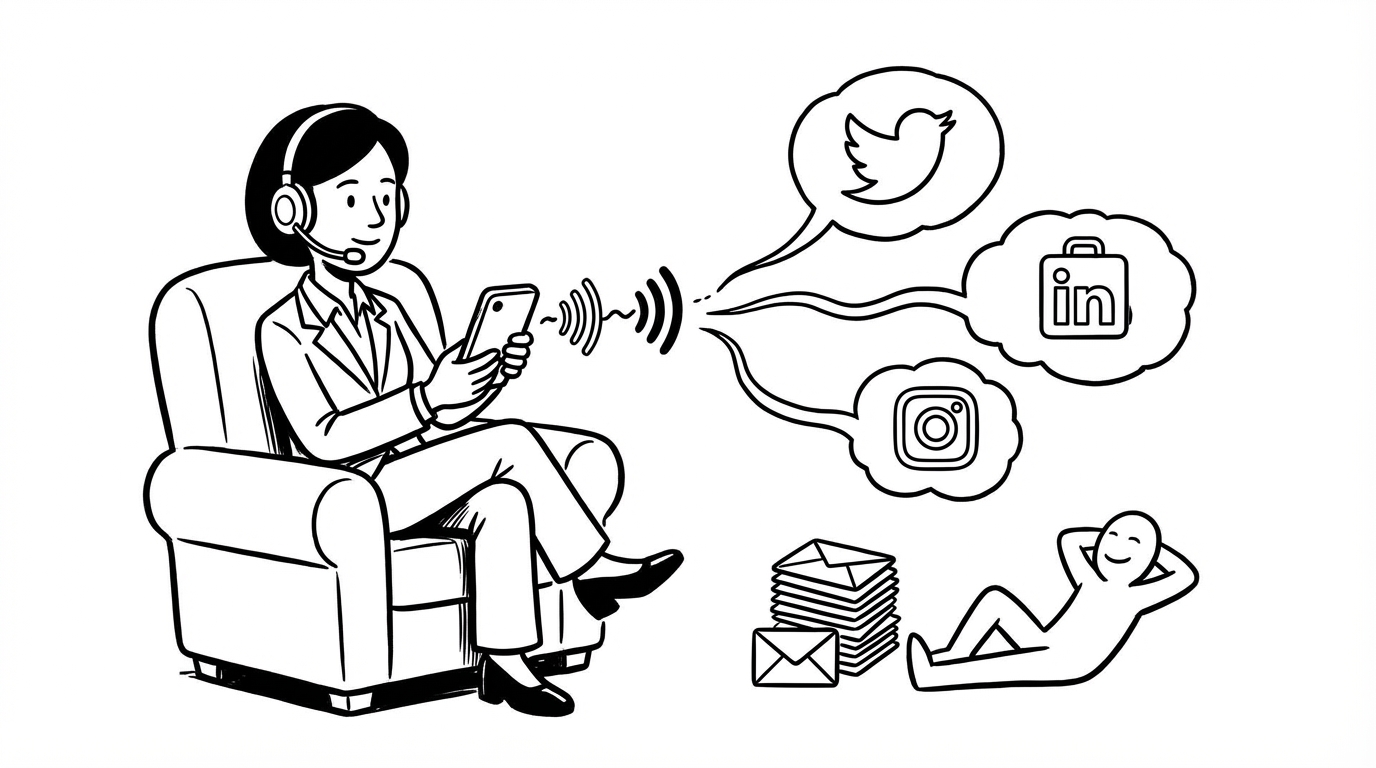
The number one reason people don't post consistently on social media isn't that they have nothing to say. It's that sitting down to write a post feels like work. You have a thought, you think "I should post that," and then the friction of opening an app, composing something coherent, and hitting publish quietly kills the impulse.
Voice dictation cuts that friction dramatically. Here's how to use it across the platforms where most people actually spend their time.
The Core Idea
When you have a thought worth sharing, speak it before it disappears. You're probably already talking about interesting things — in meetings, on calls, during your commute, while explaining something to a friend. That's your content. The voice-to-text pipeline just captures it.
Hold the hotkey while the thought is hot, speak it, paste it into your drafts or scheduling tool, clean it up later. The hard part — knowing what to say — is already done by the time you sit down to actually post.
X (Twitter): Threads and Takes
X rewards people who post regularly with thoughts that feel immediate and genuine. That's exactly what dictated posts sound like — because you're speaking a real thought, not constructing a performance.
For single tweets: Hold hotkey, say your take, paste, edit down to character count if needed. The edit pass usually improves it — spoken thoughts tend to be slightly longer than a tight tweet, so trimming is easy.
For threads: Dictate each point as a separate burst. One burst per tweet in the thread. Paste them in sequence into your drafting tool (Typefully, Hypefury, or directly into the X composer). Then go back and tighten each one.
A thread you've been thinking about posting but never got around to? Open a notes doc right now, hold the hotkey, and talk through the points. First draft done in three minutes.
LinkedIn: Longer Posts That Actually Sound Human
LinkedIn is interesting because the posts that perform best are personal stories and genuine opinions — not polished corporate copy. Dictation produces exactly that, because speaking naturally doesn't produce corporate-sounding language.
The typical high-performing LinkedIn post structure:
- Hook — one line that makes someone stop scrolling
- Story or observation — two to four paragraphs
- Takeaway or question — one line at the end
Dictate each section as a separate burst. Speak the hook like you'd say it to someone. Tell the story the way you'd tell it on a call. End with the question you'd actually want people to answer.
The editing pass on LinkedIn posts matters more than on other platforms — tighten the hook, break up long paragraphs, add line breaks for readability. But the substance comes from speaking, and that's the hard part.
One tip specifically for LinkedIn: Don't try to sound professional when you're dictating. Your natural speaking voice is more engaging than professional-mode typing, and it shows. Clean up the words, keep the voice.
Instagram: Captions That Take Two Minutes Instead of Twenty
Instagram captions are notoriously time-consuming to write relative to how much time anyone spends reading them. But a good caption — one that adds context, a story, or a question — meaningfully improves engagement and reach.
The workflow: take your photo, then while the moment and the feeling are still fresh, hold the hotkey and speak what you'd say about it. The story behind the shot, the feeling, the relevant context, the question you want people to answer.
Paste it into the caption field, add your hashtags (type those), and post. The caption that would have taken 20 minutes of deliberating takes two minutes of speaking.
For Reels and TikTok captions, the same principle applies — though captions there are shorter, so the gain is more about reducing the "ugh I have to write something" friction than saving massive time.
Batching Your Social Content by Voice
One workflow that works really well: set aside 20–30 minutes once or twice a week and dictate a batch of posts. Open your scheduling tool (Buffer, Later, Hypefury, whatever you use), and speak through a week's worth of content:
- Two or three LinkedIn post drafts
- Five to ten tweet/X ideas
- Three or four Instagram captions
All dictated, pasted, roughly structured. Then spend another 20 minutes editing and scheduling. You've got a full week of content in under an hour, and you did it by talking through ideas instead of grinding through a blank content calendar.
The Voice That Gets Engagement
Here's the thing that social media managers spend years trying to teach: authenticity performs. Posts that sound like a real person having a real thought outperform polished, carefully-composed copy almost every time.
Voice dictation is, structurally, authentic. You're literally speaking your genuine thoughts. The editing pass cleans up the words without removing the person behind them.
Post more. Type less. Just talk.