Writers: Capture Story Ideas and Book Notes by Voice Before They Disappear
The best story ideas come at inconvenient moments. Here's how writers use voice dictation to capture ideas, outline scenes, and keep momentum between writing sessions.
SERP Transcribe Team
Product
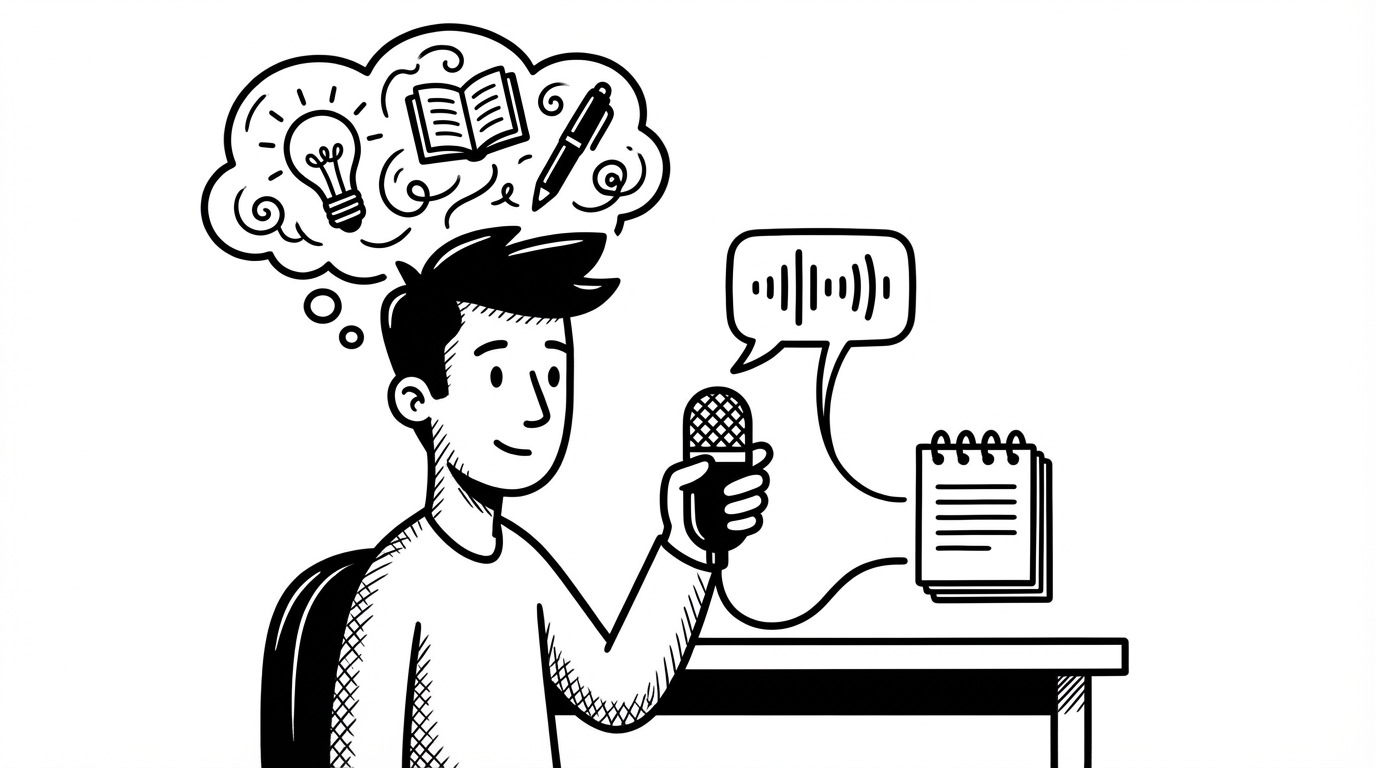
Ask any writer where their best ideas come from and the answer is never "sitting at my desk staring at a blank document." Ideas come in the shower, on a walk, driving, half-asleep, in the middle of a completely unrelated conversation. They come at the worst possible times for capturing them.
And then they disappear.
Voice dictation is the fastest possible bridge between the moment an idea arrives and having it captured somewhere safe.
The Idea That Got Away
Every writer has a version of this story: a perfect sentence, a plot solution, a character detail that clicked into place at 2am. You told yourself you'd remember it. You didn't.
The reason we lose ideas isn't lack of caring — it's lack of a fast enough capture mechanism in the moment. Writing a note requires finding a pen, opening an app, or not being in the middle of something else. That delay is enough for the idea to fade.
Hold a hotkey and speak takes two seconds. That's fast enough.
Capturing Ideas in the Wild
For the moments when you're away from your desk — walking, driving, exercising — your phone's built-in voice memo or dictation is the right tool. The habit is the same: speak the idea immediately, before you do anything else.
For the moments when you're at or near your computer — which is where most writers are when they're not writing, doing other work — SERP Transcribe's hotkey is faster than opening any phone app:
"Scene idea — Marcus confronts his brother at the funeral not with anger but with this completely flat calm that's somehow worse. He just looks at him. Doesn't say anything for a long beat. Then asks about the parking. That contrast might be the whole key to the character."
Speak it, paste it into your ideas doc, go back to what you were doing. Thirty seconds. The idea is safe.
The Running Story Notes Doc
Most writers keep some kind of notes document alongside their manuscript — a place for ideas, cut scenes, character notes, research, "save this for later" bits. Voice makes this document actually useful instead of just aspirationally useful.
The habit: any time a thought about the project surfaces — an idea for a scene, a line of dialogue, a character detail you want to remember, a structural question you haven't solved — hold the hotkey and put it in the notes doc immediately. Don't wait until you're "working on it."
Over time this document becomes a goldmine. The ideas you captured in the margins of your day become the material for sessions when you sit down to actually write.
Talking Through a Scene Before Writing It
One of the most underrated uses of voice dictation for writers: talking yourself through a scene you're stuck on before you write it.
Instead of staring at the page, hold your hotkey and just narrate what happens: "Okay so in this scene Maya arrives at the apartment and she knows something is wrong before she even gets inside because the light in the window is wrong — it's too bright, like every light is on. She goes up the stairs and the door is already open a crack..."
This isn't the prose yet. It's you figuring out what happens. Speaking it makes the scene more concrete in your head, and often by the time you've talked through it, you know how to write it. Sometimes what you spoke is the first draft, just needing polish.
Dictating First Draft Scenes
Some writers find that dictating full scenes — not just notes, but actual prose — works well for getting the first draft down fast. The spoken first draft is looser and more conversational than what you'd type, but it's also more alive in a way that carefully composed typed prose sometimes isn't.
The workflow: speak the scene, paste it, then revise. The revision pass tightens the language and lifts the prose quality. What you're left with is a scene with the energy of spoken storytelling underneath the polished surface.
This doesn't work for every writer or every scene. But for writers who get stuck trying to make the first draft perfect before they've written it, speaking a rough draft and fixing it afterward can be liberating.
End-of-Session Capture
Before you close your document at the end of a writing session, do a 60-second voice capture: where you are in the story, what you're planning to write next, any ideas you want to pick up on next session, any problems you're wrestling with.
Paste it at the bottom of your notes doc. When you return to the project — especially after a few days away — this capture tells you exactly where your head was when you left off. You don't have to reconstruct your intentions from re-reading the last few pages. You just read your own voice note and pick up from there.
The Gap Between Sessions
One of the hardest things about writing long projects is the gap between sessions. Life interrupts, days go by, and when you return to the manuscript you're cold. The story feels distant.
Voice notes keep you warm. Even a quick 30-second capture while you're doing something else — "thinking about the chapter three problem, I think the issue is that Daniel has no reason to go back to the house, need to plant something earlier in chapter two" — keeps the project alive in your head between sessions.
Writers who finish books are not necessarily more talented than those who don't. They're often just better at maintaining momentum. Voice notes, captured in the margins of your day, are a remarkably effective tool for that.