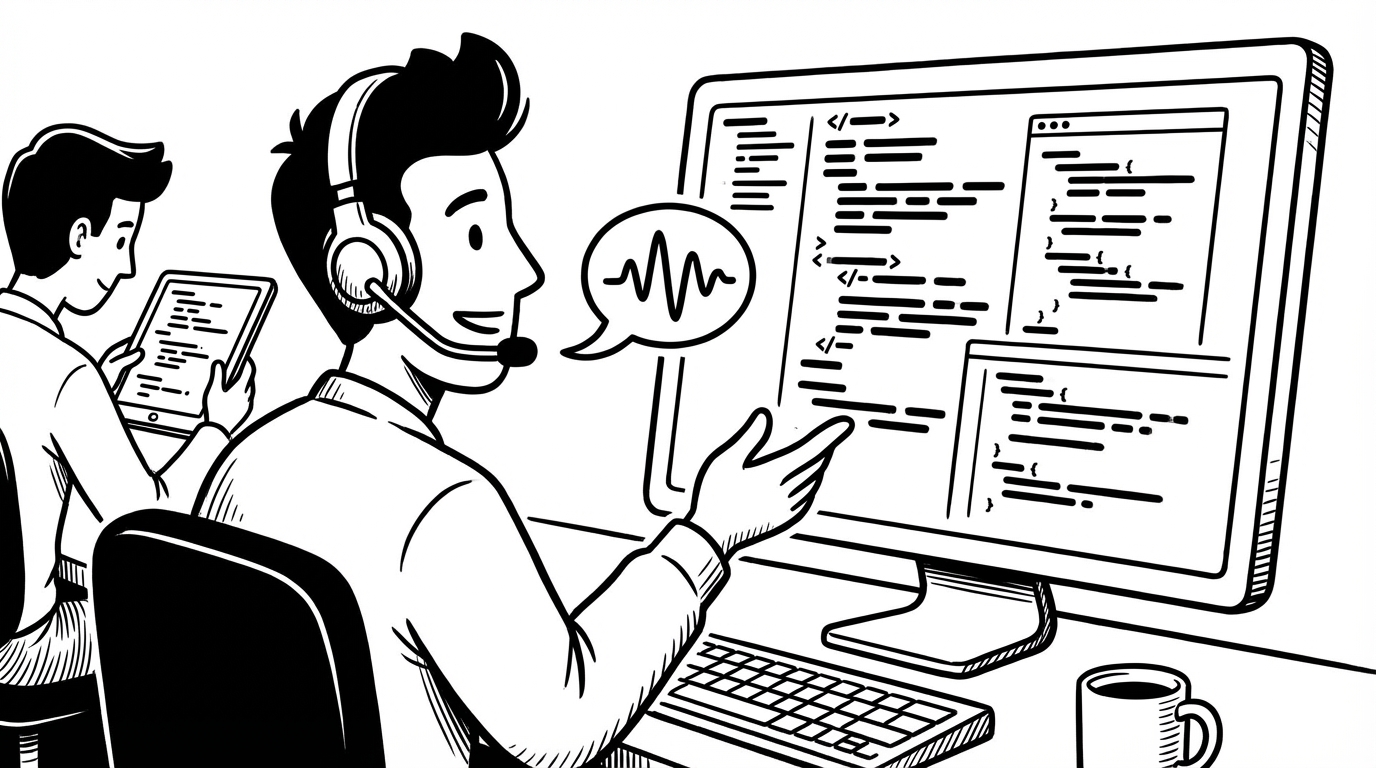
Developer
4 min readHow Developers Use Voice Dictation During Code Reviews
Speed up your code review comments with voice dictation — write better feedback faster without breaking your review flow.
ST
SERP Transcribe TeamFeb 18, 2026
Explore practical tutorials, troubleshooting guides, and real workflows to get better voice-to-text output faster.
Speed up your code review comments with voice dictation — write better feedback faster without breaking your review flow.
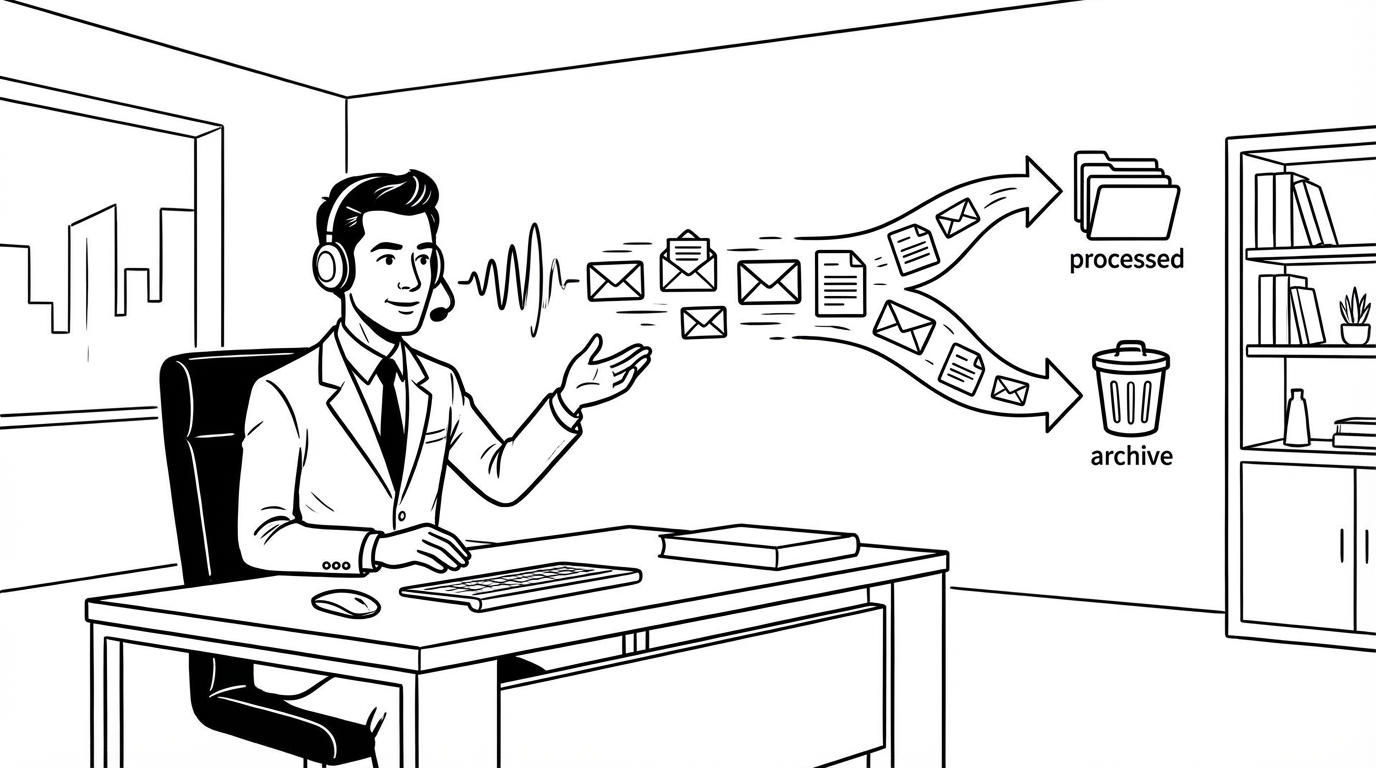
How senior leaders and busy professionals use voice dictation to clear their inbox faster — responding, delegating, and archiving at speaking speed without sacrificing quality.

School emails, permission slips, appointment scheduling, household to-dos — voice dictation helps parents handle the endless admin of family life without losing their minds.
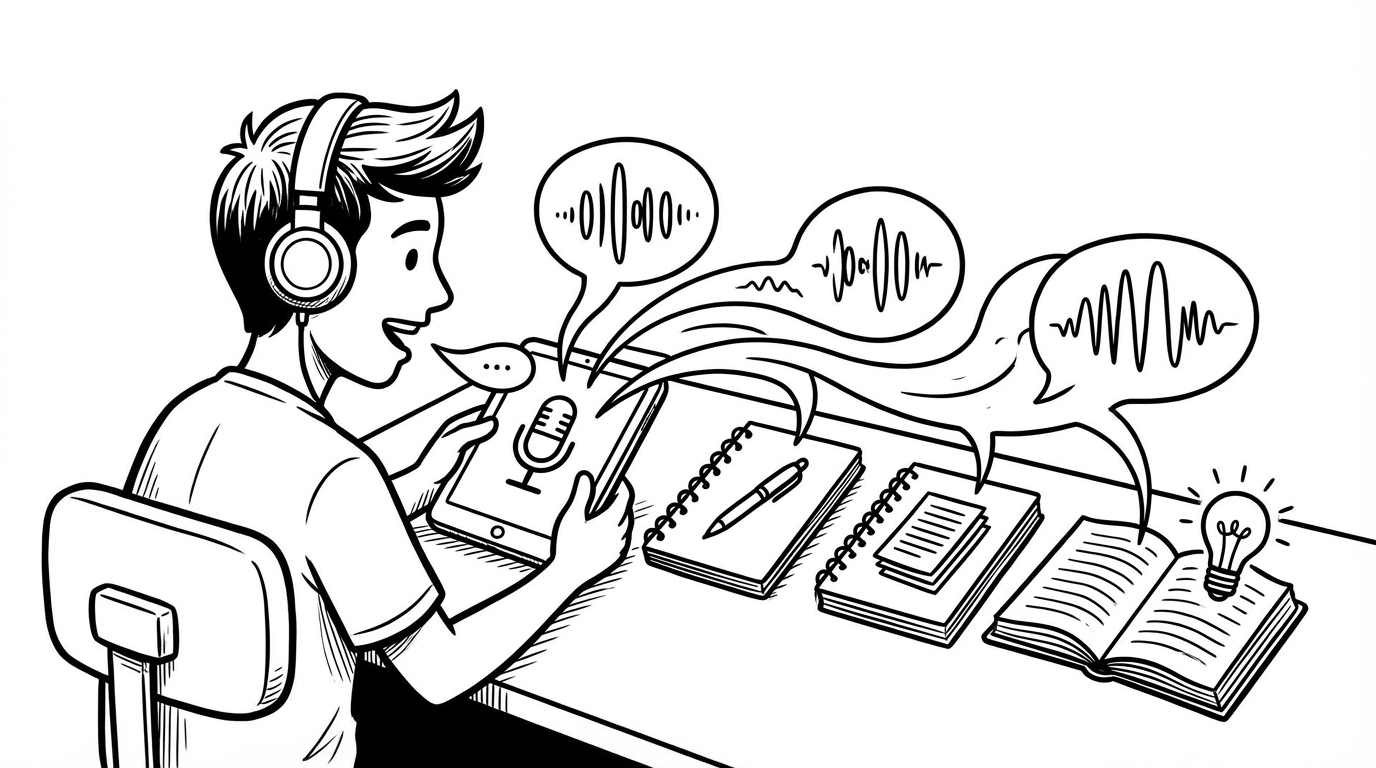
Voice dictation isn't just for professionals. Students who use it for lecture notes, essay drafts, and study flashcards get more done with less friction.

Voice-to-text your AI prompts faster and get better results — techniques for speaking prompts that are clear, specific, and structured without typing a word.

Stop losing deal context after every call. Use voice dictation to capture notes, next steps, and CRM updates in real time — before the details fade.
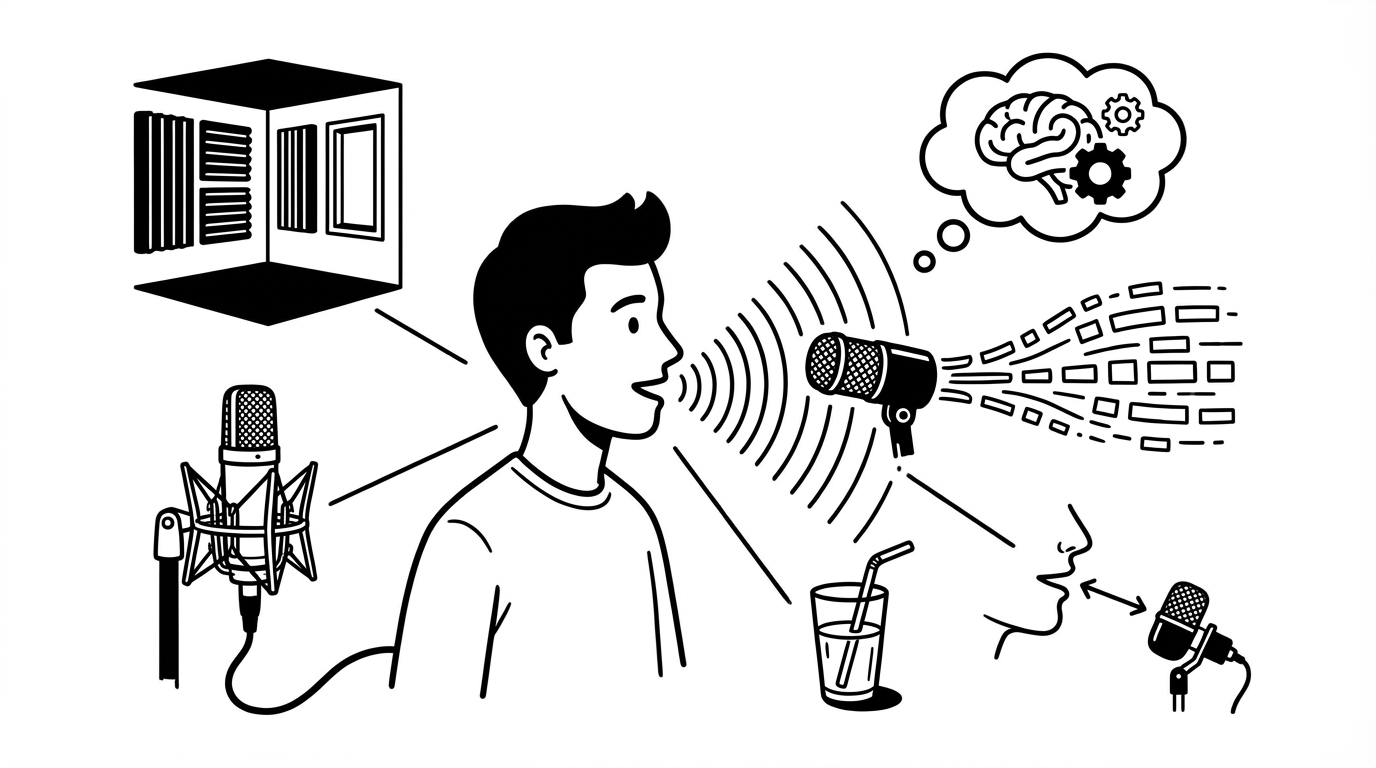
If your dictation results are inconsistent or full of errors, these five adjustments will have the biggest impact. No new hardware required for most of them.
A complete guide to getting voice dictation working on Windows 11 — the built-in options, their limitations, and how to set up a dedicated tool that works system-wide.

A practical guide to building a daily voice-to-text writing habit with SERP Transcribe — from your first dictation to a full workflow you'll use every day.