Getting Technical Terms Right: Custom Vocabulary in Voice Dictation
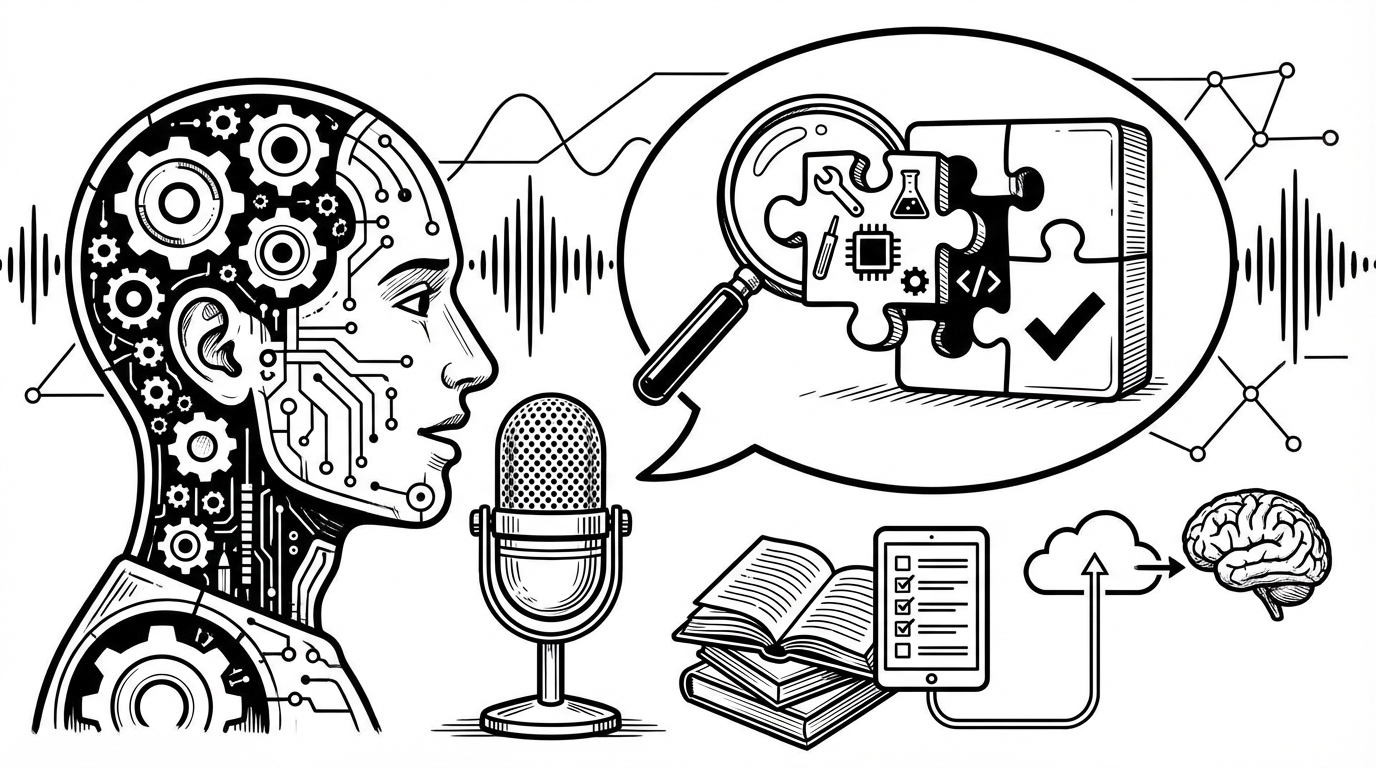
Product names, medical terms, legal phrases, acronyms, brand names — here's how to get specialized vocabulary to transcribe correctly every time.
Explore practical tutorials, troubleshooting guides, and real workflows to get better voice-to-text output faster.

Product names, medical terms, legal phrases, acronyms, brand names — here's how to get specialized vocabulary to transcribe correctly every time.

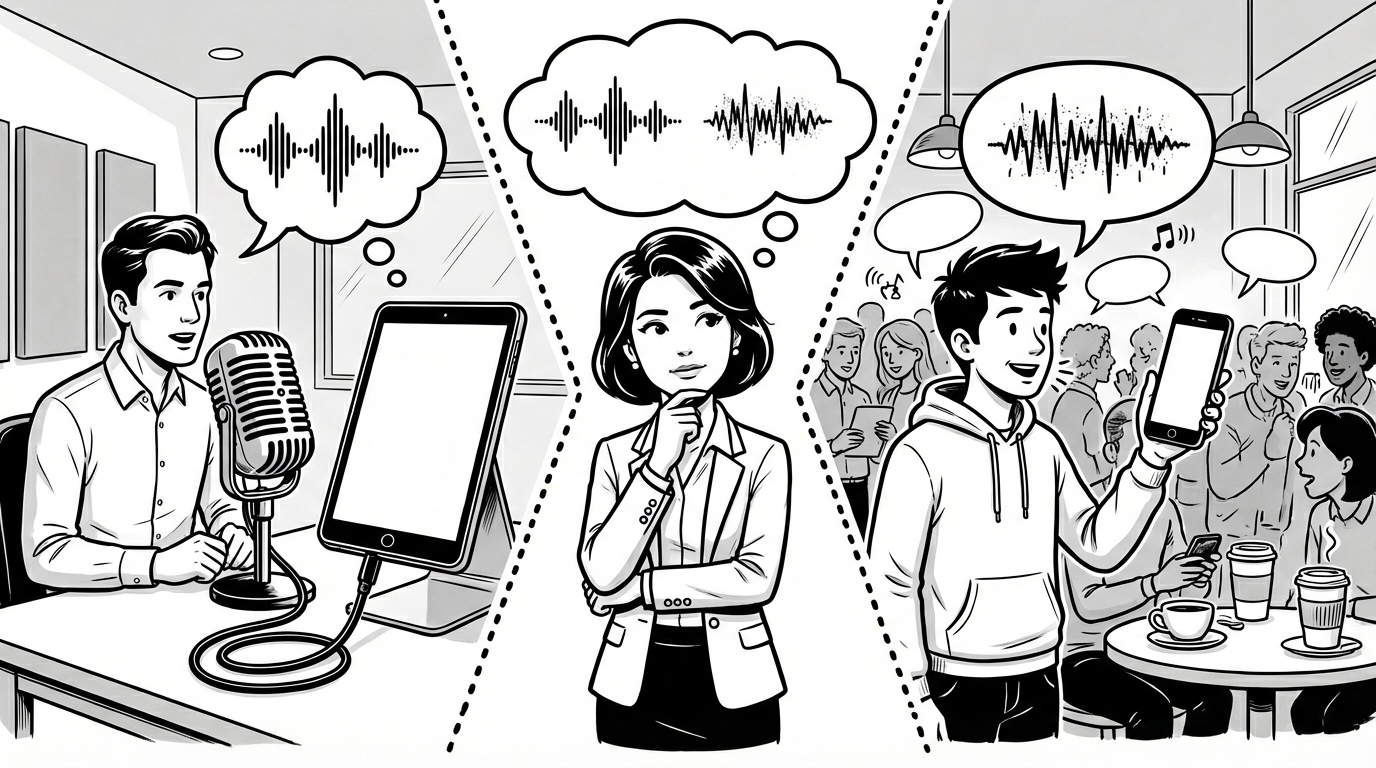
Your phone keyboard already has a microphone button. So does a dedicated desktop dictation app do anything different worth using? Yes — and here's specifically why.

Events generate hundreds of written communications — vendor coordination, venue logistics, client updates, day-of notes. Voice dictation keeps you on top of all of it.

Compliance documentation, client meeting notes, portfolio summaries, and follow-up emails — financial advisors write constantly. Voice dictation cuts the admin without cutting corners.

Policy reviews, claims documentation, follow-up emails, client updates — insurance work generates a constant stream of writing. Voice dictation cuts through it.

Voice dictation used to be a niche tool. In 2026, accuracy is high enough, tools are good enough, and the productivity case is strong enough that adoption is accelerating fast.

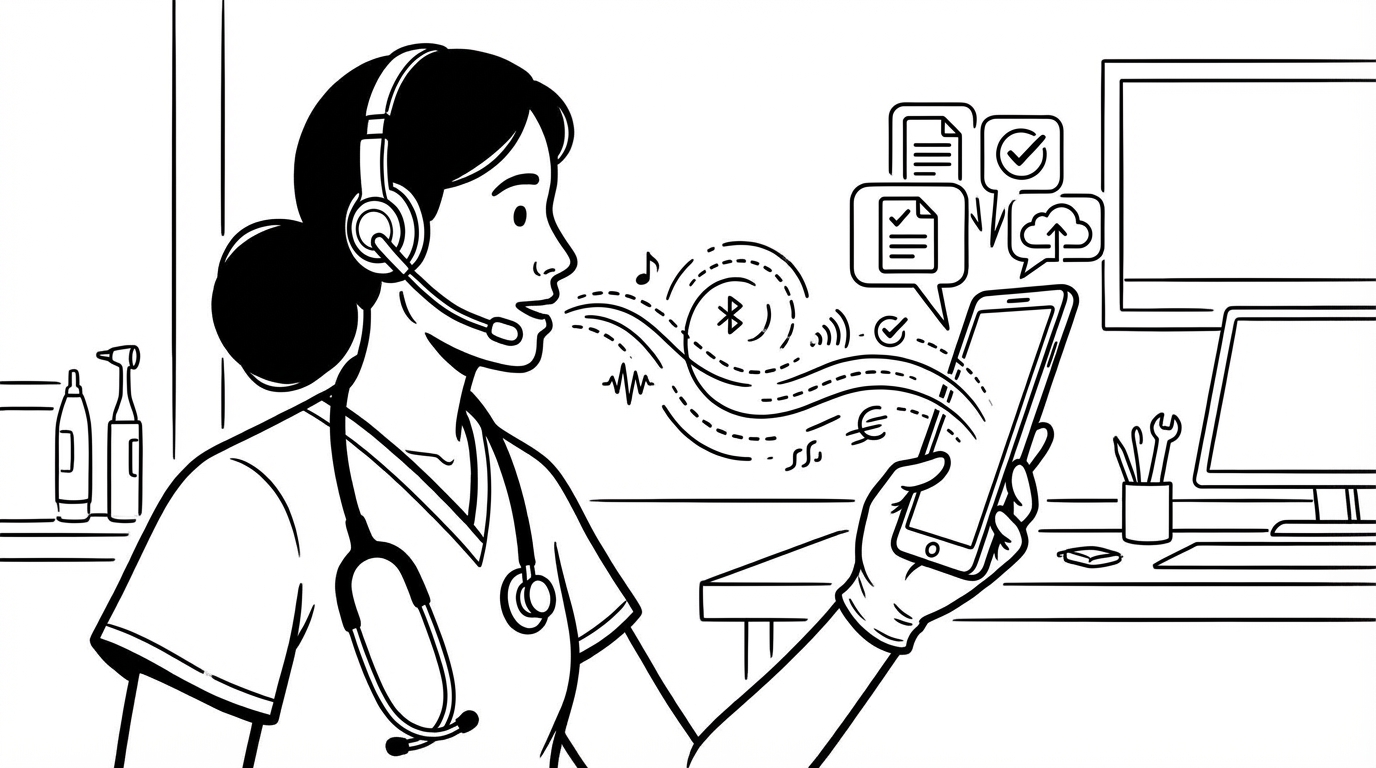
Documentation takes hours away from patient care. Voice dictation helps nurses and clinical staff capture accurate notes faster — at the bedside, between shifts, and everywhere in between.

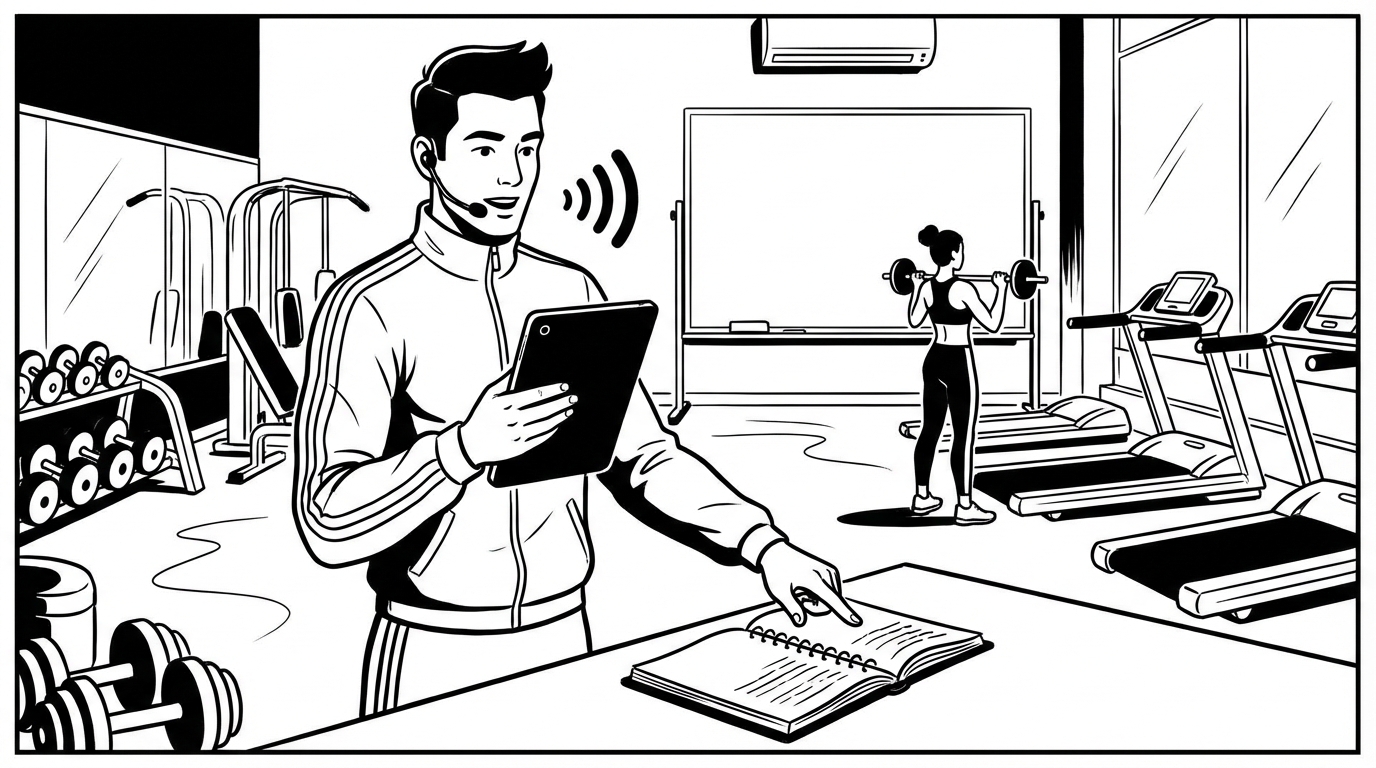
Programming, session logs, check-in messages, and progress notes — personal trainers write more than most people expect. Voice dictation handles the admin so you can focus on coaching.

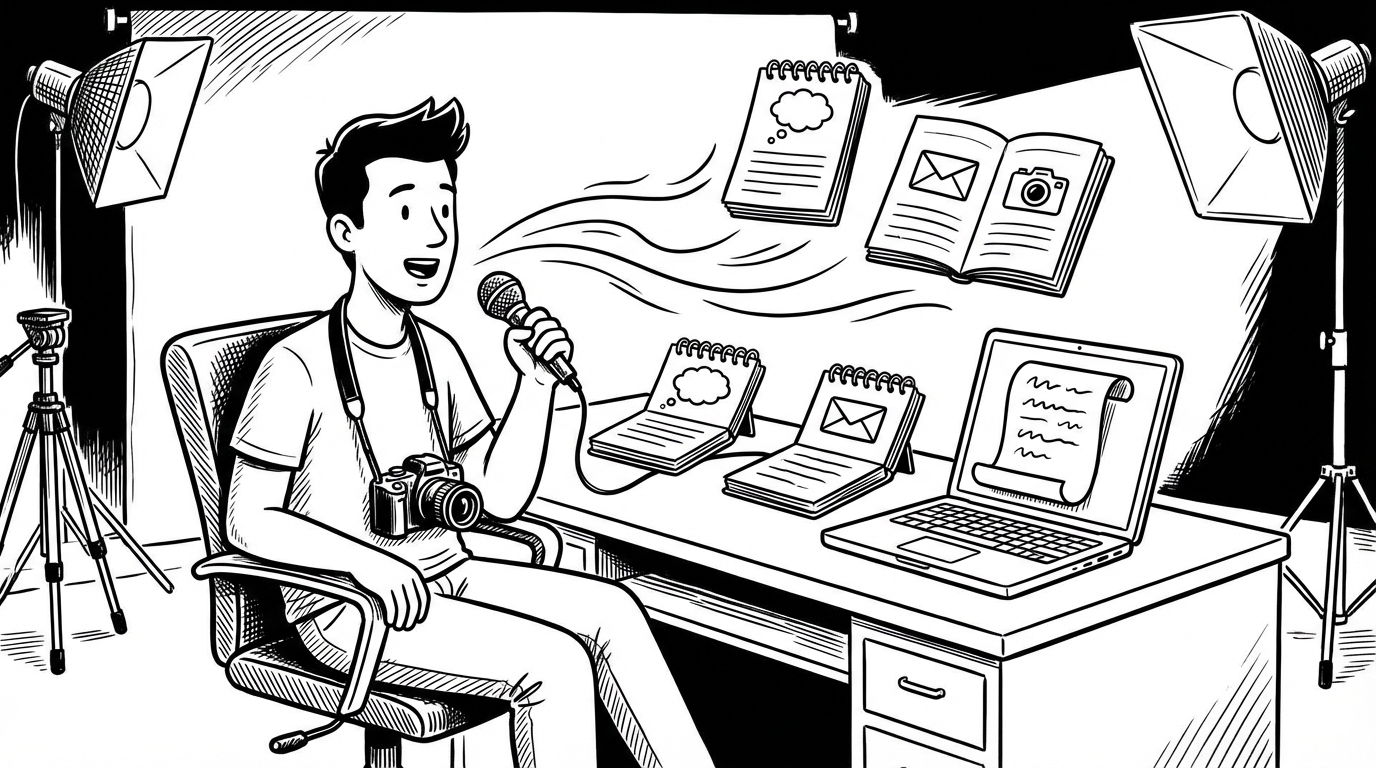
You got into photography for the images, not the writing. Voice dictation handles the blog posts, client communication, and shoot notes so you can focus on what you love.